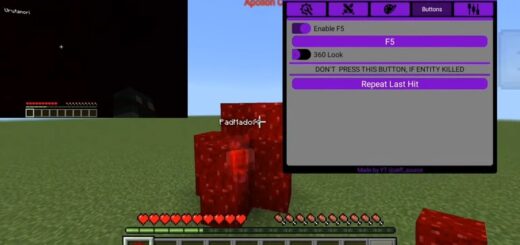
Move Client (Mods with MCPE Master)
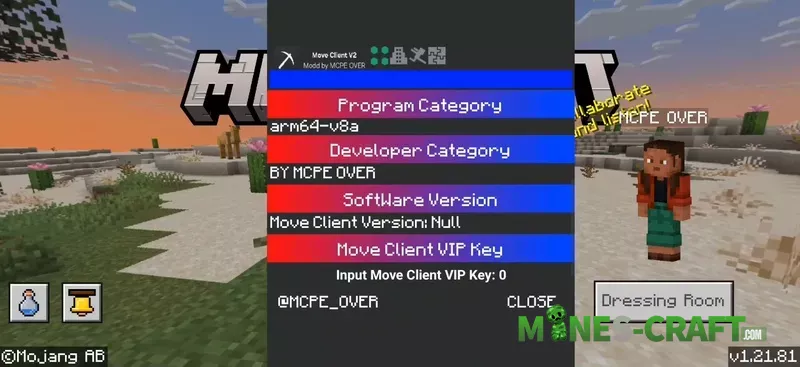
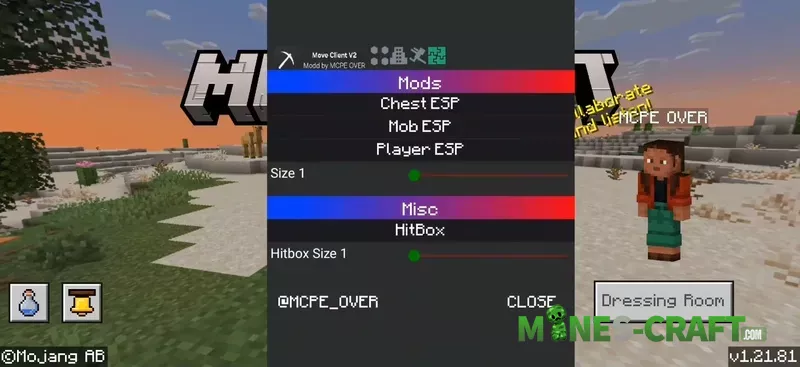
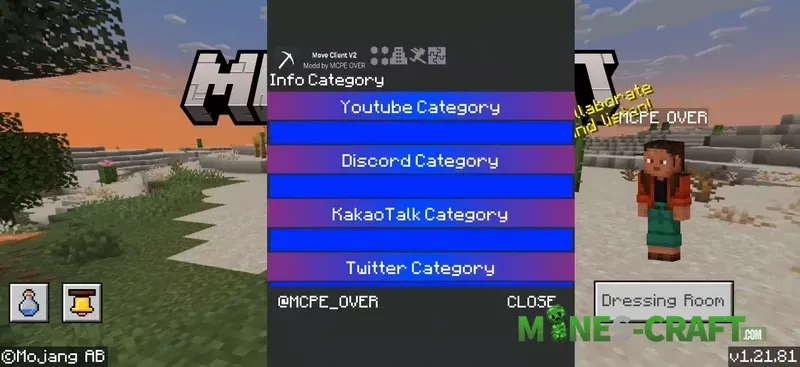
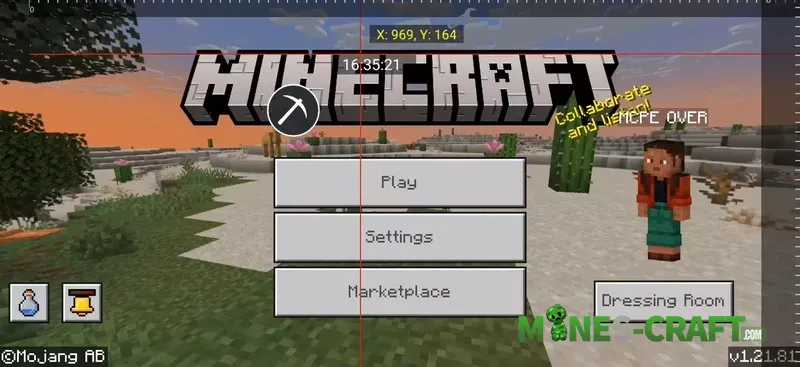
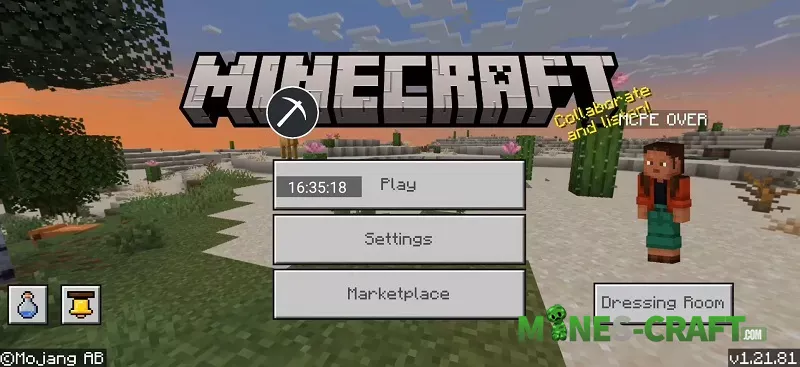
Move Client is an Android APK client for Bedrock with built-in mods and a ModPE script manager. It adds a quick menu on the title screen, so you can toggle features without loading a world. The client includes “Player,” “Mods,” and “Misc” tabs, plus a small pickaxe button to open the overlay.
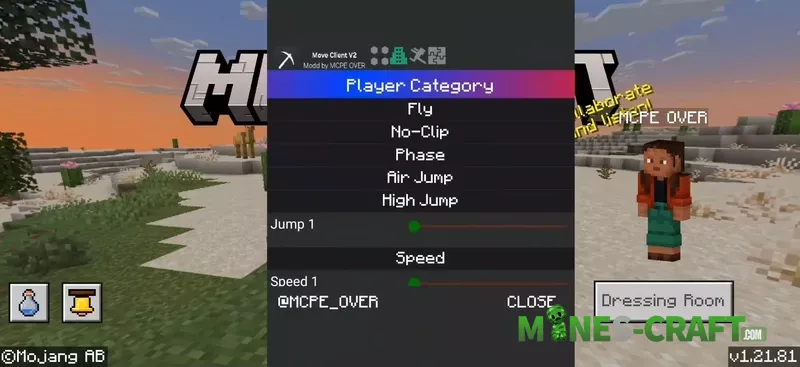
Move Client Features
- Player: fly, no-clip, phase, air jump, high jump, and adjust speed with a slider.
- Mods: chest esp, mob esp, and player esp to see entities through blocks.
- Misc: hitbox size slider for practice and testing.
- Tools: patch mods in-game, manage ModPE scripts, take screenshots, and change launcher settings.
- Script loader: choose any .js script (for example, “MCPE Master.js” or “Move Client API.js”).
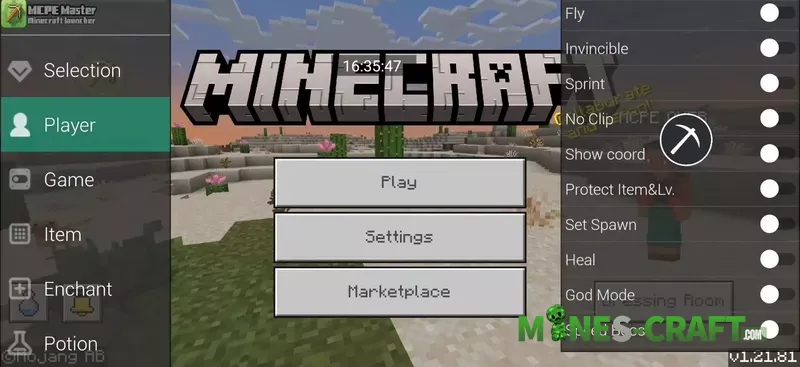
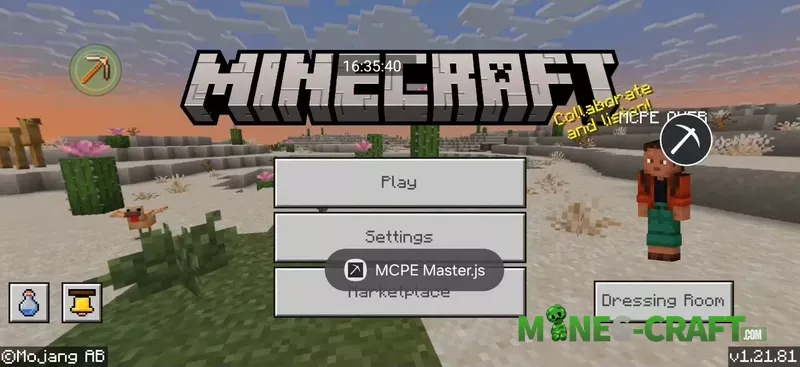
MCPE Master inside
The client also includes an MCPE Master-style toolbox. MCPE Master was a classic PE launcher best known for one-click installs of maps, skins, textures, seeds, and mods with frequent updates. It also became popular for its simple in-game options like changing time and gamemode without typing commands.
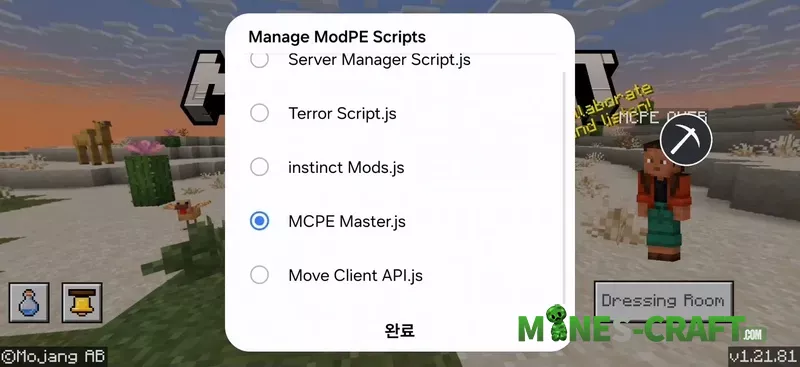
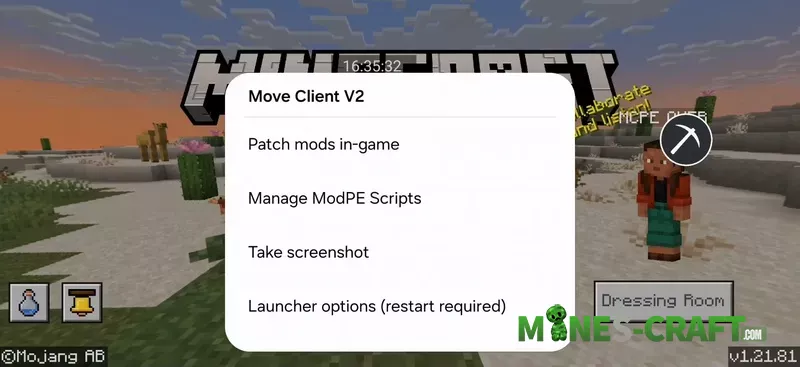
How to use
- Install the Move Client APK and open Minecraft.
- Tap the pickaxe icon to open Move Client v2.
- Enable the toggles you want and adjust sliders for jump height, speed, or hitbox size.
- Use “Manage ModPE Scripts” to load or disable scripts on the fly.
Use Move Client in your own worlds or with friends who agree to it. Servers often ban cheat clients, and some functions may stop working after updates.
It’s quick to set up, has a clean and simple UI, and the features cover building, testing, and sandbox play. If you grew up using MCPE Master, Move Client will feel familiar but with modern Bedrock controls.