
Post Processing 3 Shader [Bedrock 1.21]
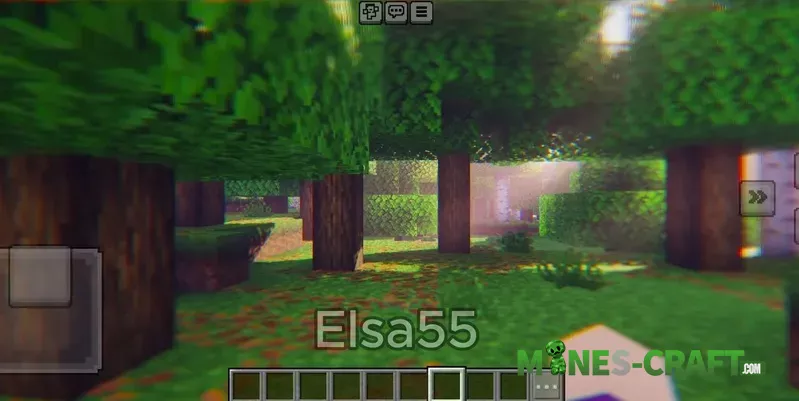
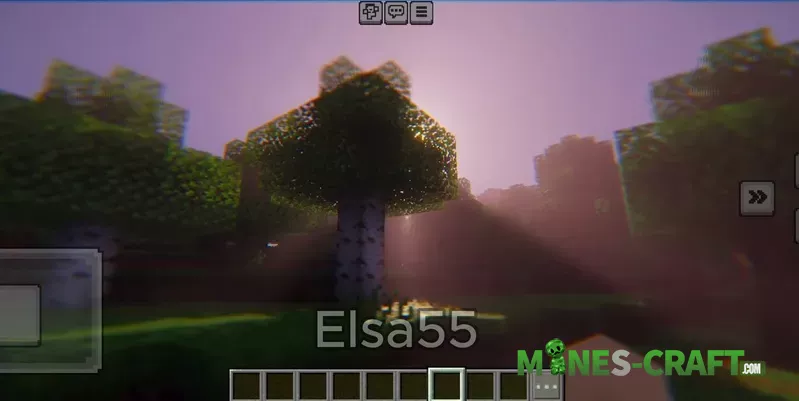
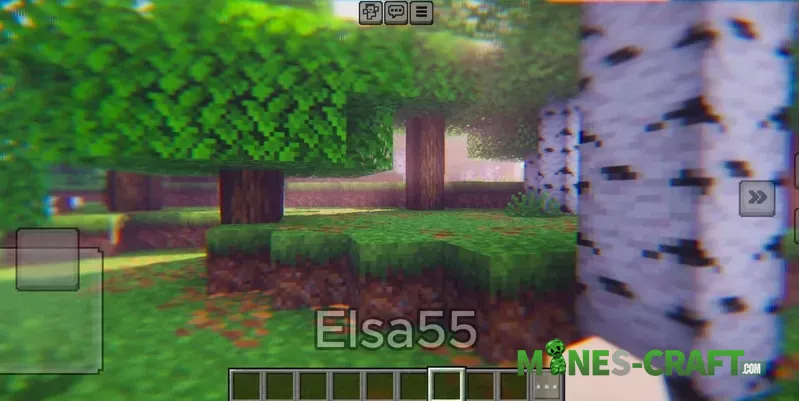
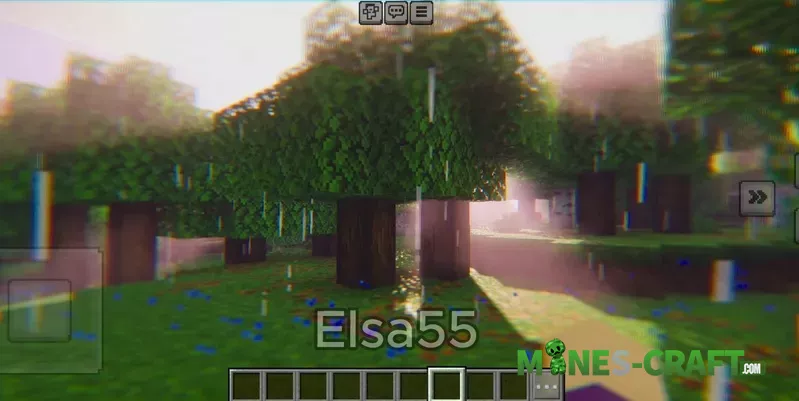
Post Processing Shader adds various screen space effects to your Bedrock screenshot to make it look visually appealing and cinematic. In addition to the chromatic aberration that can be noticed on frame edges, you see the application of soft fake depth of field, ACES tonemapping, and thick volumetric fog that scatters visible light rays at the sunrise area.
Post Processing Features
Trees and grass remain the same inside the shaderpack, whereas lighting gives you the feeling of warmth. Leaves lit by the sun are glowing on the rim. The distance of the hills is no longer gray due to disappearing into the mist, so the reading of the scene is better. The blur doesn’t only guide your eye to the subject, it also hides noisy pixels.
How to install on Render Dragon
First of all, you need either a patched Minecraft build or MBLoader after that you have to import the shader pack, select it in your active resources and then reopen the world. In case you want more packs to compare grab our shader collection and select the style you like.
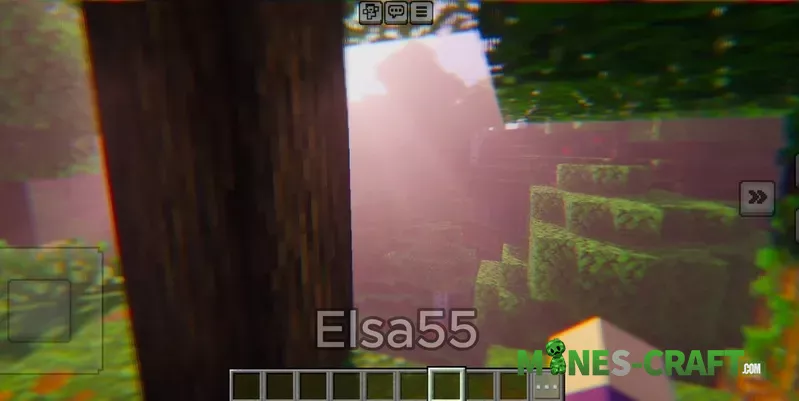
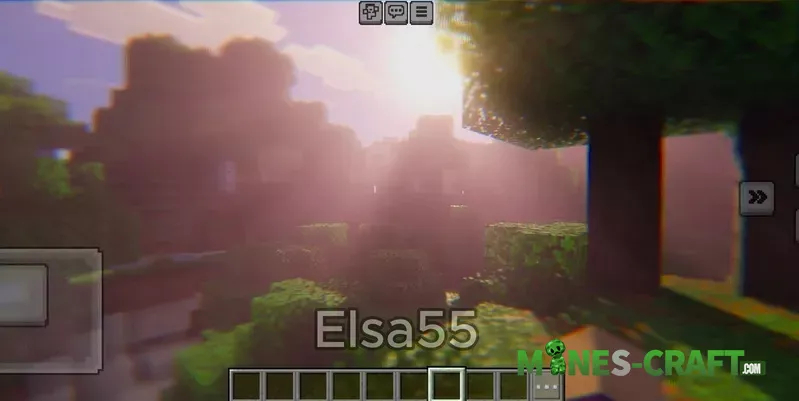
Survival but with a nice and warm atmosphere. Thematic shots of forests. Thumbnails where the subject is clearer due to the background that vanishes.
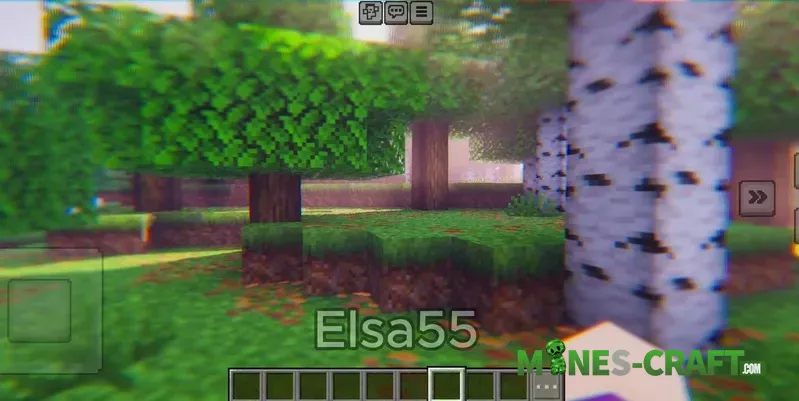
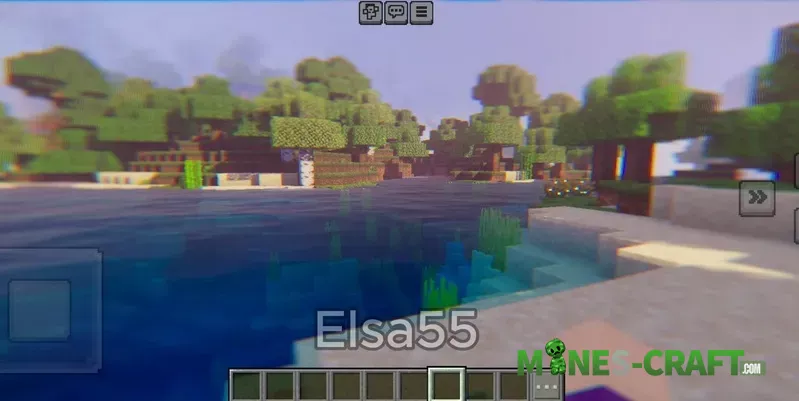
For more natural looking edge fringing raise your FOV a little. Long godrays during the morning or evening are the best time to shoot. Don’t use stacked UI elements in photos since the blur will make them look weird. In case you feel that the effect is heavy only, you can lower the bloom and fog in the pack options.

![Relta Bedrock Shader v1.1.3 [1.21/26.3+] – photo 3](https://mines-craft.com/wp-content/uploads/2026/03/Relta-Bedrock-Shader-v1.1.3-1.2126.3-3-520x245.webp)
![Zyra Shader v0.2.0 [Bedrock 26.10+] – photo 13](https://mines-craft.com/wp-content/uploads/2026/02/Zyra-Shader-v0.2.0-Bedrock-26.10-13-520x245.webp)


