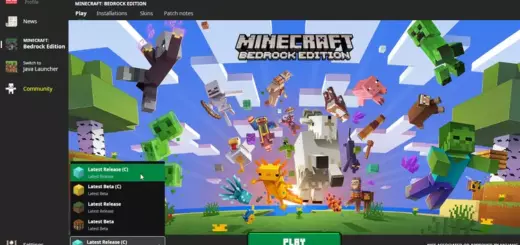
Minecraft: Bedrock 1.21.132/26.20.20/26.10 Patched (with MaterialBin Loader)
Mojang moved Bedrock to the RenderDragon engine, which broke most classic shader packs on mobile and Windows. Official support for third-party shaders never returned so many favorite packs stopped working. Patched builds appeared as a community fix. They let MC: Bedrock load shader materials again.

How the patch helps
“MCPE Patched” often bundles MaterialBin Loader. It lets Bedrock read .material.bin files from a resource pack, so compatible RenderDragon shaders load at runtime without editing game files. It is not official. Back up your worlds first.
Quick setup (Android)
- Install the patched build that includes MaterialBin Loader, or install MaterialBin Loader yourself.
- Import a shader pack that contains a .material.bin.
- Apply it like a normal resource pack in Settings or world options

What you get
Cleaner lighting, fog, sky effects, water changes, and subtle color grading, based on the pack you choose. If your device supports Mojang new Vibrant Visuals, you can keep it for vanilla worlds and switch to shaders on patched builds

Shader examples that work with patched/RenderDragon builds
- NovaFX (Vibrant Visuals pack)
- Newb X Dawn / Newb Shader
- Solar Shader
Patched builds are community-made and may violate platform rules. Use them on Android only. MaterialBin Loader is open-source, which makes it easier to understand what it does and how it loads shaders. If you want the simplest route, start with a small pack like Newb Shader, confirm it loads, then try heavier options like NovaFX.
Versions added
- 1.21.124 MBL Patched
- 1.21.130.28 Patched by an1
- 26.0.24 MBL Patched
- 1.21.131 MBL2 Patched
- 26.0.28 Patched by an1
- 26.10.21 Patched by an1
- 26.10.25 Patched by an1
- 26.20.20 Patched by an1
- 26.10 Release Patched Arm64 32
- 26.3 Capes Patch Extended