Matject [RenderDragon Shader Loader]
Matject for Minecraft Bedrock is a small Windows utility that replaces material.bin files so RenderDragon shaders actually load. It supports the regular game and Preview, backs you up and will roll you back in one click. The project is now retired and presented as-is, but still functions for shader fans.
What Matject Does
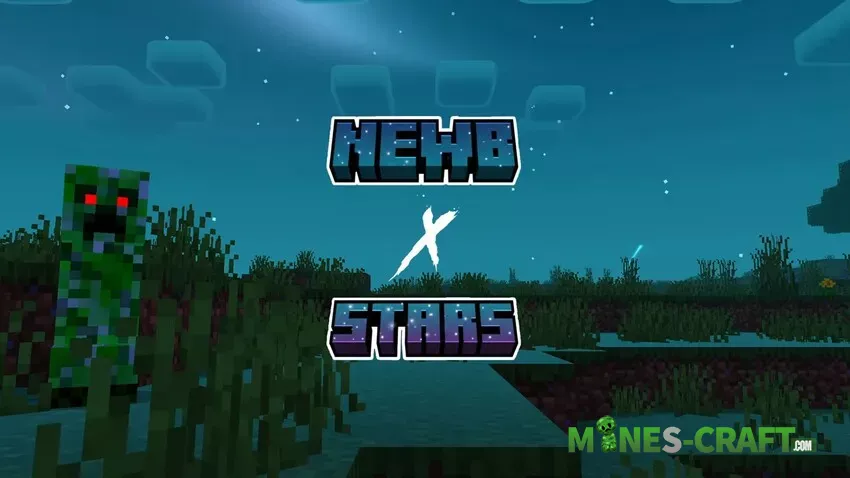
Matject replaces internal material, later returning them when you remove or replace packs. Matject processes MCPACK or ZIP files, detects subpacks, and performs a standard inject under a minute. Matject has separate settings for Release and Preview and saves automatic backups on updates.
Setup
Requirements
- Windows and PowerShell
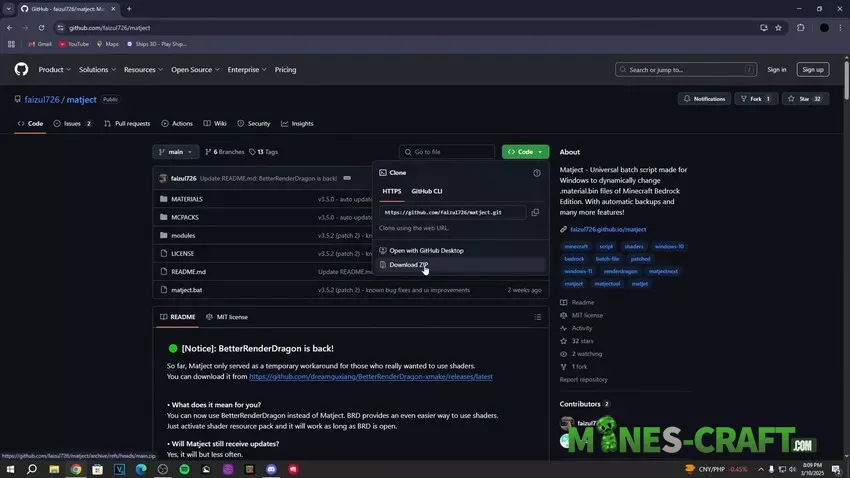
- IObit Unlocker installation
- Limited reading skills and a bit of patience
Recommended Settings
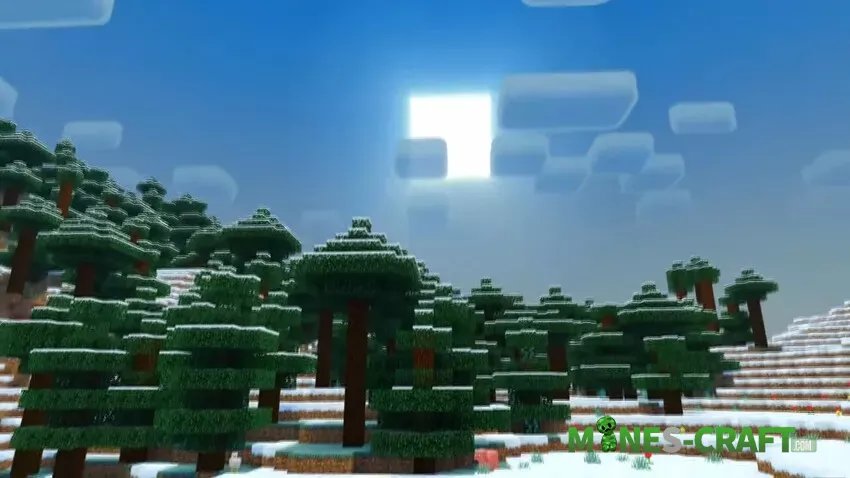
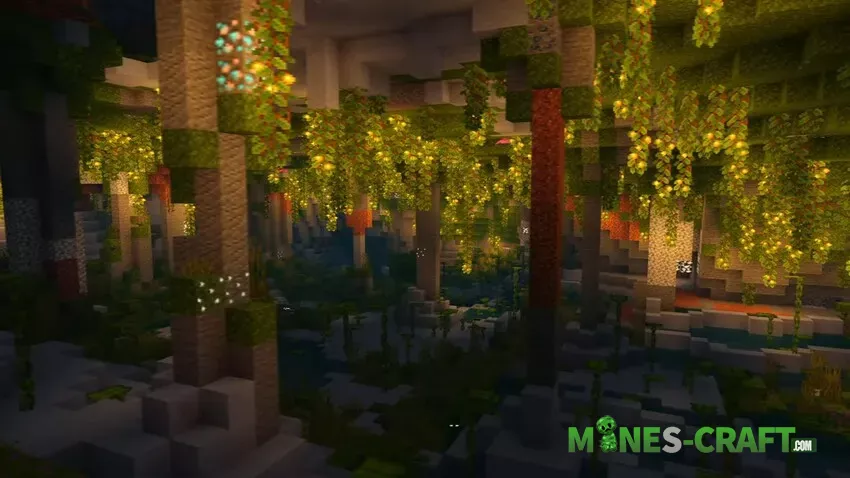
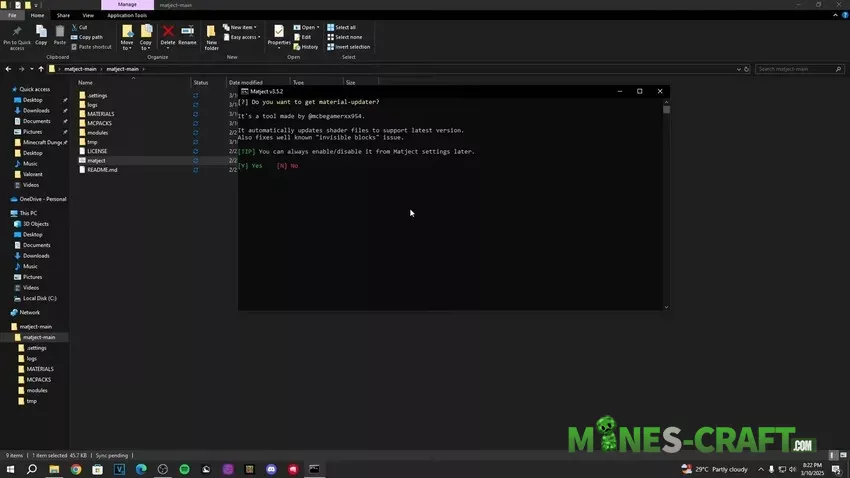
Open Settings → General and choose the default mechanism to matjectNEXT. Turn on Use material-updater, Disable confirmations, and in matjectNEXT turn on Just sync and exit along with Open PEMinecraft after sync. If you are using a version switcher or a Windows launcher like BedrockLauncher, turn on Direct Write so that Matject utilizes normal copy and delete without Unlocker.
How to Use Shaders in MCBE
- Run Matject as admin to have less prompts.
- Choose Auto or matjectNEXT.
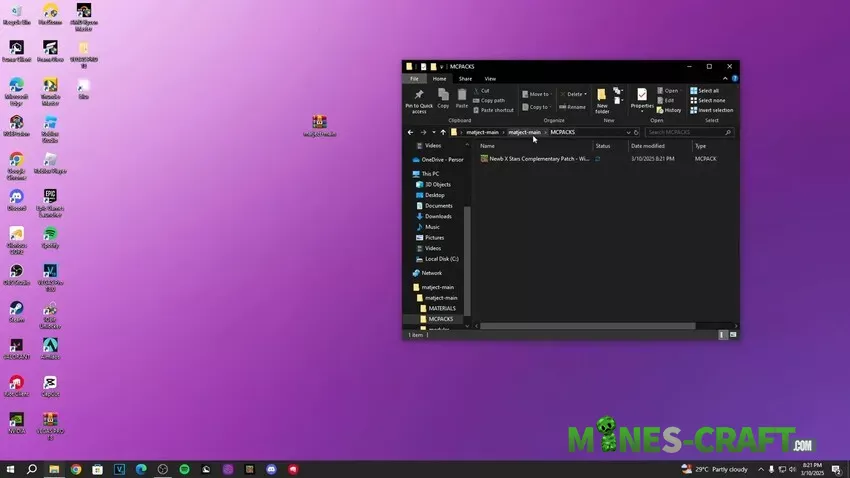
- Feed it an MCPACK or ZIP with .material.bin files.
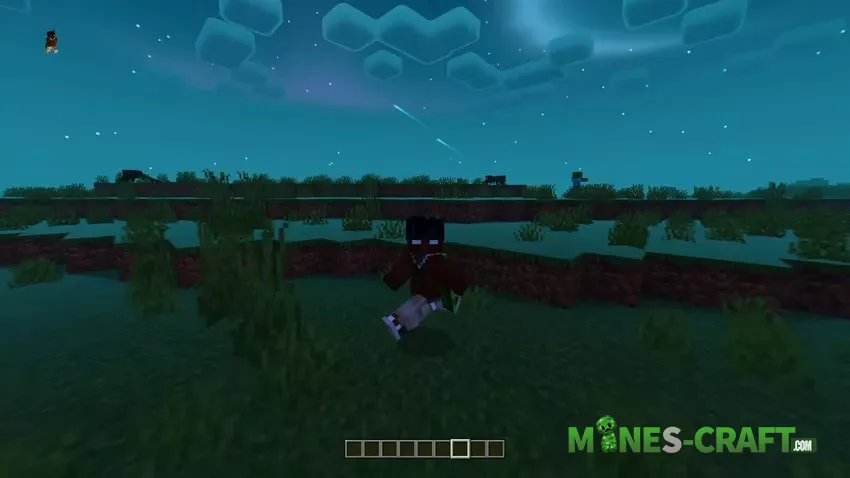
- Let it sync, then launch Minecraft.
Matject supports only RenderDragon shaders with the .material.bin suffix. HAL period packs and RTX/Deferred switches are not supported. If the blocks become invisible, turn on material-updater and try again.
Matject vs BetterRenderDragon
Matject alters game files only once, so shaders are accessible after it is closed. BRD hooks memory, tunes on the fly, and closes when you close it. Matject will not enable Deferred or RTX and does not patch the game. You will need to run Matject each time after Minecraft update.
- Having Always run as admin or simply having IObit Unlocker alone as admin.
- Set individual game and data folders if you have multiple installs.
- Create desktop or Start shortcuts for convenient swaps.
- Keep materials untouched before first use so removal is seamless.
How to Install shaders on Minecraft Windows 10/11 using matject
Related Read
If you enjoy patched builds that load shader materials by default, read the post on Bedrock 1.21.101 patched with MaterialBin Loader. It complements shader testing well and lets you decide the perfect workflow for your machine.
![BetterRTX [Windows 10/11]](https://mines-craft.com/wp-content/uploads/2025/11/BetterRTX-4-520x245.webp)
![Relta Bedrock Shader v1.1.3 [1.21/26.3+] – photo 3](https://mines-craft.com/wp-content/uploads/2026/03/Relta-Bedrock-Shader-v1.1.3-1.2126.3-3-520x245.webp)