Mojo Launcher v3: Java on Mobile (Fabric, Forge & Snapshots support)
If you want to run the Java Edition (PC version) on your smartphone, just install Mojo Launcher. This launcher, based on PojavLauncher, lets you run almost any version of the Java game, including the latest snapshots from the 26 branch.
How it works
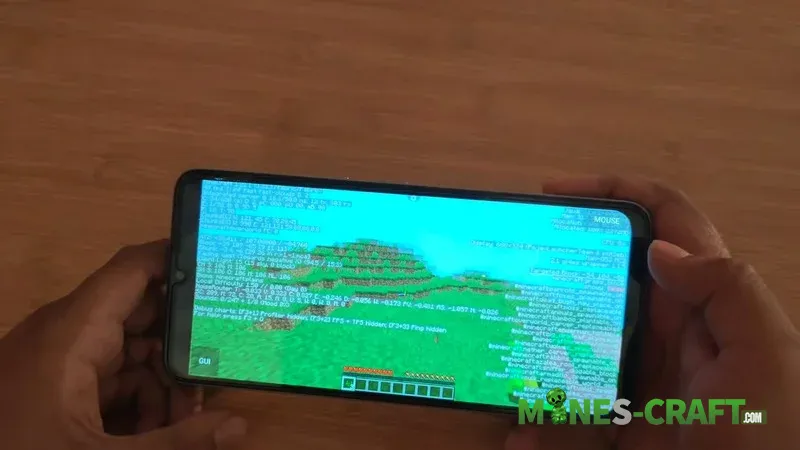
The app uses Android’s system capabilities to emulate the required Java version. Basically, you get access to all the content that was previously only available on PC. The main requirements are a Minecraft: Java account and a device capable of runing it.
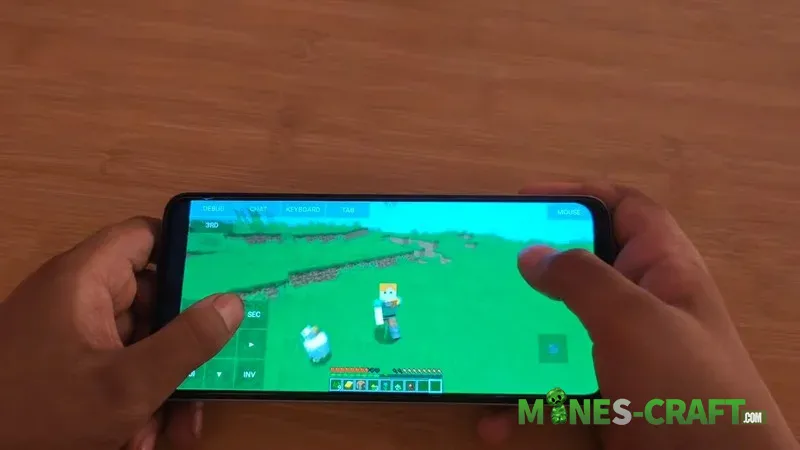
Version selection in Mojo Launcher
In the selection menu, you can find the well-known 1.12.2 (with tons of mods specifically for it), as well as experimental builds like 26.1 Snapshot 10. Creating new instances takes just a couple of clicks, via the plus button in the main menu.
- Mods and loaders
- Out-of-the-box support for Fabric and Forge
- Ability to install optimizers like Sodium to boost FPS
- Compatibility with shaders
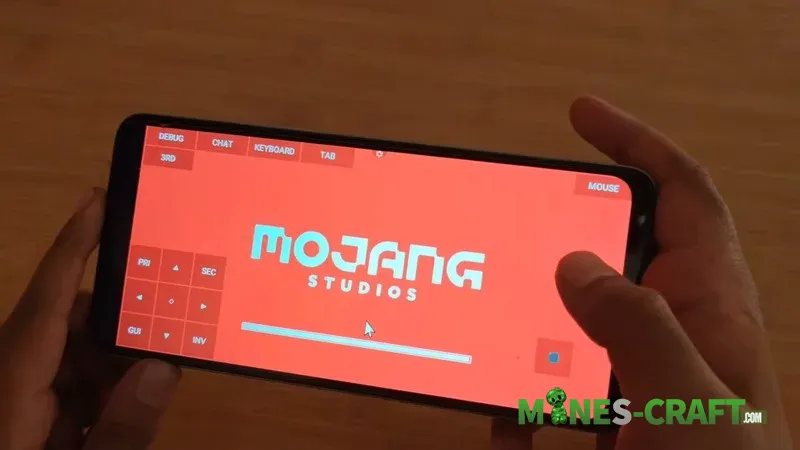
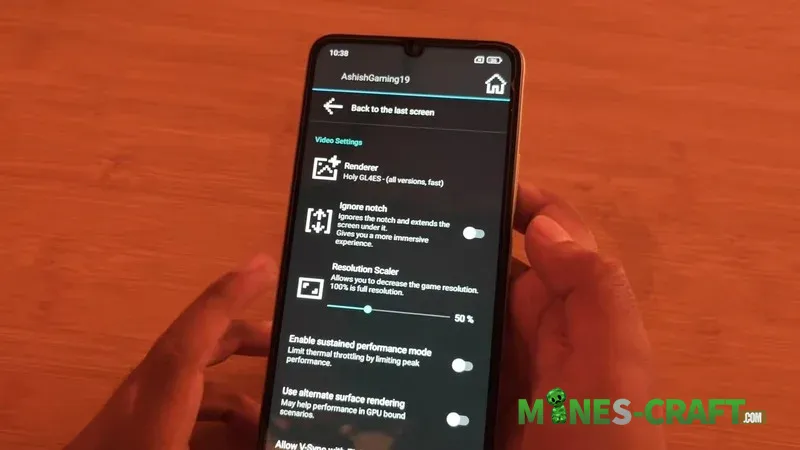
Technical aspects and rendering
Renderer selection: this is critical for performance. You can choose Holy GL4ES for speed on any version, or Zink (Vulkan) for average performance. For versions 1.17 and above, LTW mode (OpenGL ES 3) is available. There’s also a handy feature to ignore the notch on the screen, so the game interface isnt blocked by the smartphone’s camera
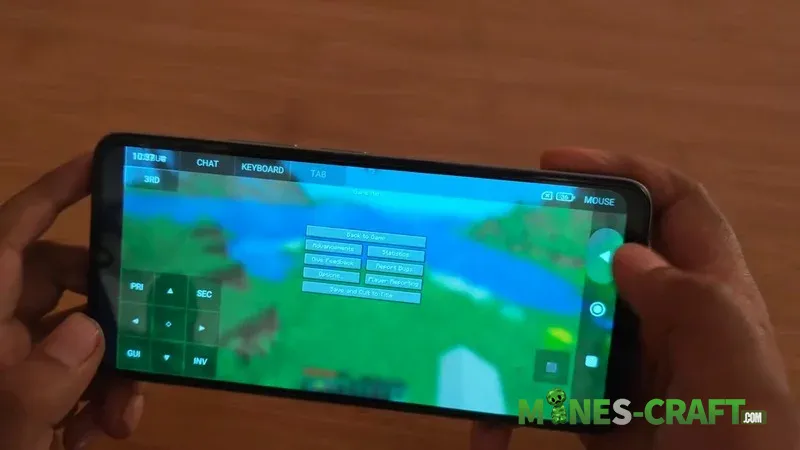
Controls and Interface
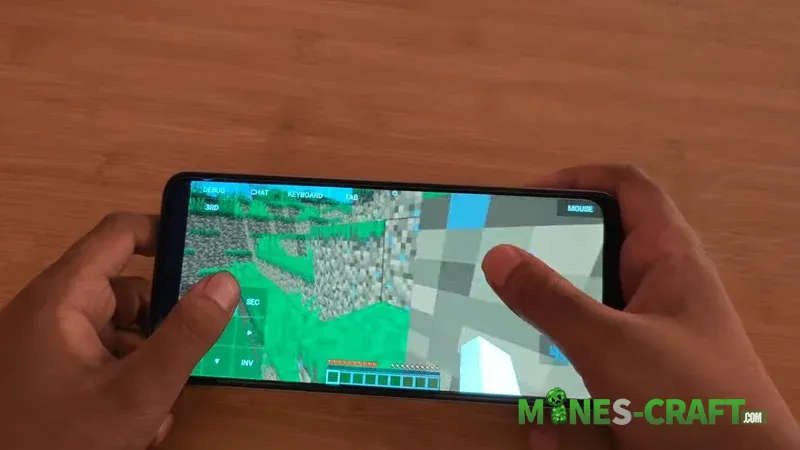
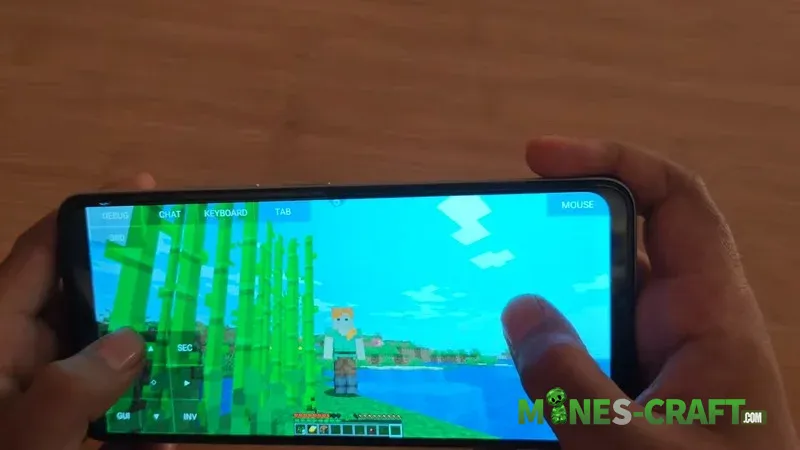
The MojoLauncher main menu includes a wiki, Discord and control settings. By the way, the controls are fully customizable, you can configure the virtual buttons to your liking so that playing feels almost like using a mouse and keyboard
Requirements
To ensure smooth performance, it’s recommended to have at least 4 GB of RAM. For older versions (up to 1.16.5) 2 GB may be enough, but for a comfortable gaming experince on modern snapshots, its better to go for more powerful devices with OpenGL ES 3.1 support
Features
- Running Java Edition on Android (not yet available on Apple devices)
- Holy GL4ES for low-end devices and Zink for Vulkan support
- Custom controls
- Snapshot support
- Mod support
- Creating separate profiles for different builds and mods
- Resolution scaling