Best Vibrant Visuals Settings for Minecraft Bedrock
Here is a guide on how to set the best settings in Minecraft: Bedrock Edition so you dont lose performance when using Vibrant Visuals. Some people may not have fully configured the game and are experiencing problems with FPS or overall graphics quality because of that.
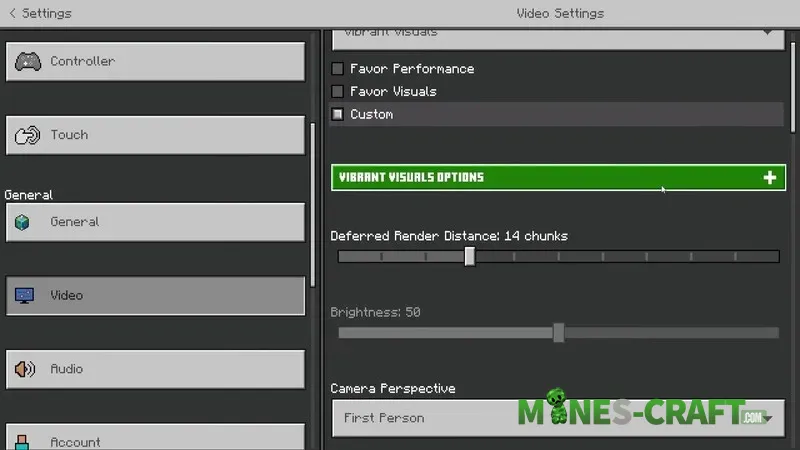
These settings provide maximum smoothness while maintaining quality. They are suitable for PC, consoles, and mobile devices. A small clarification: Vibrant Visuals is not yet available on all devices and if you dont have it your device simply does not support this feature.
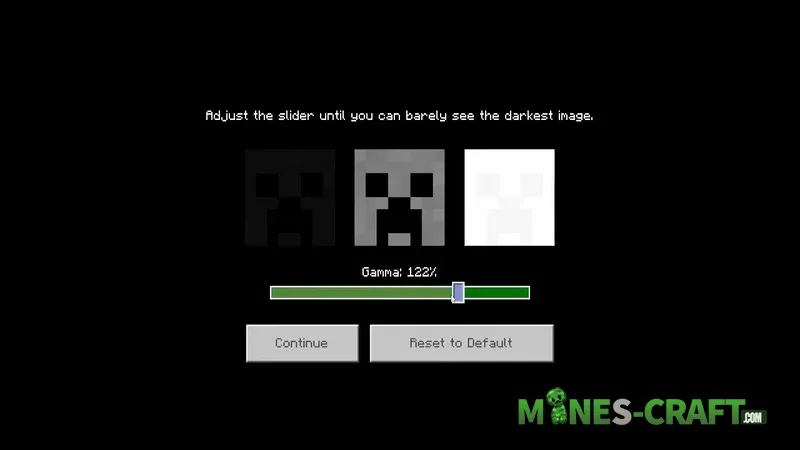
Where to find Vibrant Visuals settings
In the main menu, go to Settings → Video → Vibrant Visual Options and expand this section. Keep the gamma high if you are streaming and dont want the image to be too dark. The normal value is around 122%, but you can choose any value that suits you. Shadow quality is the main factor that affects performance the most. If there is lag, set it to zero.
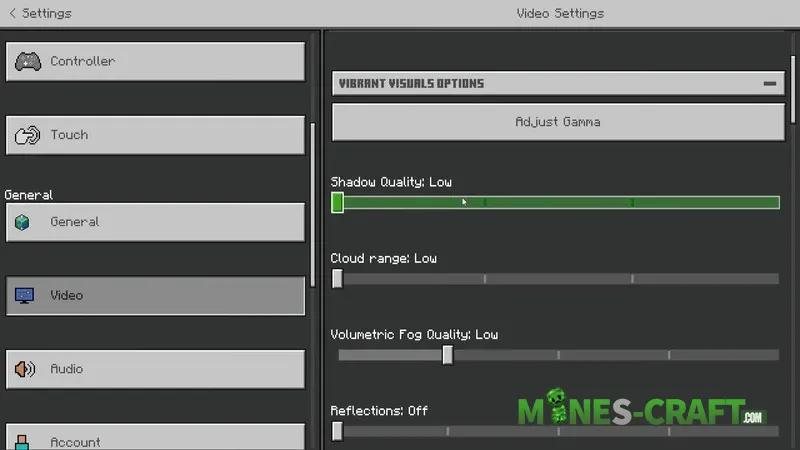
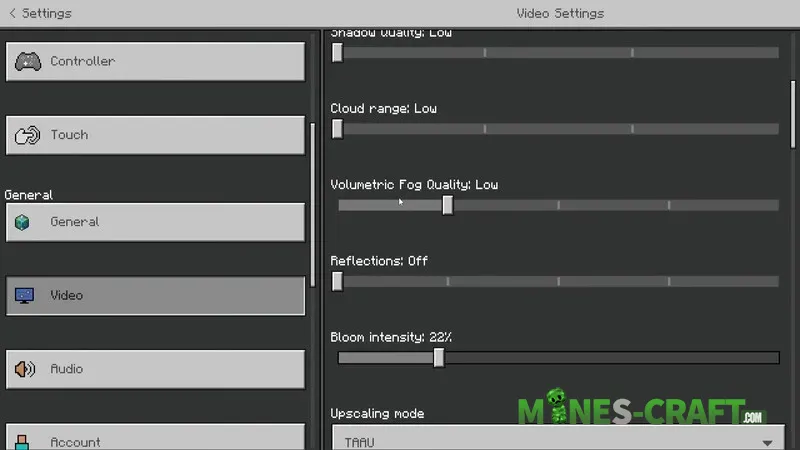
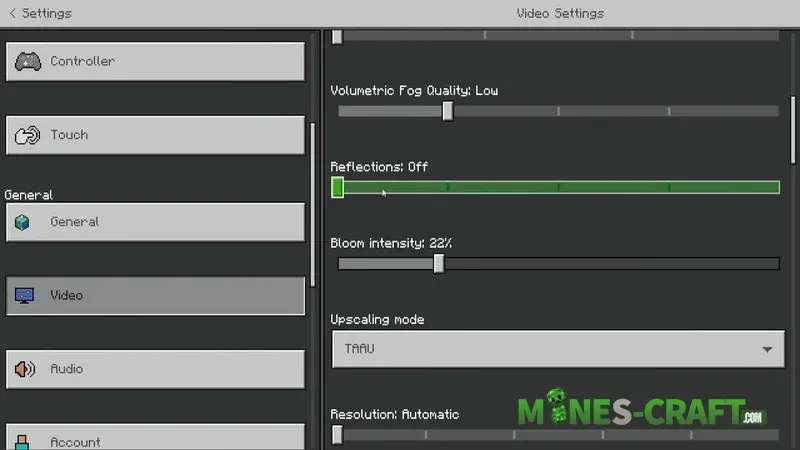
It is better to keep the cloud distance low. Some people turn off clouds altogether because they build mega bases above their level. However, it’s better not to turn off Boltric Fog, as it changes the enviroment and adds a fog effect especially in biomes like Pale Oak Forest. Keep it at least at a low value.
Settings that affect FPS
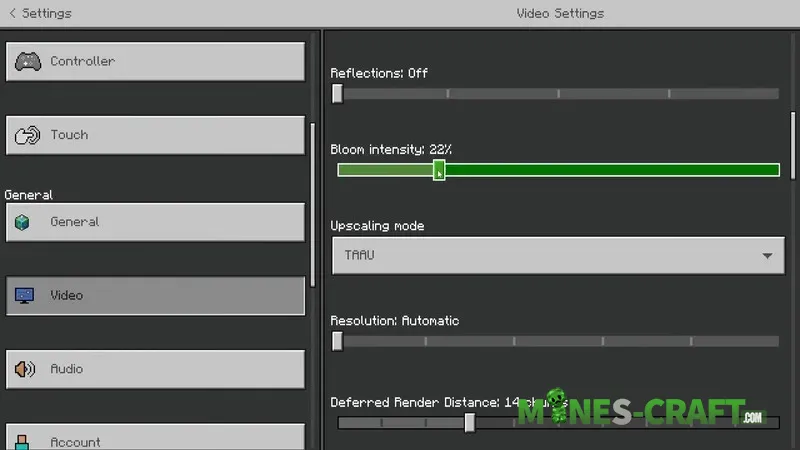
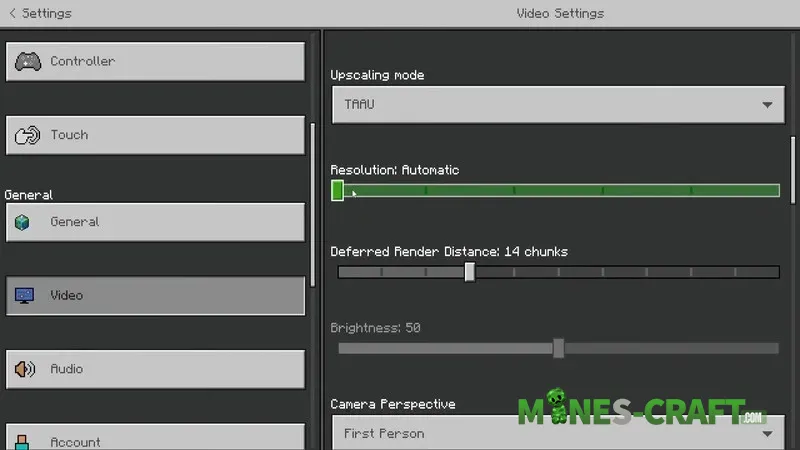
Reflections (mainly on water) are disabled. Bloom intensity is set to 22% for a slight effect without too much haze. Upscaling is TAAU, and the resolution is set to automatic so that Minecraft Bedrock selects the optimal option itself.
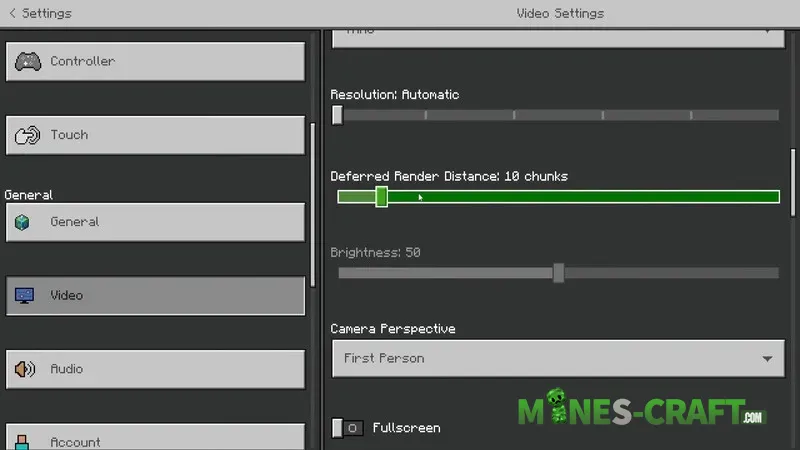
The most important parameter in Bedrock 26 after shadows is Deferred Rendering Distance. If your device is weak reduce it. This parameter is responsible for the number of chunks loaded. The more chunks there are the higher the load and possible lag. Choose a value that suits your device.
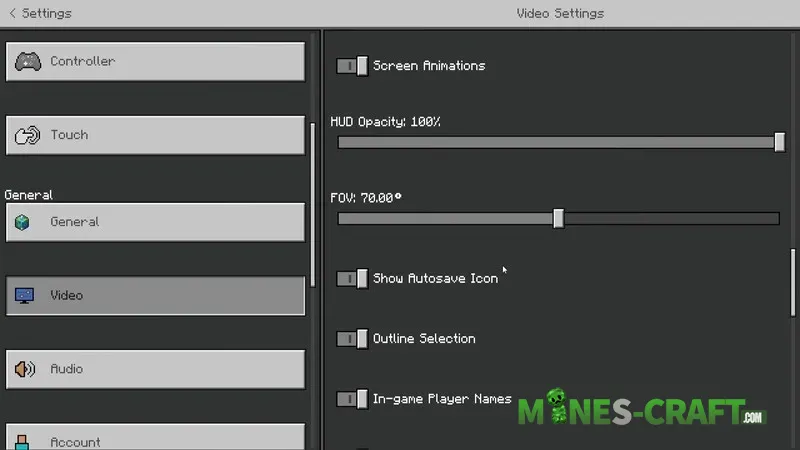
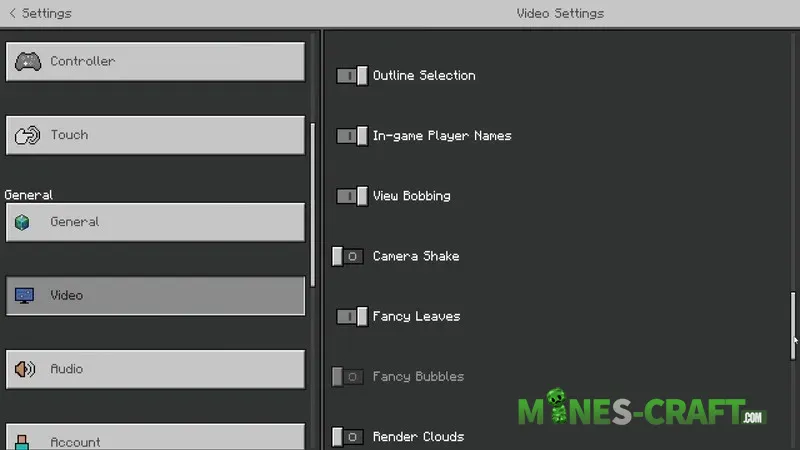
The rest of the settings are a matter of taste. Try different options and find a balance between good looking graphics and stable performance.