
Flat Fog Color Shader [Bedrock 1.21]
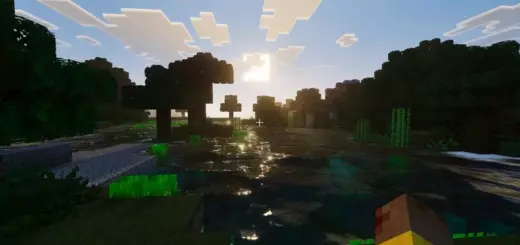
This shader changes distance fog to one flat color. The sky and horizon become a clean backdrop while the rest of the blocks stay vanilla. FPS remains high and the counter shows numbers around 90-100, so the pack gives a feeling of being light.
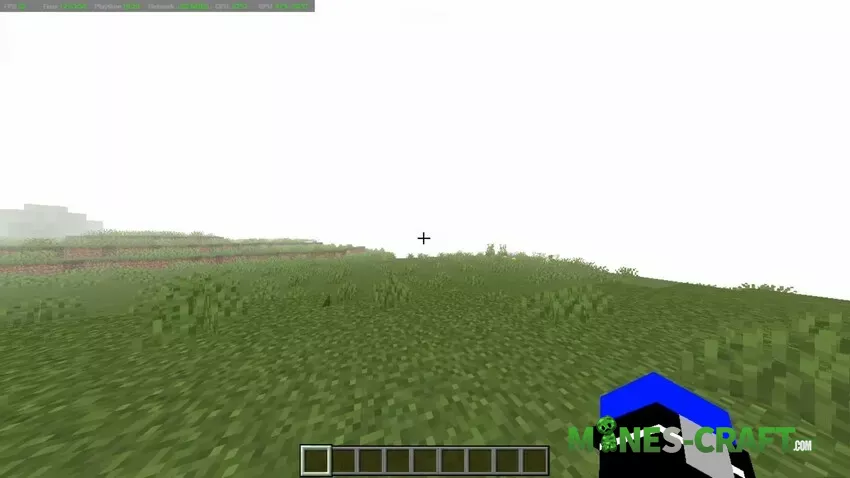
Why use it in PvP and minigames
Solid color fog eliminates visual distractions and chunk pop-in. Enemies stand out in a contrasting environment, and their bow trails become easier to see. You can track them more clearly when they run across plains. On small maps, the screen looks clean so you can keep focus on hits, strafes, and bridges.
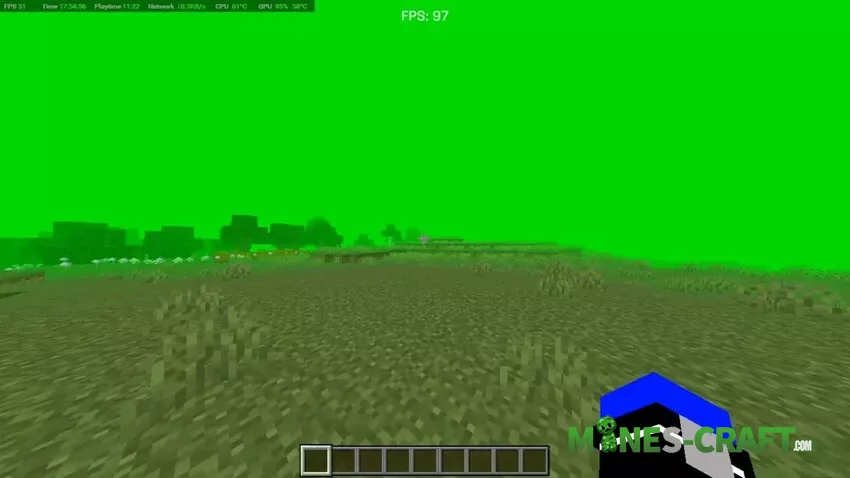
Build mood and screenshots
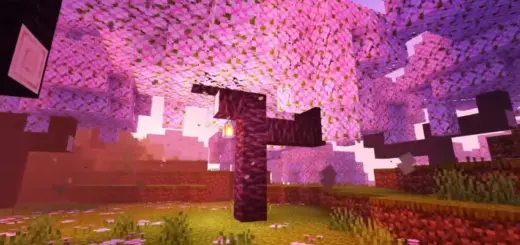
Choose colors to represent themes. Black for horror and caves. Blue or light blue for calm survival worlds. Orange and yellow for deserts. Pink and purple for fantasy. Red for raids and Nether runs. White for thumbnails.
Colors and subpacks
Ten colors: black, blue, green, light_blue, orange, pink, purple, red, white, yellow. Each color comes as a separate subpack.
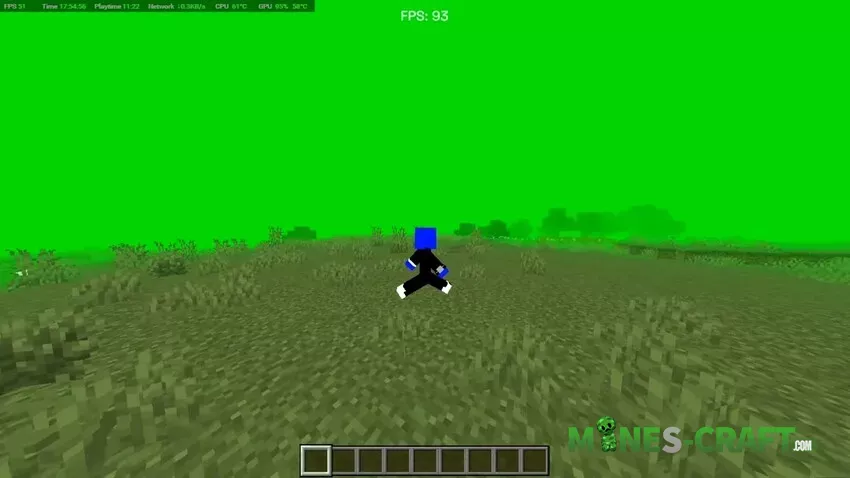
How to use
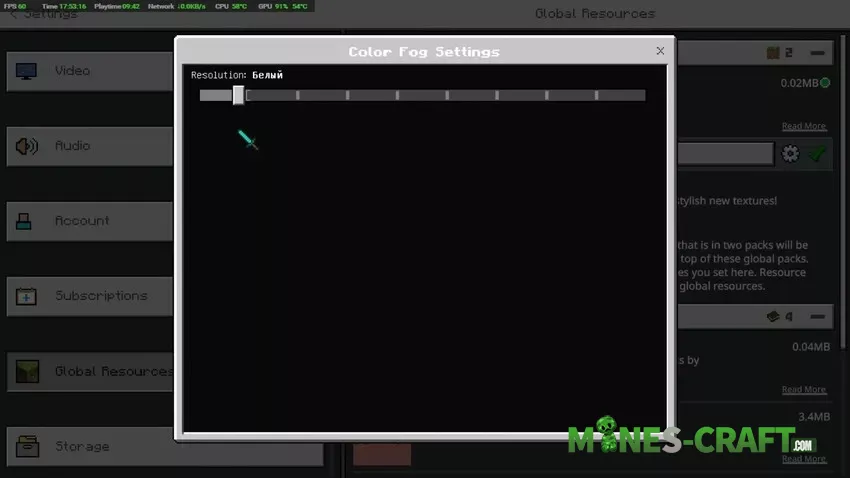
Start by turning the pack on in Global Resources, then open subpacks and pick a color. A small settings window with a slider appears, matching the screenshots. Load a world and enjoy flat, readable fog that fits your map, fight, or photo.


![Alto Shader [Minecraft PE 1.1+]](https://mines-craft.com/wp-content/uploads/2017/07/Alto-Shader-520x245.jpg)


