MCLauncher W10/11 Bedrock [ver.1.0.1]
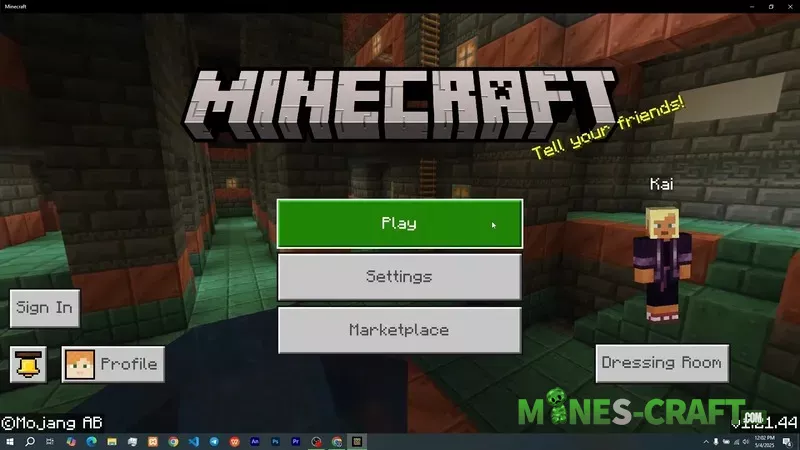
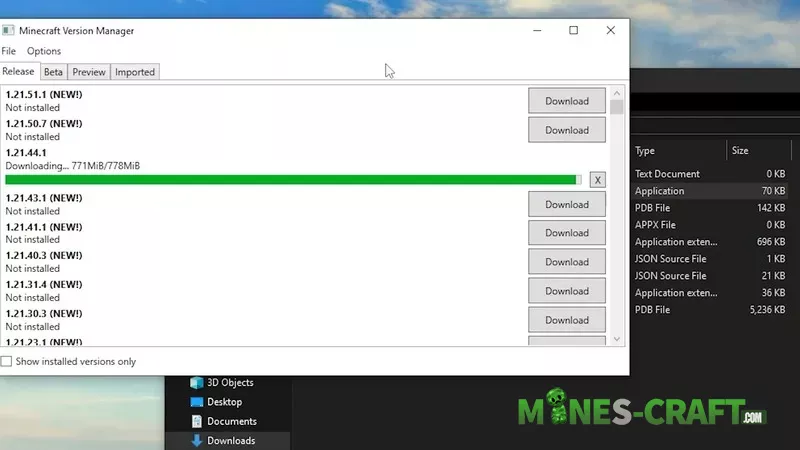
MCLauncher is an easy way to manage multiple versions of Minecraft: Bedrock on Windows. With it, you can keep the official release, beta builds and older versions for testing close at hand without constantly deleting and reinstalling. This is convenient for modding, debugging, or checking compatibility.
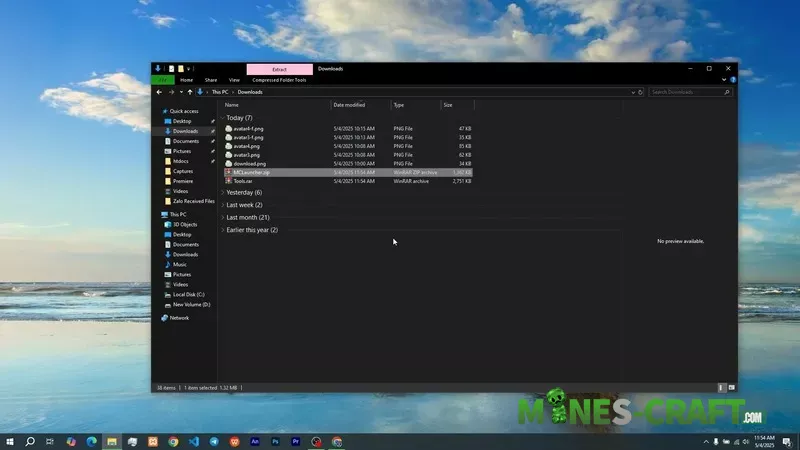
What it can do and why you need it
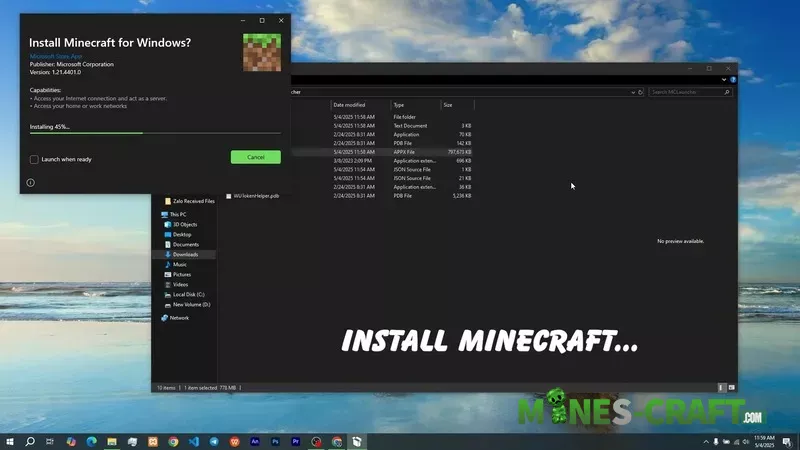
The original version of MCLauncher allows you to download and register separate versions of the game, install them in separate directories, and quickly launch the desired build, which saves time and reduces the risk of corrupting the main installation. This makes the tool popular among testers and content creators, and even if you just need multiple versions at the same time.
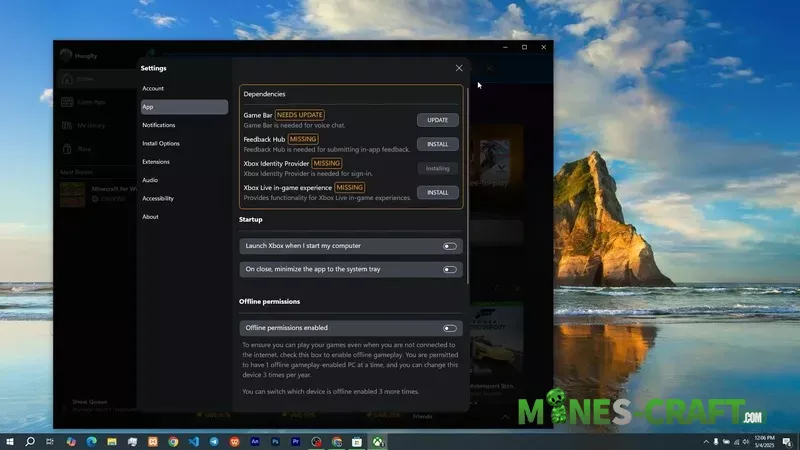
Features of forks and modifications
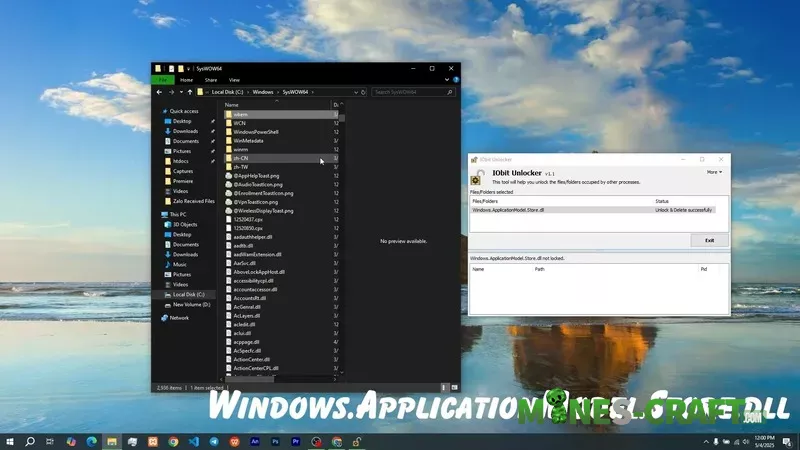
Some forks extend the functionality: authors remove the launch inside the Windows sandbox, add automatic loading of the mod loader, and support for loading DLLs for injection, which simplifies the installation of mods, for example.
Important: the tool is not intended for piracy, so you need a valid Microsoft account and a legal copy of MCBE.
List of things you can do with MCLauncher
- keep multiple versions side by side (releases, betas and previews, old builds);
- Quickly switch between versions;
- Test mods and builds;
- Use forks with DLL loader support;
- Experiment outside the Windows sandbox.
- Multiple versions (parallel installations);
- Quick launch (one click for the desired build);
Credits
Developer: QYCottage (main author and project maintainer on GitHub)
Original Project: Minecraft W10 Version Launcher
Contributors: GitHub community members who added DLL injection support and improved the interface
Special Thanks: Microsoft for the official Minecraft: Bedrock Edition (Windows 10) platform
License: MIT License (open-source, free to use and modify)
Repository: github.com/QYCottage/mc-w10-version-launcher