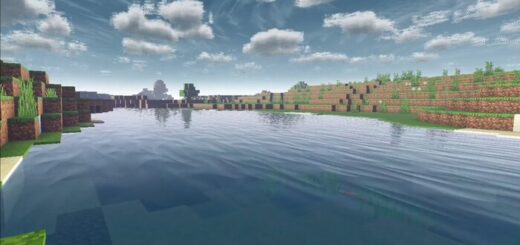
MaterialBinLoader (MBL 2) [1.21/26.3]
MB Loader is a small launcher that lets Minecraft: Bedrock load shader packs that use .material.bin files, without patching the game APK. It works by injecting a loader so the game can read those materials from a normal resource pack at runtime. That keeps your base install clean and makes trying new shaders simple.
Why use it
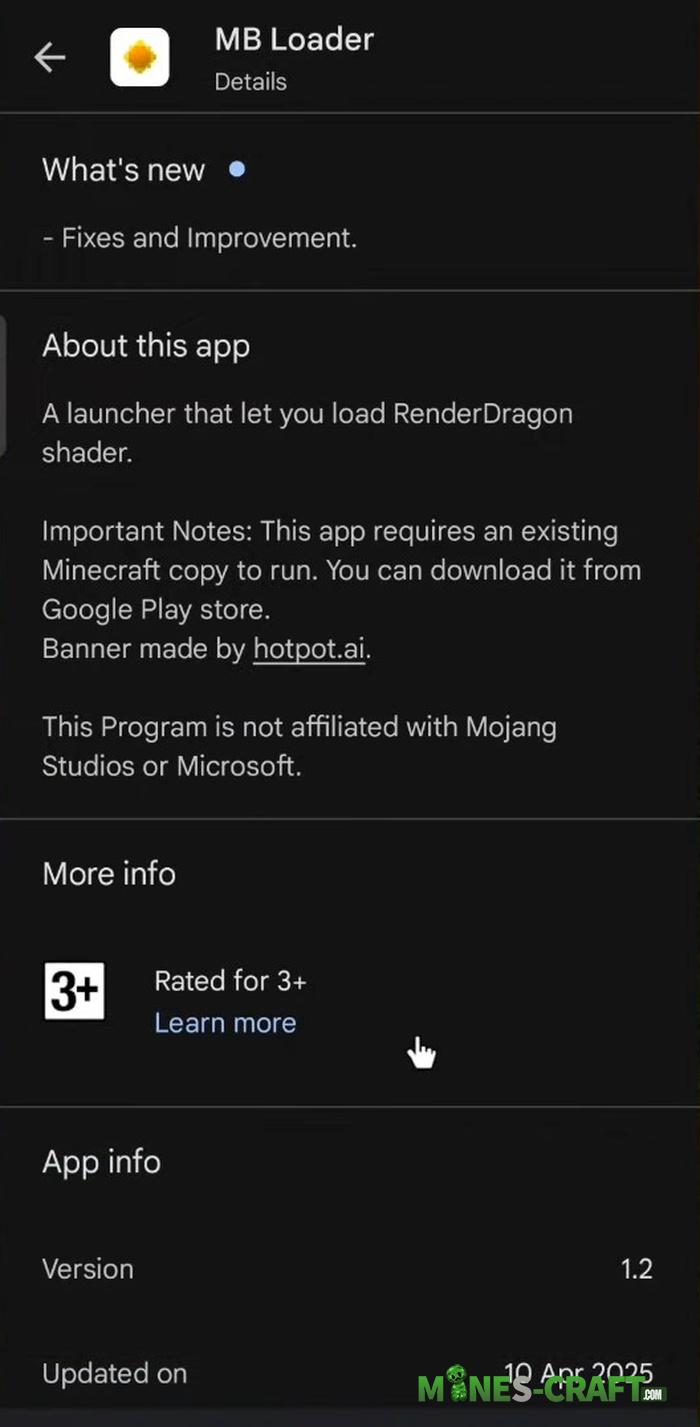
- Works with recent Bedrock versions, including 1.20-1.21. You keep the official app and run it through MB Loader
- Available on Google Play and free. You need a purchased copy of Minecraft to run it. Not affiliated with Mojang.
- v1.1 adds fixes and auto-updating for older shaders, so many packs load with less manual work.
How to use MaterialBinLoader
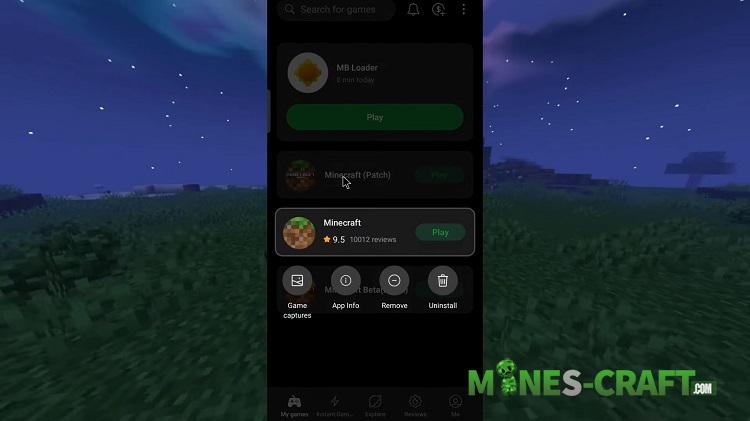
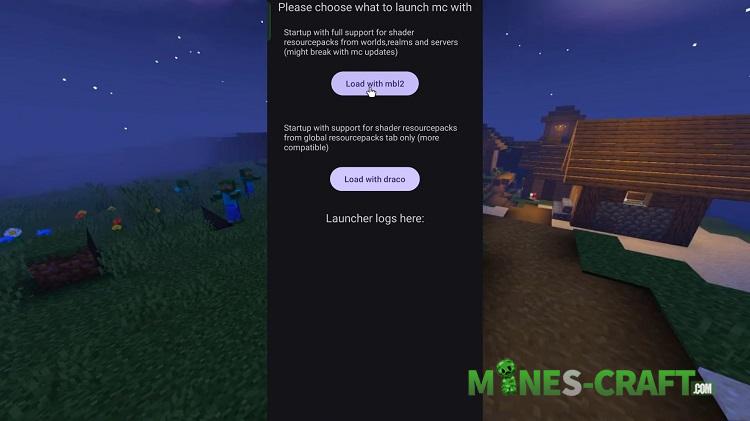
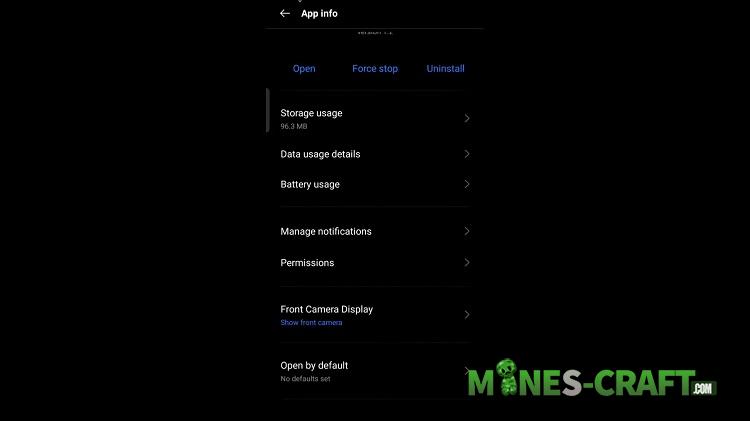
- Install MB Loader.
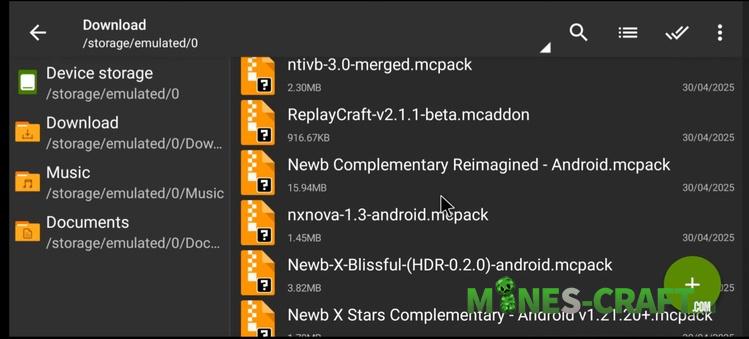
- Import your shader
.mcpackinto Minecraft and enable it in Global Resources. - Launch Minecraft from MB Loader and play. Many guides suggest packs that include a
/renderer/materials/folder with.material.binfiles
- The app was started by community devs and continues to improve. You will see it credited to bambosan and contributors
- iOS is not supported. This tool targets Android only
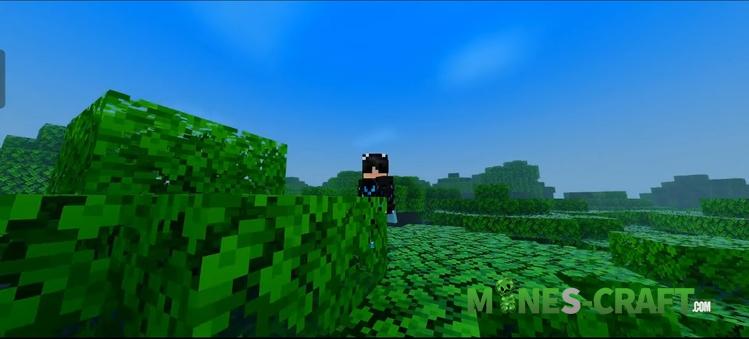
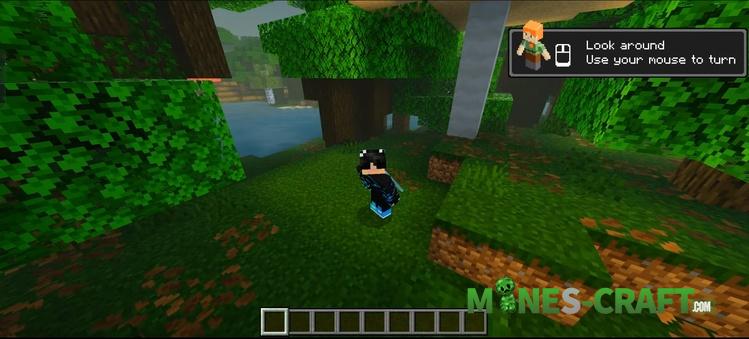
This setup gives you shader testing with fewer risks and quick rollbacks when a pack breaks after an update
Questions and Answers
1. I installed the shader, but the game still has the usual graphics. What’s the problem?
MB Loader is just software that allows MCBE to detect shaders.
- Solution: Make sure that the shader itself supports RenderDragon. If you download an old 2019 shader, it wont work even through the loader. Look for packs marked for RenderDragon or YSS.
2. Why do I have some extra F1, F2, and F5 buttons in the game?
This is a built-in overlay from MB Loader. It mimics the hotkeys of the PC version so you can quickly change the camera view or hide the interface for screenshots.
- How to configure: If they get in the way check the settings of MB Loader itself (not the game!) before launching. There you can edit their location or disable them if you have a gamepad.
3. Can I play with friends online using this loader?
Yes, it works just like regular Minecraft. You can join servers or your friends worlds.
- If you enter the world of a friend who does not have shaders, your shaders will still only work for you.
4. The game lags terribly or heats up the phone more than usual.
The loader itself uses a minimum amount of resources.
- Go to the video settings in the game itself and lower the render distance. Shaders create additional load on the video chip which regular Minecraft does not take into account.
5. What happens if I delete regular Minecraft but leave MB Loader?
The loader will stop working. It does not contain the game files themselves, but uses the files of the installed Minecraft Bedrock 26.0 as a library.
6. How do I transfer my old worlds if Android has closed access to the data folder?
- MB Loader has a built-in Backup/Restore Minecraft data feature. First, make a backup in regular MC (if it allows it), and then try to Restore it through the MB Loader settings menu.
Changelog
Version 0.1.13
- Updated for Minecraft: BE 26.3