
Fureniku’s Roads Mod [1.12.2]
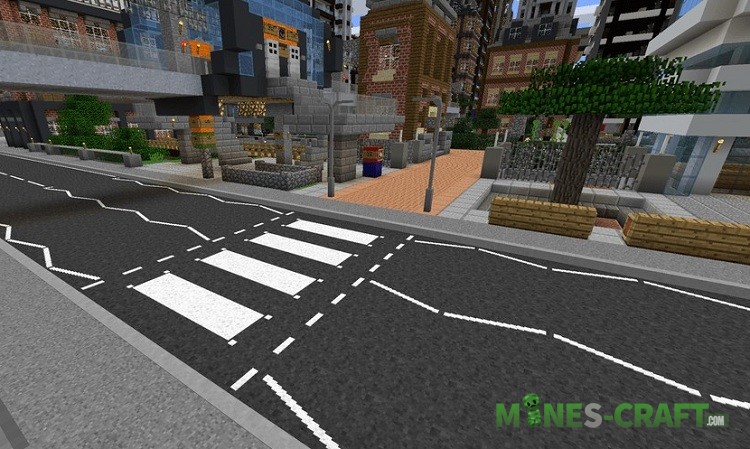
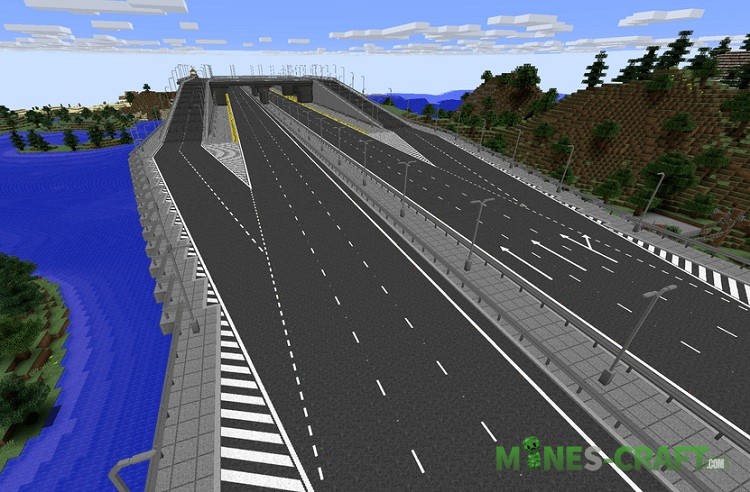
Building a road network in Minecraft is a difficult job as there are simply no blocks and objects that could completely replace real asphalt and road signs. Players had to invent different tricks to achieve the task and create a realistic and most importantly smooth road where cars could drive without jumping and crashes. That is why you’ll need the Fureniku’s Roads Mod to bring everything you need to design, build and upgrade roads.
Created by Fureniku
Features
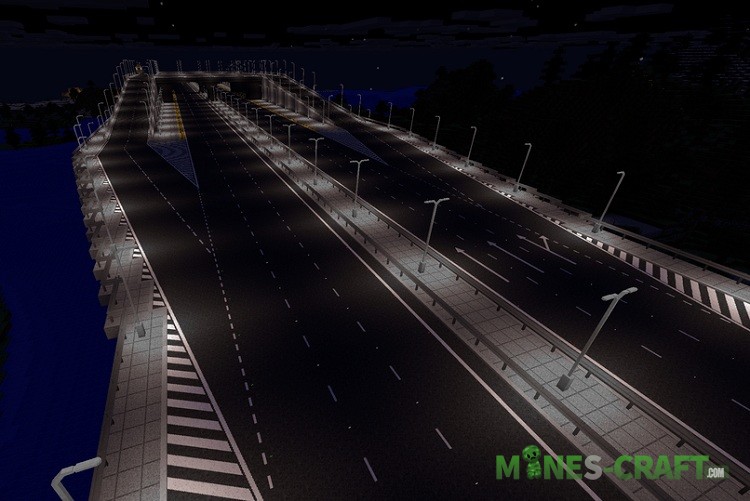
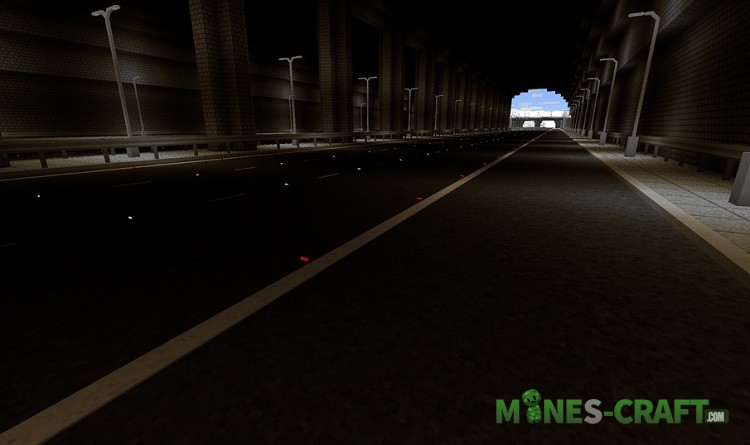
- Over 20 types of roads
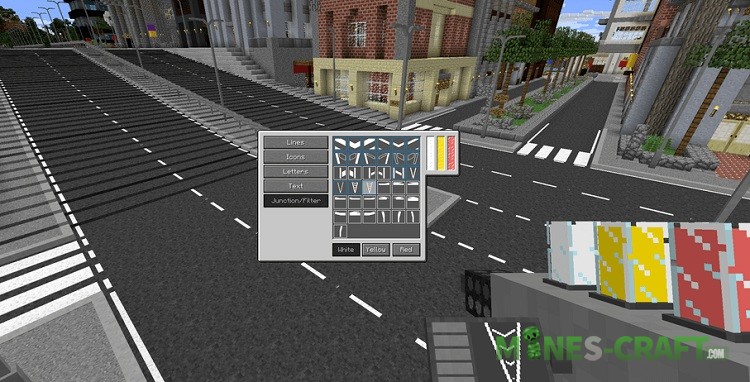
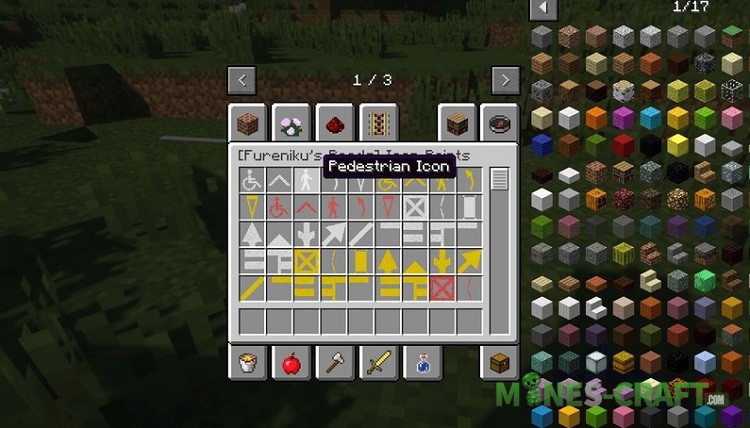
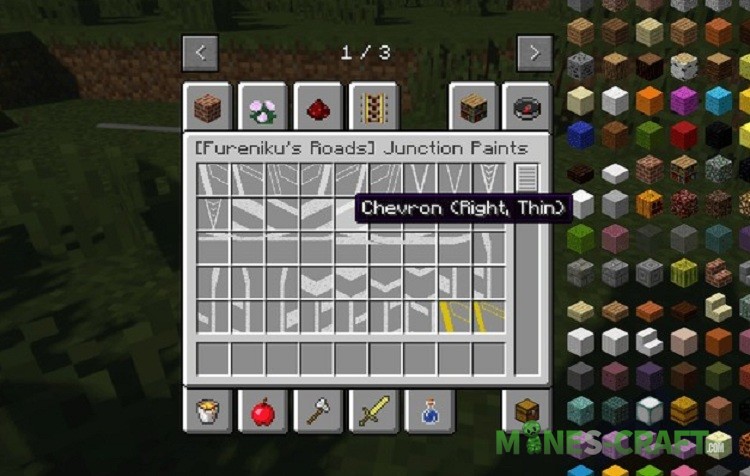
- About 100 kinds of road marking
- Road signs and road objects
- Traffic lights and fences, barriers
- Convenience and simplicity



How to build a road?
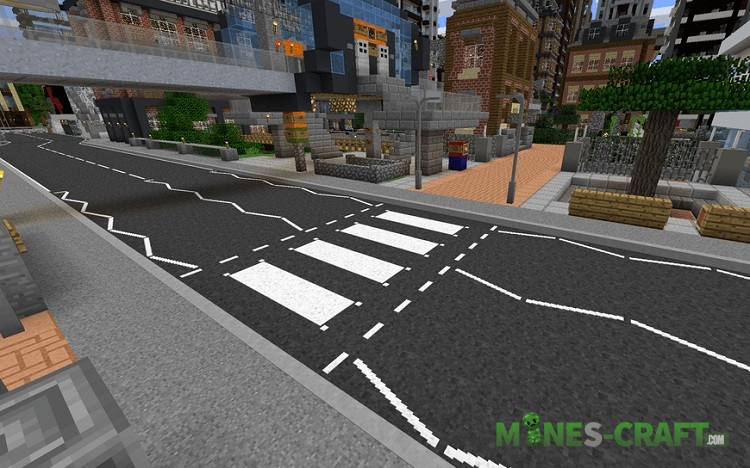
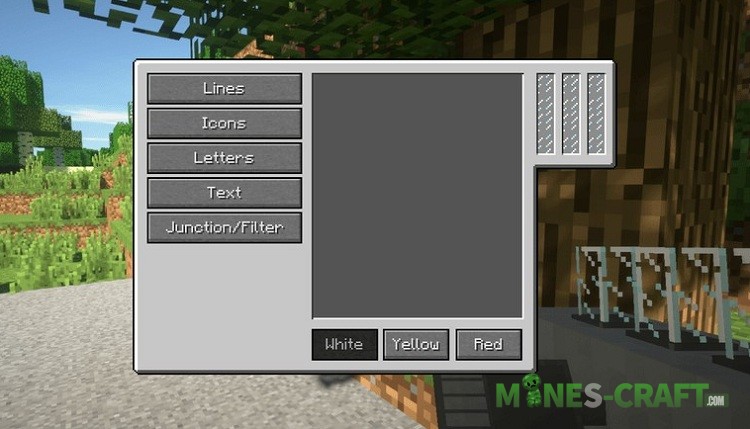
Go to the creative and select the road objects tab. Take those types of pavement you need and start building. After that, select a road marking and put it directly on the road. Don’t forget the road signs and logic of your road. Fureniku’s Roads has everything that is used on real roads.

Fureniku’s Roads Mod installation
- Move the mod folder here: [./minecraft/mods].
- Minecraft Forge must be installed.


How to rotation line?