
Custom Capes for Bedrock Edition 1.21
Custom Capes for Minecraft Bedrock is a clean cosmetic bundle that puts themed capes on your back without affecting gameplay. The initial launch has ten designs: five fun everyday options and five Halloween-themed designs. New drops occur about December and on holiday dates so your looks stay in trend. Wear Custom Capes for events, screenshots, and server play where looks matter.
What Capes included
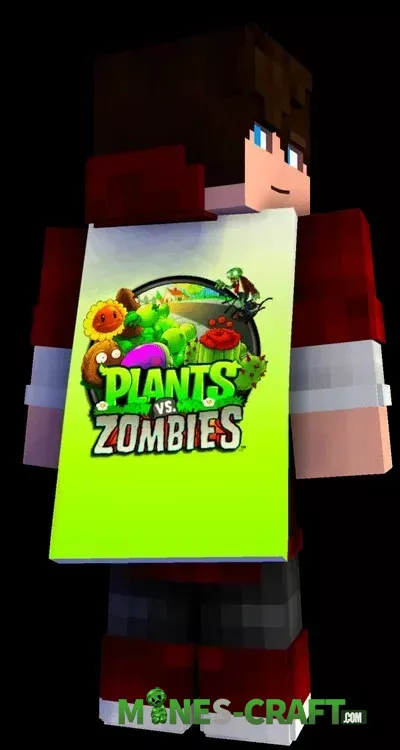
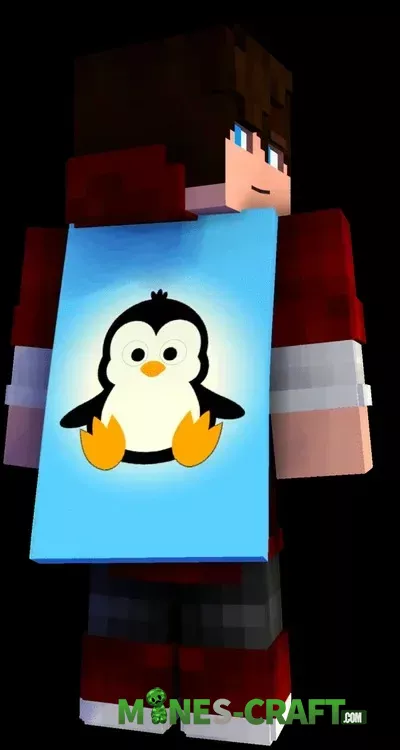
- Penguin
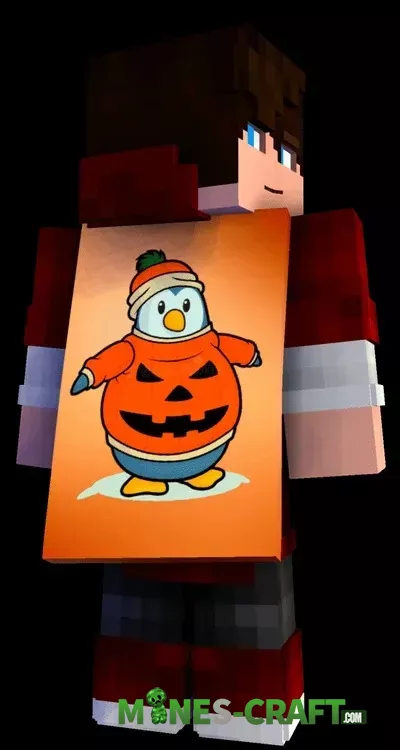
- Penguin in pumpkin sweater
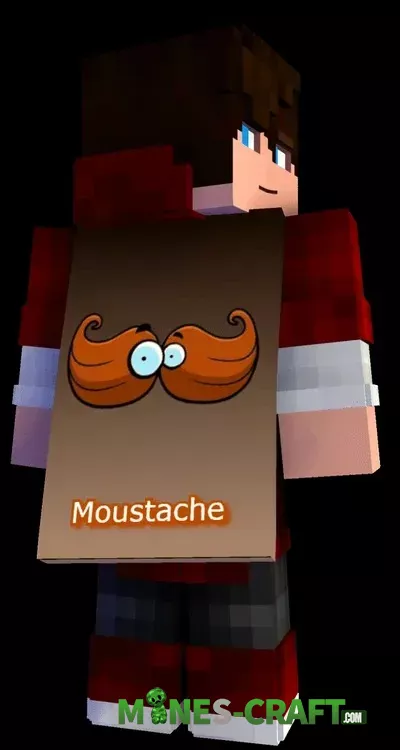
- Moustache with googly eyes
- Plants vs Zombies art
- Extra cute penguin variant
- Halloween: Jack-o’-lantern under the moon
- Halloween: Flaming skull
- Halloween: Scream mask
- Halloween: Mummy
- Halloween: Seasonal mix cape
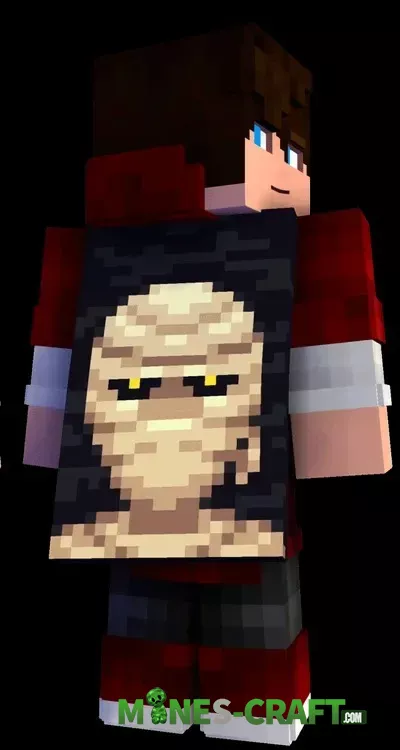
How to use Custom Capes
- Download the .mcpack and open it to import into Bedrock.
- Use the pack in Settings → Global Resources or world resources.
- Access Dressing Room → Capes and choose a design from Custom Capes.
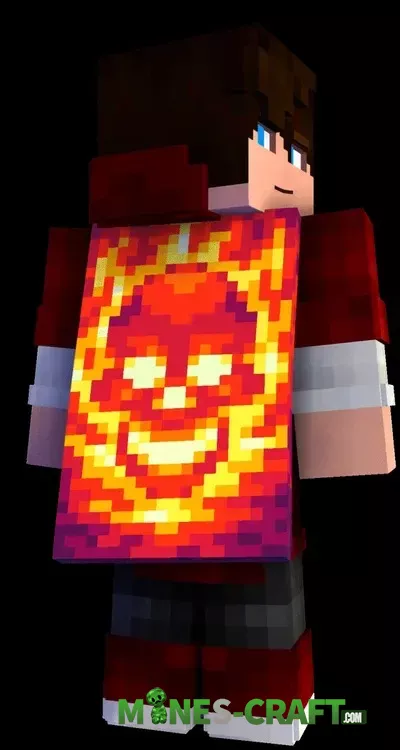
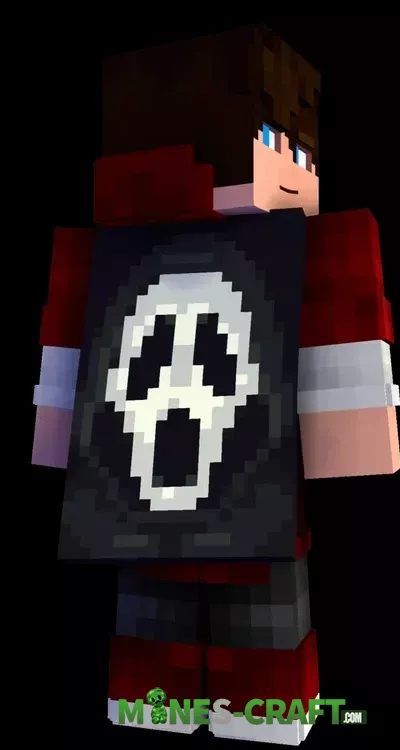
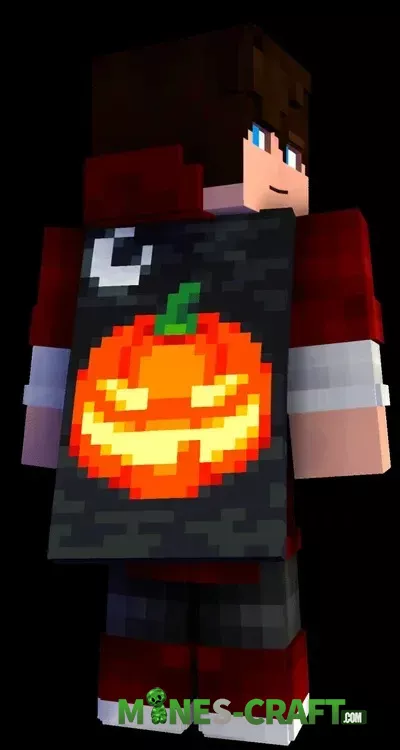
Colorful pixel art is legible at any distance, and the black canvas keeps colors sharp. Capes use default player models and look good with elytras on first-person perspectives. Custom Capes allows instant seasonal changes without skin changes. Check out more Minecraft Bedrock addons.

![Legacy Java Achievements [Bedrock 26.0.X] – photo 2](https://mines-craft.com/wp-content/uploads/2025/12/Legacy-Java-Achievements-5-520x245.webp)

![Dex’s GUI for Bedrock ver1.3 [1.21/26.33+] – photo 6](https://mines-craft.com/wp-content/uploads/2026/07/Dexs-GUI-for-Bedrock-6-520x245.webp)

