
Realms Ranks Plugin for Bedrock [1.21]
Created your own server in Bedrock Edition and want more customization? No problem – install this plugin and add your own ranks and titles right in the game without jumping between settings and scripts.
Why do you need ranks?
To highlight a group of players or even a single player, to make a clan, basically anything where a group of players should have their own tag. But besides the tag, the addon also gives you the ability to change nickname colors, add symbols, and much more. Customization at the highest level.
How to give a rank to a player?
- Flip on Beta API in experiments before you load the addon. Without it, nothing will work.
- Give yourself admin rights by running:/tag @s add admin (or replace @s with another players name if you’re giving them access).
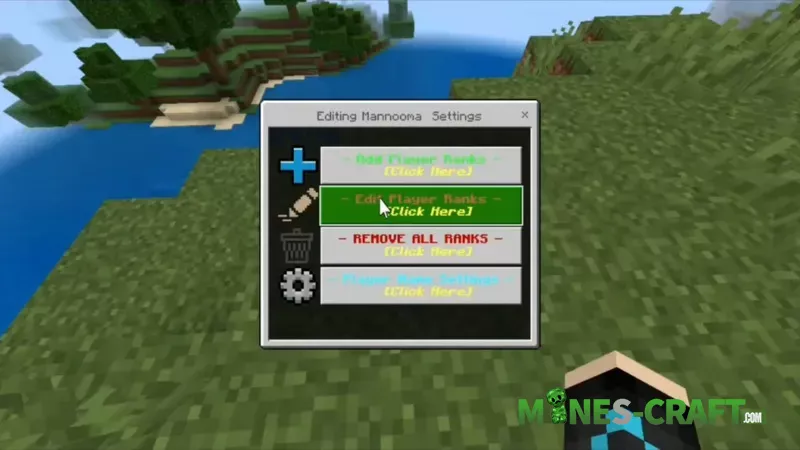
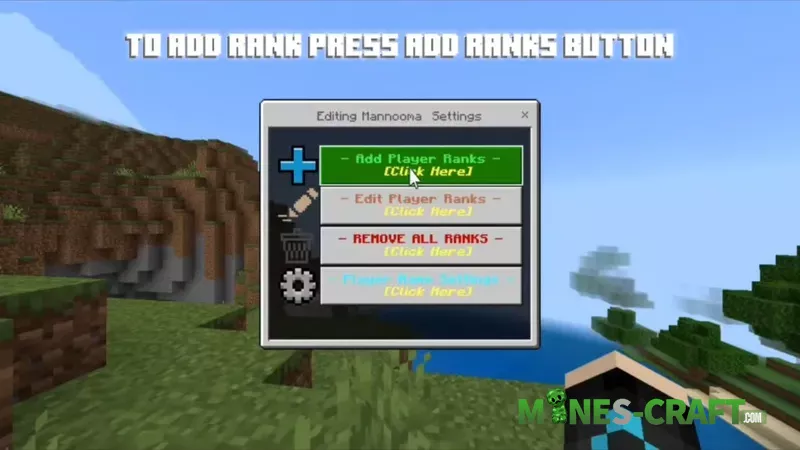
- Open the menu by typing ?rank in chat. Close chat and boom – a neat little form pops up.
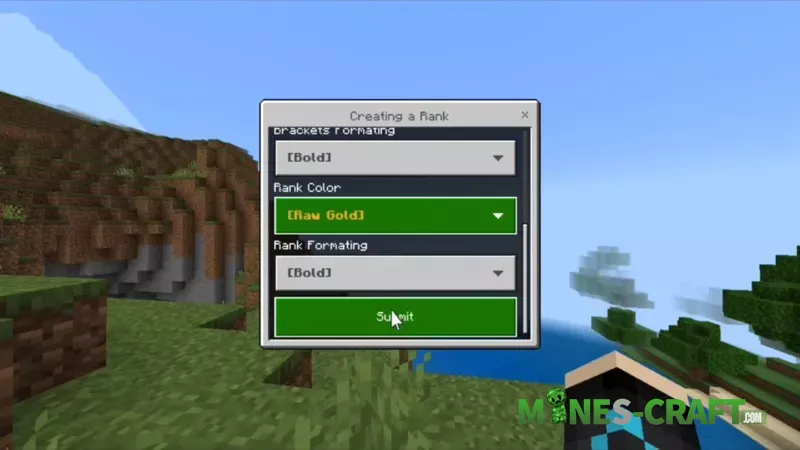
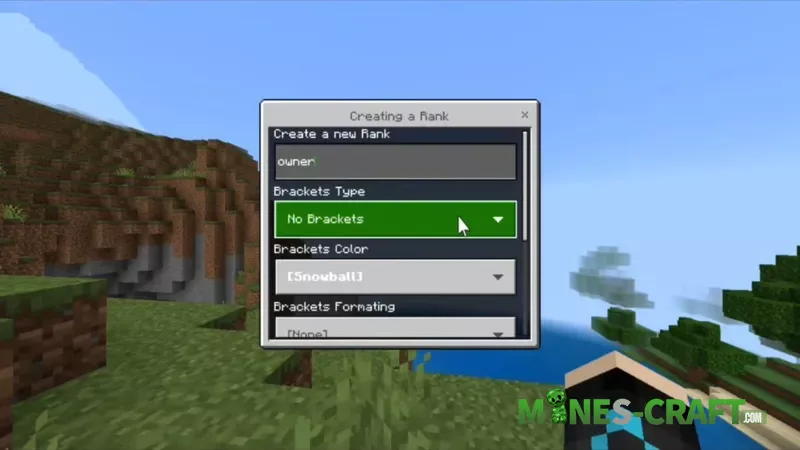
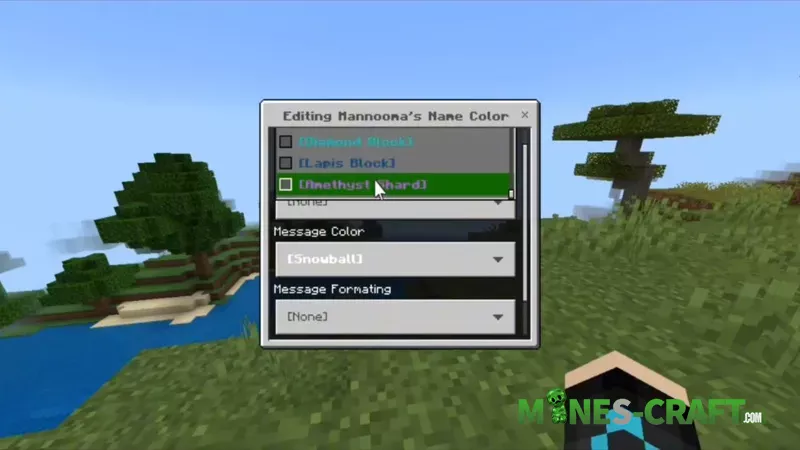
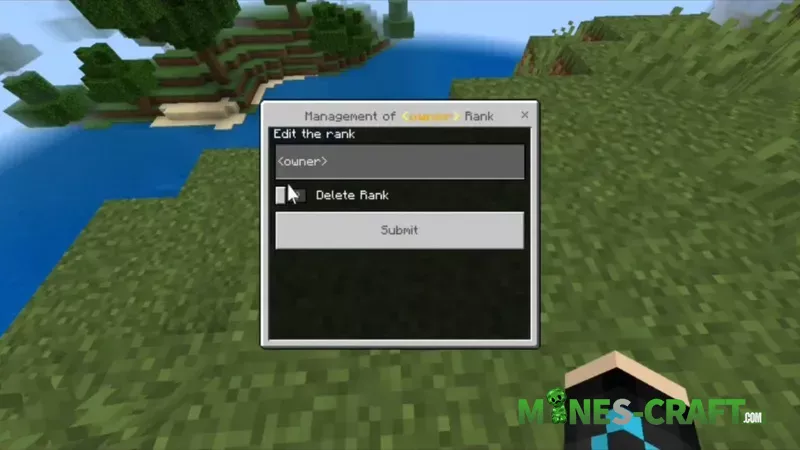
- Pick a player from the list, Add Rank and start customizing. You can type in the rank name, choose bracket styles, set colors, and even add formatting like bold or italic.
- Need to tweak something later? Just go back into the menu, tap Edit Ranks or wipe them completely with Remove All.
- And yes – you can even change player’s nickname or color right there. No extra commands, just a couple taps.


![Server Helper Script ver.3.3.6 [Bedrock 1.21/26] – photo 1](https://mines-craft.com/wp-content/uploads/2026/01/Server-Helper-Script-1-520x245.webp)
