Minecraft: Bedrock 26.20.26 introduces Custom Dimensions
Minecraft: Bedrock Edition has finally gained custom dimensions, and you can try them out right now in version 26.20.26. You’re familiar with all those popular mods from Minecraft Java Edition like Aether, and you’ve probably seen mods that turn the Portal of Deep Darkness into a functional portal. Now this and even more will be possible in Bedrock Edition in the form of add-ons!
Version 26.20.26 and Technical Changes
At first glance this is a regular update-until you look at the technical changes. There are two lines in the experimental updates. The first reads: “Added methods for registering custom dimensions, allowing new custom dimensions to be registered in the beta”.
The launch event now has the ability to register custom dimensions before launch. This is the introduction of custom dimensions in Minecraft Bedrock 26, which will pave the way for modding, add-ons, and much more. This is a real breaktrough.
First examples of custom dimensions
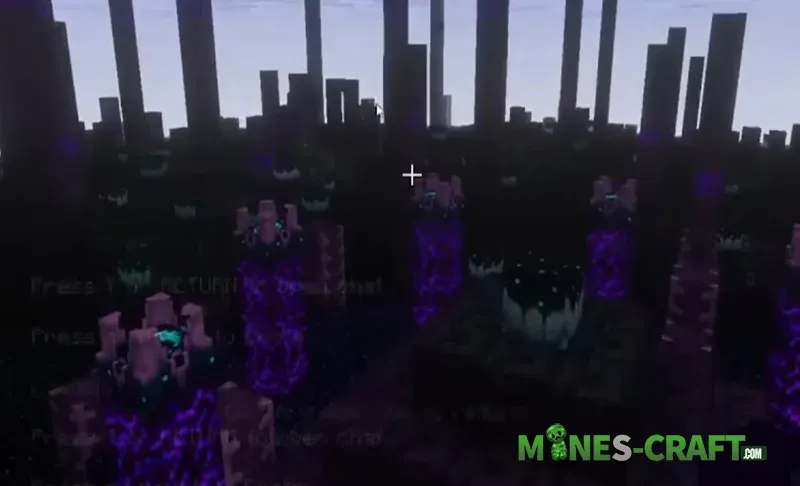
How does a custom dimension work in Bedrock Edition 26.20.26? It doesn’t replace the Nether, it doesn’t replace the End, and it doesn’t replace the regular world. It is a seperate custom dimension, and the possibilities here are practically limitless.
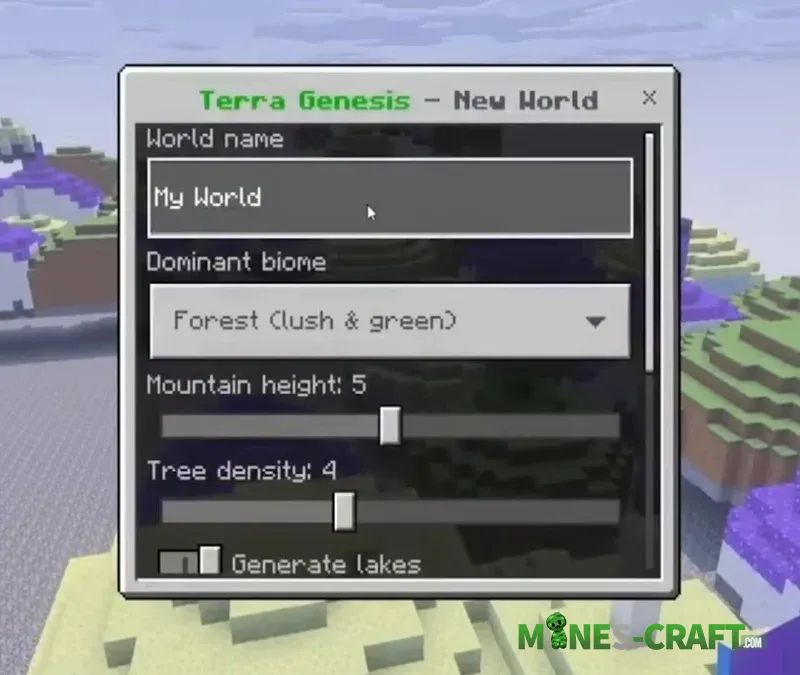
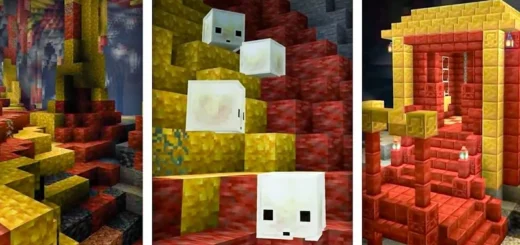
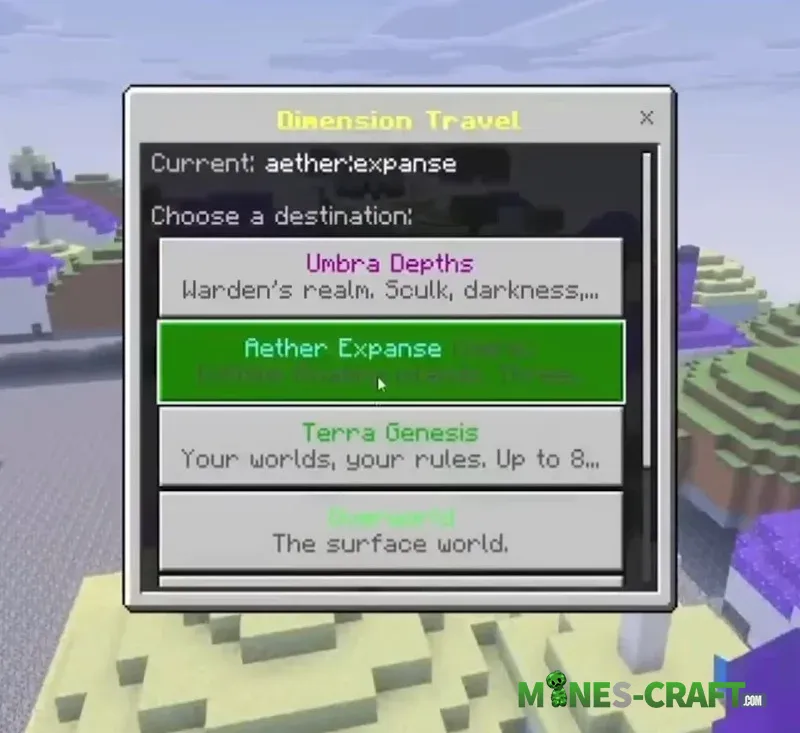
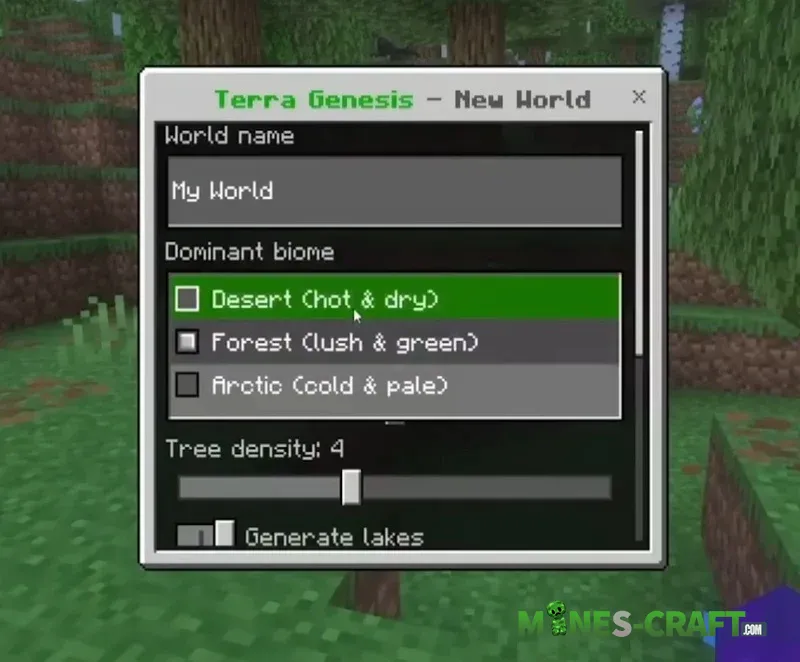
An example where they’re testing new custom dimensions and seeing how far they can push this feature. The /portal command is used to open custom portals, such as Umbra Depths shown in the screenshots. If modders can already create something like this in 24 hours, imagine what will be possible in 6 months. This feature is currently in beta testing so this is just the beginning.
Fixes and Gameplay Changes
Now for the changes in the beta and preview 26.20.26. Audio: Fixed a bug where sounds didn’t play when placing water-filled blocks in water. Previously placing certain blocks in water produced no sound, and this has now been fixed.
- Blocks: You can now only place blocks on top of a flower pot while crouching. If you try to place a block without crouching it won’t work. It works fine when crouching.
- Fixed an interaction issue with the music block and the composter where holding armor would create a ghost item. Previously such bugs occured when changing armor or interacting with items; they have now been fixed.
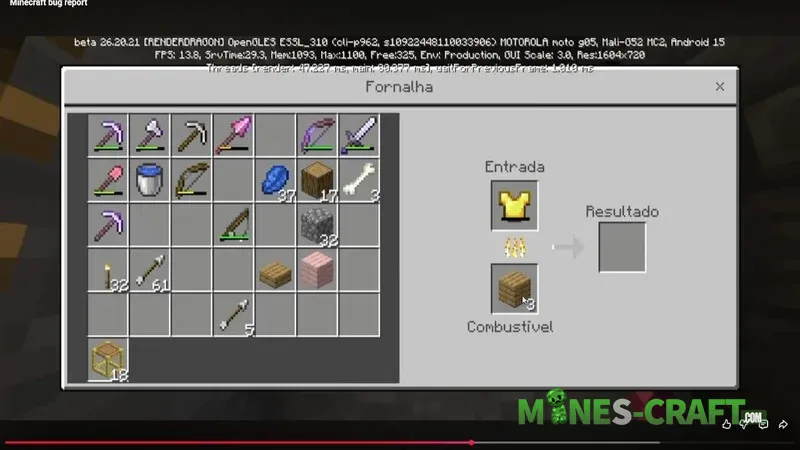
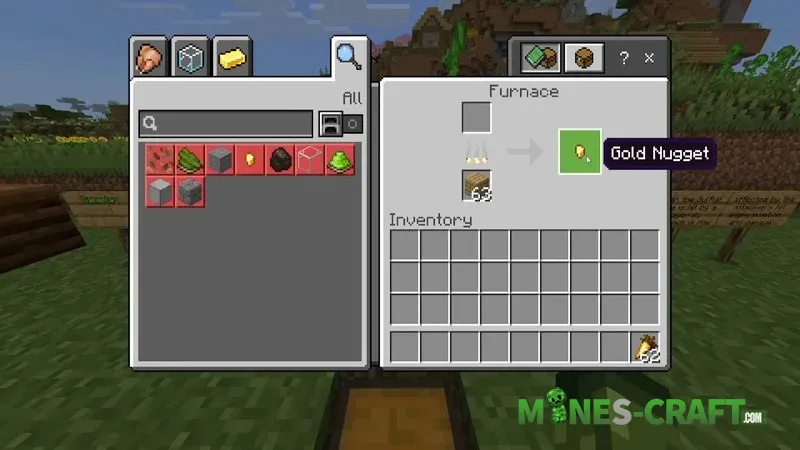
- Gameplay: smelting damaged armor now yields nuggets again. This did not happen before but it works correctly in MC:BE 26.20.26.
Changes to the Sulfur Cube and Mechanics
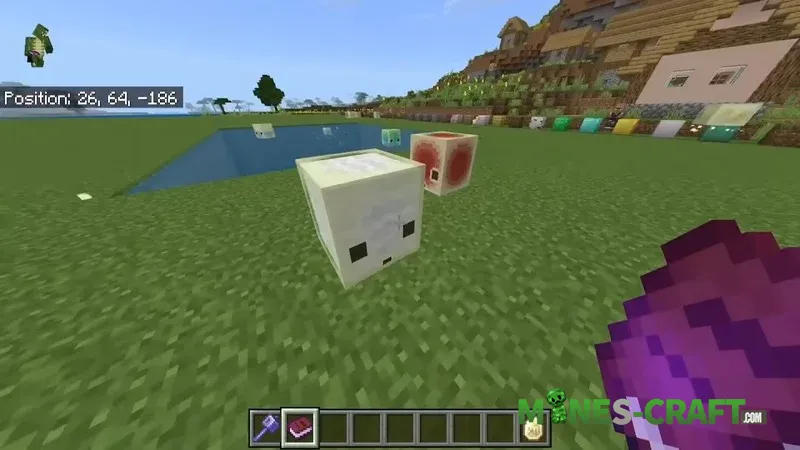
Changes have been made to the sulfur cube. Now its knockback depends on the angle of impact, position, and damage. If hit from the left, it will fly to the right, and vice versa. If hit from above it moves along the ground; if hit from below it rises upward. The higher the damage, the stronger the knockback. The player’s position also affects the direction of movement. It all depends on the angles.
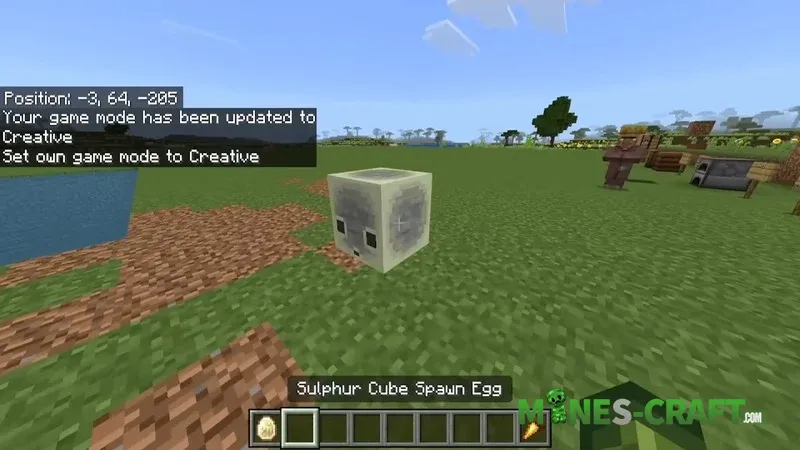
Information about sulfur cube types has also been added, similar to the Java version.
- Stone and mineral blocks provide medium speed, medium bounce, and floatability.
- Wooden blocks provide high speed and high bounce.
- Metals provide low bounce and can sink.
- Organic blocks (grass, leaves, cacti) provide high speed but low resiliance.
- Wool provides high resiliance and buoyancy.
- Ice provides high speed and low friction.
- Mushroom blocks are slow and have no resiliance.
- High-durability blocks barely move.
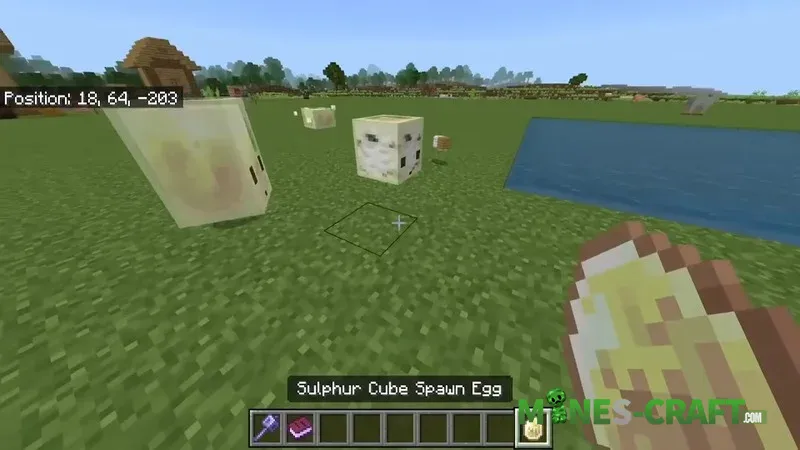
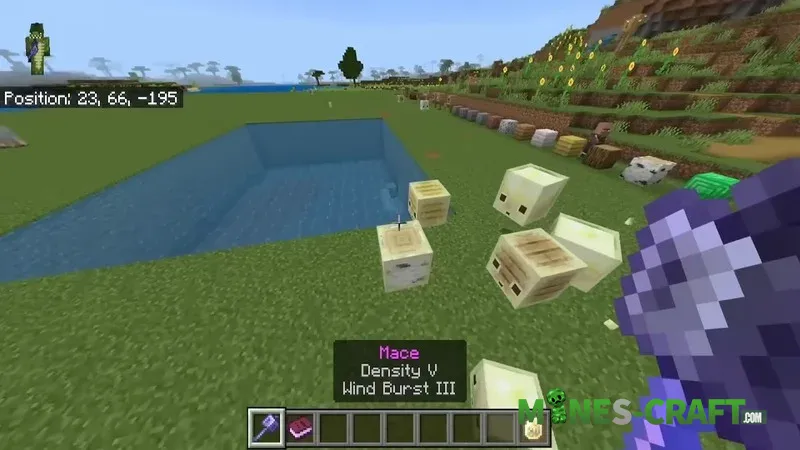
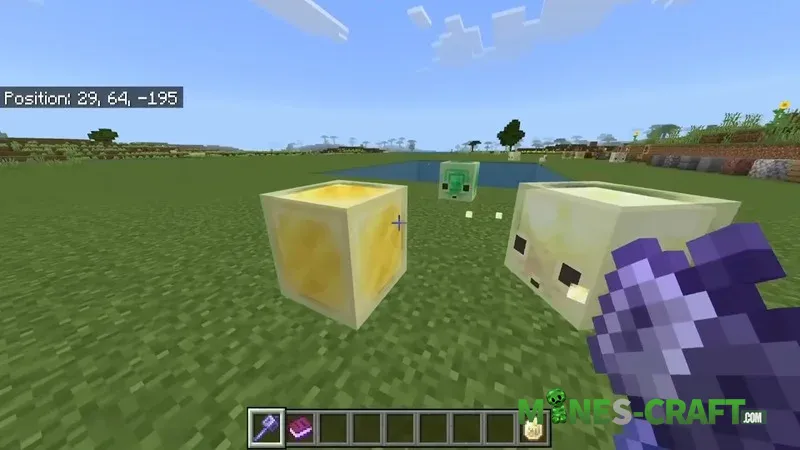
Additional fixes
Other changes:
- Realms fixes
- Stability and performance improvements
- Fixed Xbox world synchronization; it now occurs when a specific world is selected
- UI fixes including emoji and text display