MCPE Morph Addon v2.5 [1.21]
Do you want to become Minecraft mobs, blocks, items, or even furniture? Still not satisfied? How about gaming characters and anime characters? And if you want even more, there are extra things too!
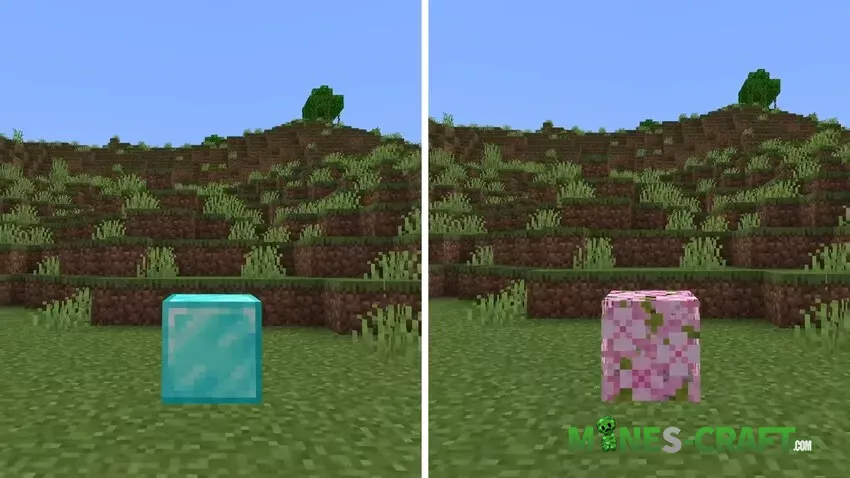
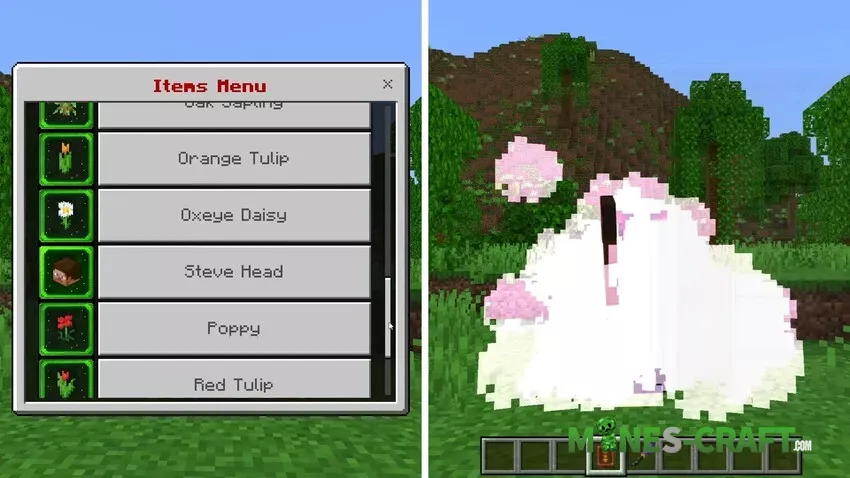
Features – First Start
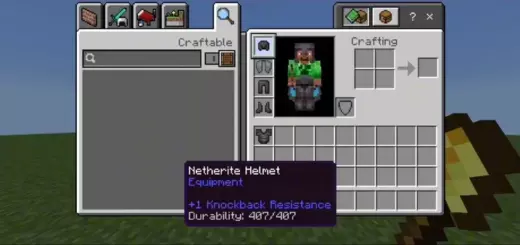
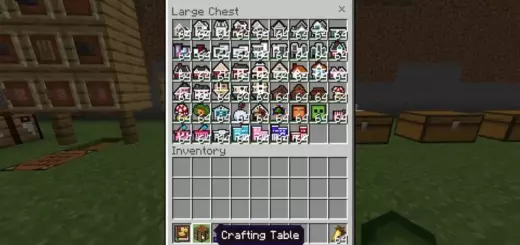
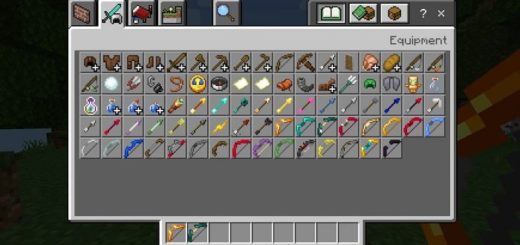
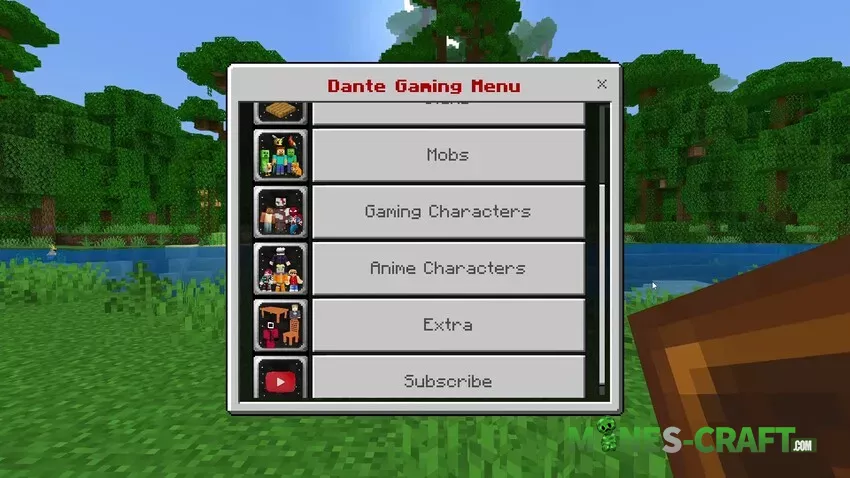
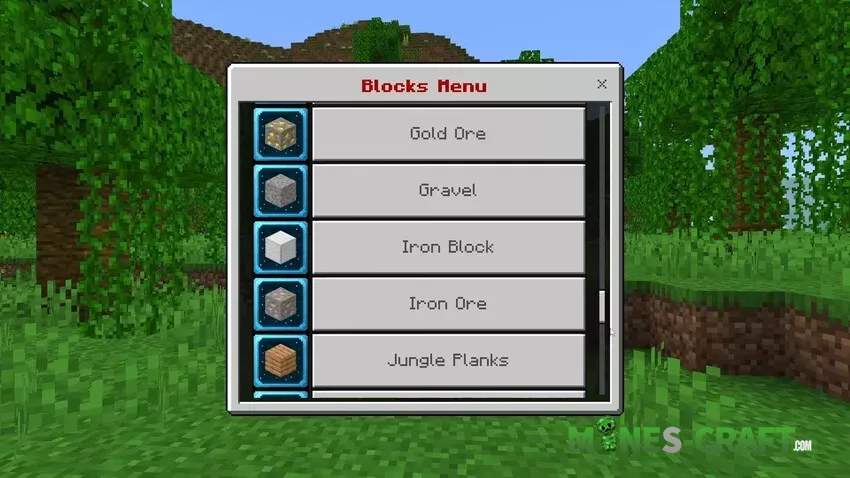
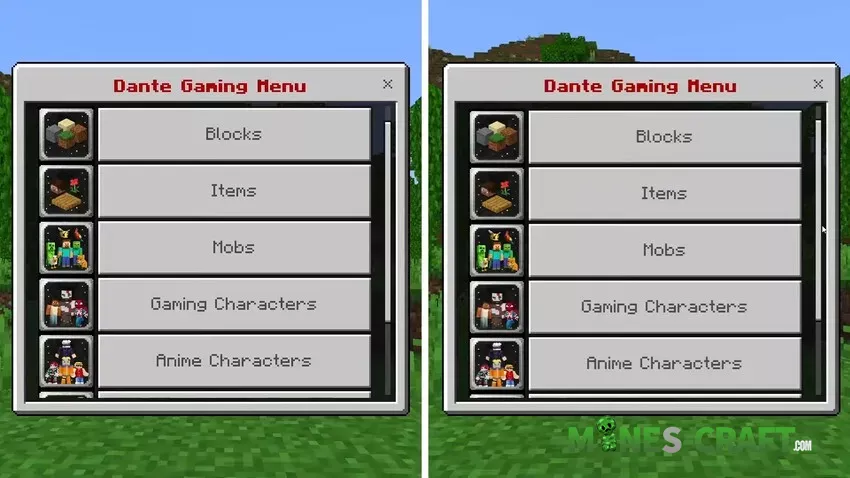
First, activate the add-on in both the Resource Pack and Behavior Pack. Then, open your in-game inventory and get to the DG Menu and DG Player Morph. As soon as you open the DG Menu, a list will appear. Click on the category you want to morph into.
- To morph into blocks, click on “Blocks.” A list will open, select any block, and you’ll instantly morph into it.
- The same works for gaming characters, anime characters, and items. Choose the category, select what you want, and morph.
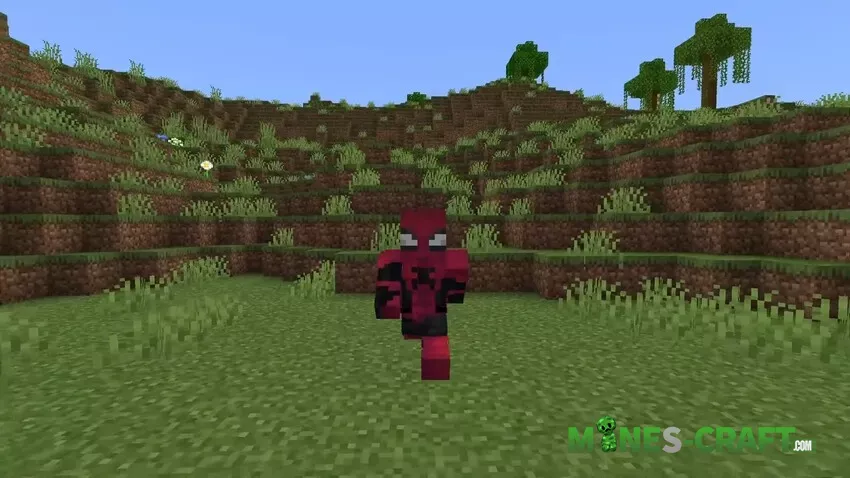
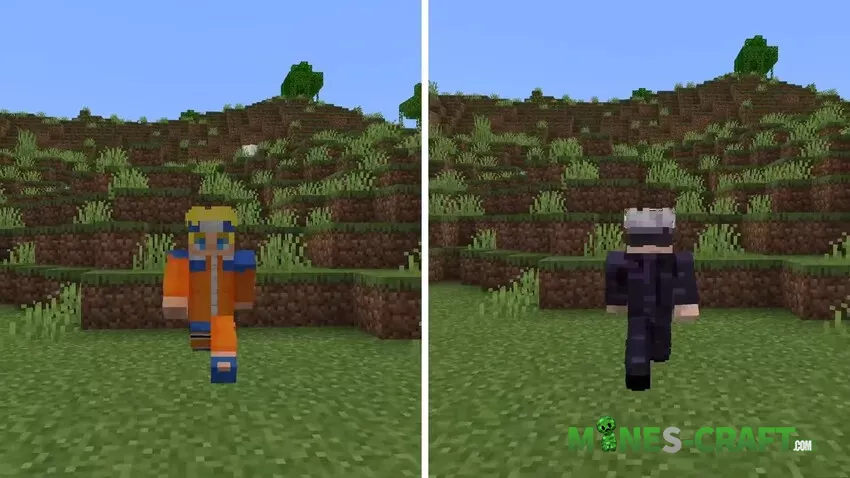
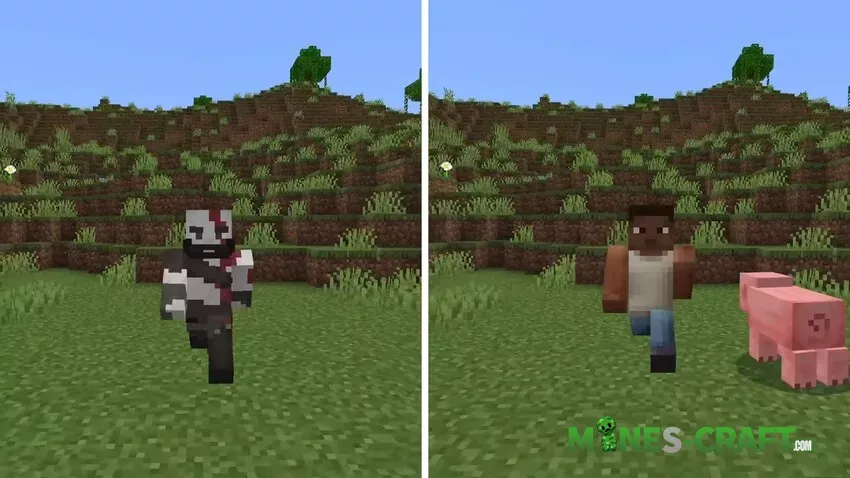
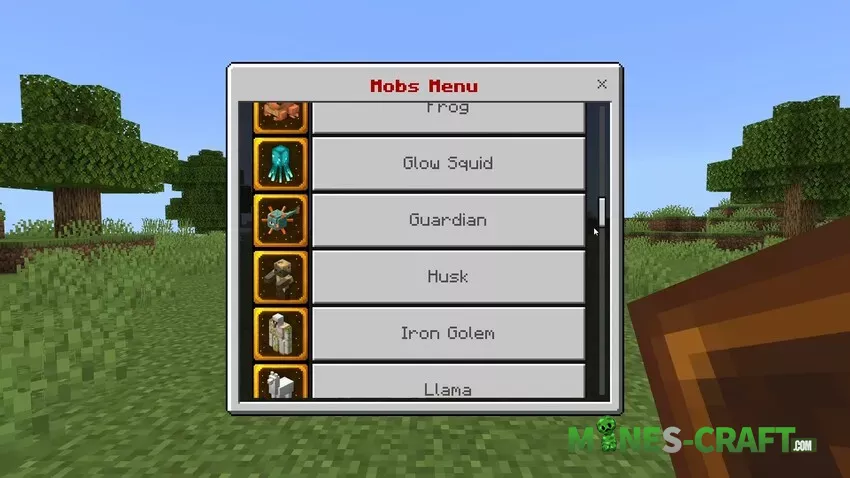
Morphing into mobs works a little differently. Click on the “Mobs” section, select a mob, and it will spawn. Now click on that mob, and you’ll transform into it.
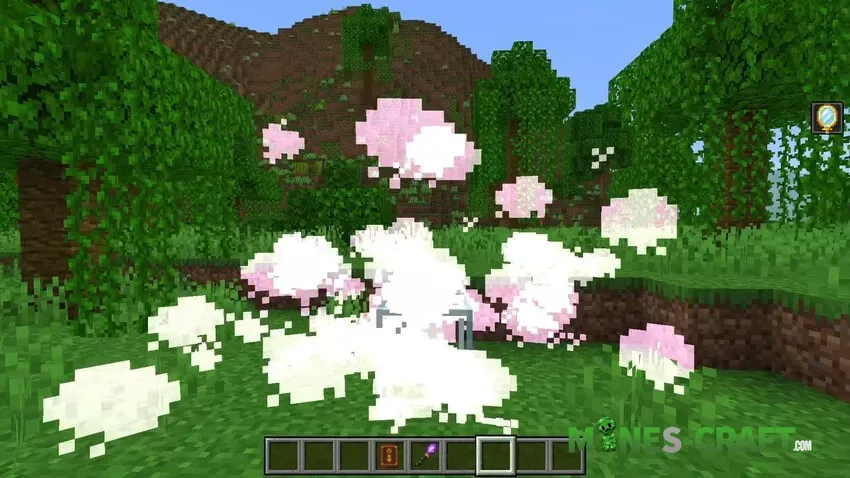
This add-on also includes special abilities:
- As a Creeper, crouching triggers the explosion animation.
- As a Zombie, you can’t survive in daylight.
- Hostile mobs won’t attack you if you morph into one of them.
And there are many more unique abilities.
To return to your player form, use the Player Morph Item. Remember: if you are a block and want to morph into a mob (or vice versa), use the Player Morph Item first, otherwise glitches may happen.
For Hide-and-Seek lovers, the Solidifier Item is included. This tool perfectly aligns you to the environment so you can hide better.