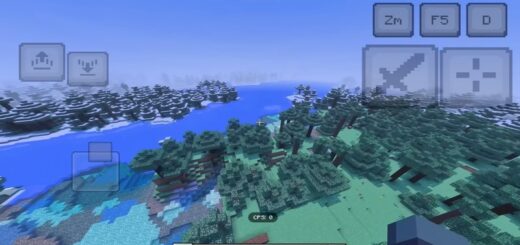
CPU Settings BE Pack [1.21]
CPU Settings is a tiny pack that drops extra video toggles in Bedrock. You flip them, your FPS climbs. Simple.

What CPU Settings adds
- V-Sync modes: No Vertical Sync, Vertical Sync, Adaptive Vertical Sync.
- Quick FPS helpers in the same panel: Camera Shake, Fancy Leaves, Fancy Bubbles, Render Clouds, FOV by gameplay.
- UI bits nearby for fast tweaks: UI Profile, GUI scale, Extra Large UI.


How to use it
Step 1
Open Settings → Video. Scroll to the CPU block
Step 2
Pick a sync mode:
- No Vertical Sync – lifts the cap. Best for raw FPS. You may see tearing.
- Vertical Sync – locks to your display. Stable frame time, lower peaks.
- Adaptive Vertical Sync – holds sync, then frees frames when they drop. Nice balance.

Presets
- Low-end phone: No V-Sync, Clouds off, Fancy Leaves off. Aim to jump from ~20 FPS to playable.
- Mid PC or console: Adaptive V-Sync, Clouds off, Bubbles off.
- Creator mode: V-Sync on for smooth captures.


CPU Settings cuts extra draw calls and sync stalls. Less fluff on screen, more frames. That’s the goal. Want more boosts like this? Check our addons for Minecraft Bedrock.