CPS Counter Script for Bedrock 1.21
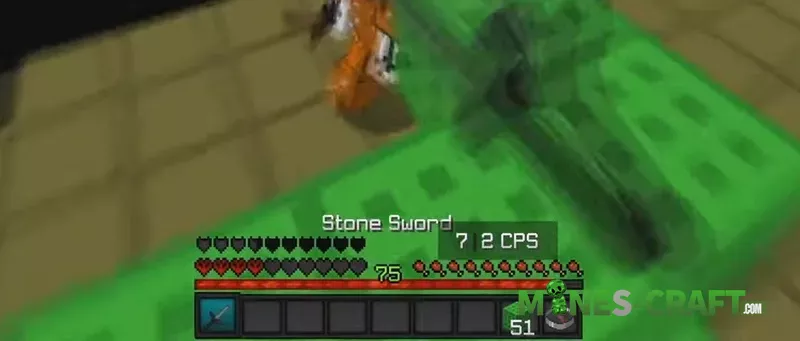
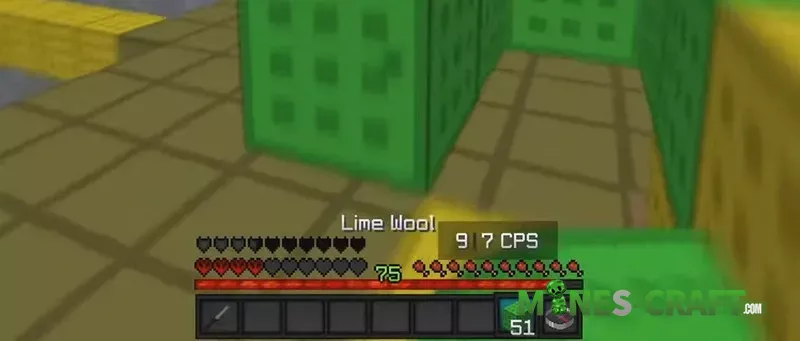
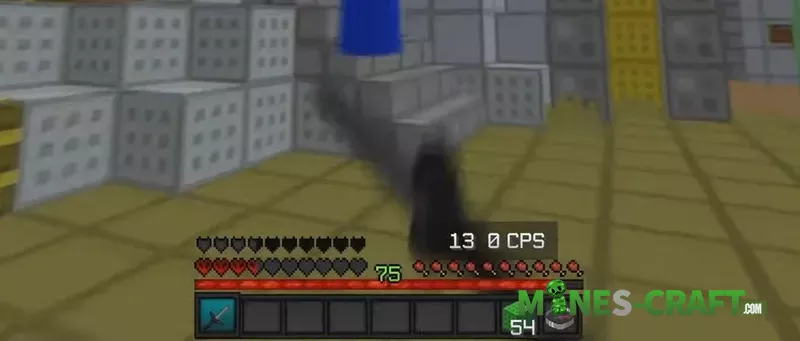
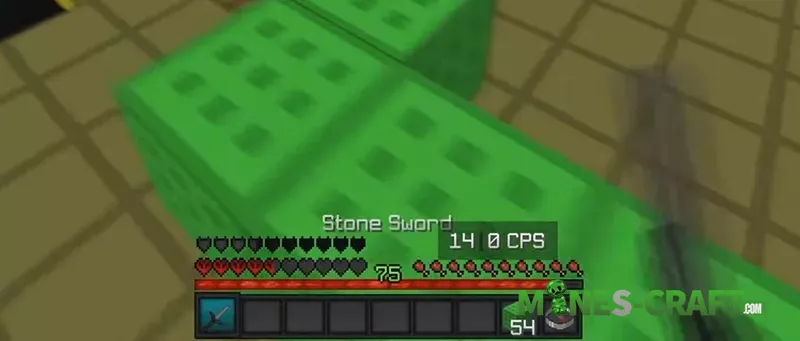
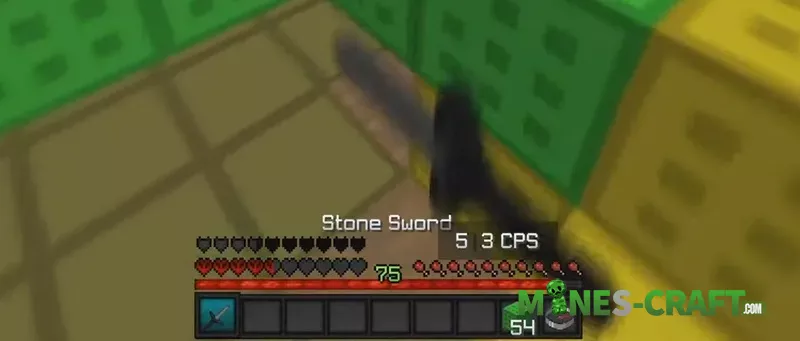
The CPS Counter Script for Minecraft Bedrock calculates your live clicks-per-second with no lag, a clean layout, and does not interrupt your gameplay. The counter is located above your hotbar in a compact window. After the fight, it will print a “Final CPS” line in chat. 13 CPS or 7 CPS while swinging, so you know your speed every time.
How to Use CPS Counter Script
- Download the CPS Counter Script pack, import it, and enable it under both Behavior and Resource tabs in the Add-Ons menu.
- Join a world and play PvP or bridge. The CPS Counter Script will show CPS in the action bar while you’re playing.
- Set the read duration to monitor a longer or shorter window using a command. For example: <code>/scriptevent cps:set 3</code> sets the counter to a 3-second window. You can use any whole number of seconds.
Why Use CPS Counter Script for Minecraft Bedrock
In real matches, you can track jitter, butterfly, or normal clicking speed with accuracy. You can choose the duration setting for a longer test or a shorter duel while keeping the HUD clean. The CPS Counter Script for Minecraft PE works alongside any addon or script and adapts to your hotbar setup depending on how you want the layout.

![Waypoints Bedrock Addon ver1.1 [1.21/26] – photo 5](https://mines-craft.com/wp-content/uploads/2026/01/Waypoints-Bedrock-Addon-4-520x245.webp)