Bedrock UI Plus Resource Pack ver.0.34 [1.21/26.0]
Bedrock UI Plus makes Bedrock feel smoother and a lot more fun to use. Menus look cleaner, blocks have new screens and you get quick toggles for things you normally dig through settings to find. I’ve been using it in survival and PvP and honestly, once you get used to it – it’s hard to play without.
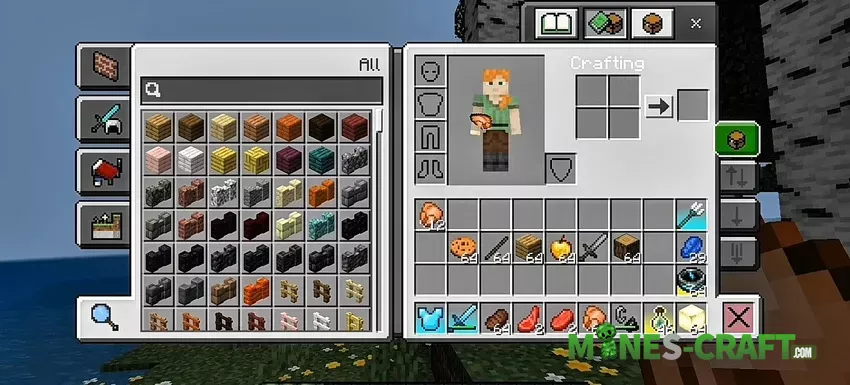
If you enjoy custom visuals, you can mix it with other Minecraft Bedrock resource packs to build your perfect setup. A good place to start is Pocket GUI Plus, since it has a similar vibe.
A new start screen
The play button now sits in the bottom left with an exit right under it. Your profile moves to the top left and includes achievements, inbox, and account buttons. When you’re online, Realms button pops up too. It feels like the game puts everything where your eyes naturally go.
Smarter HUD and menus
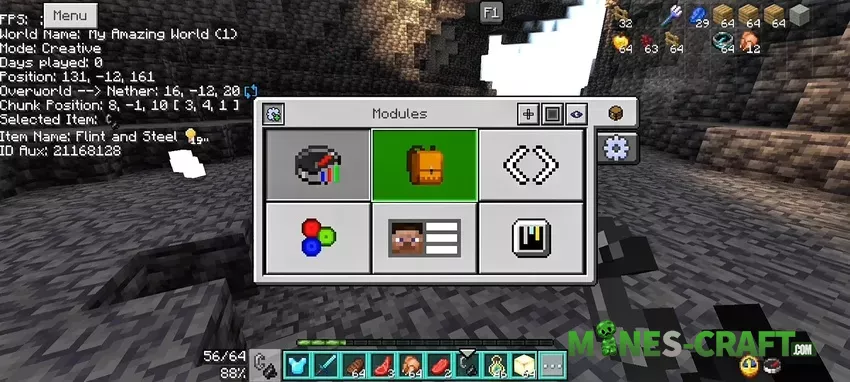
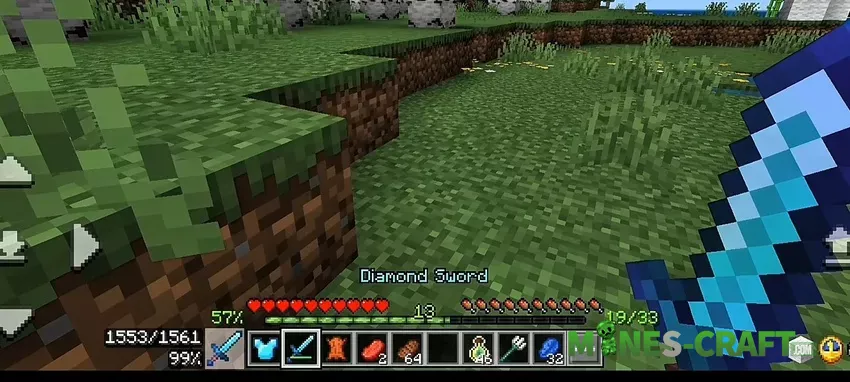
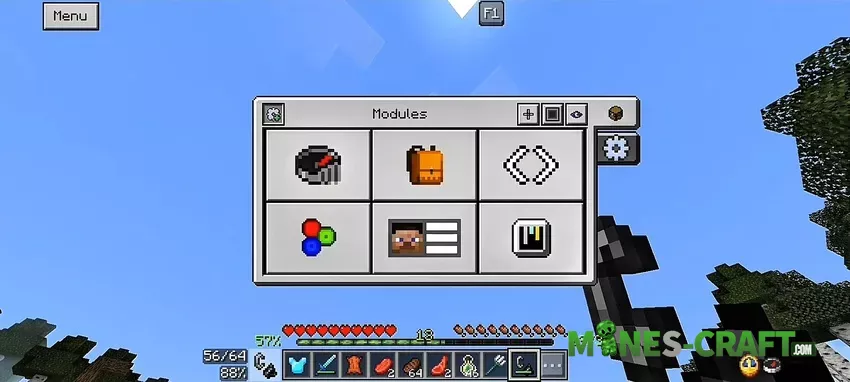
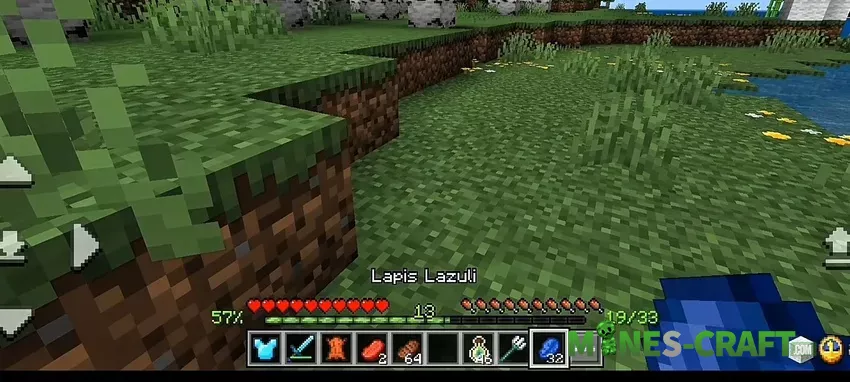
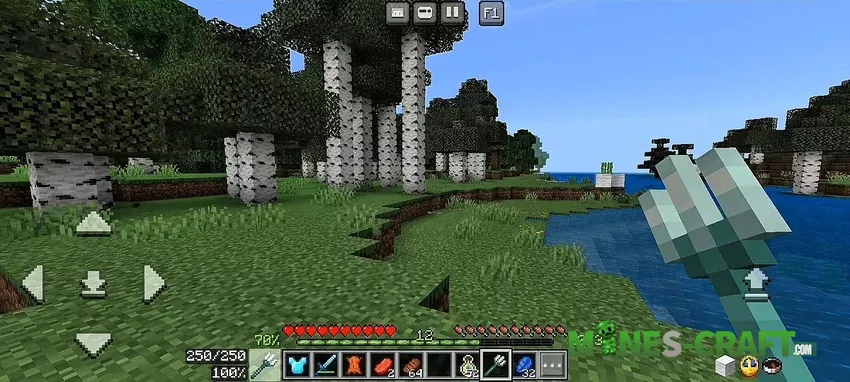
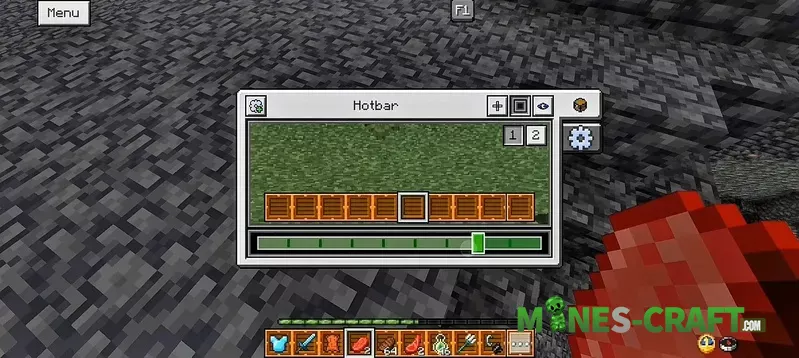
Tap the new F1 and the whole HUD disappears – perfect for screenshots. Tap again and it’s back. A working clock and compass live in the corner, while your XP bar shows exact percent and how much you still need for the next level. Numbers even match Java, which is a nice touch. The bottom chat looks like Java too, and you can see item durability with a warning when it gets low. That little detail saved me from breaking my diamond pick more than once.
Quick modules
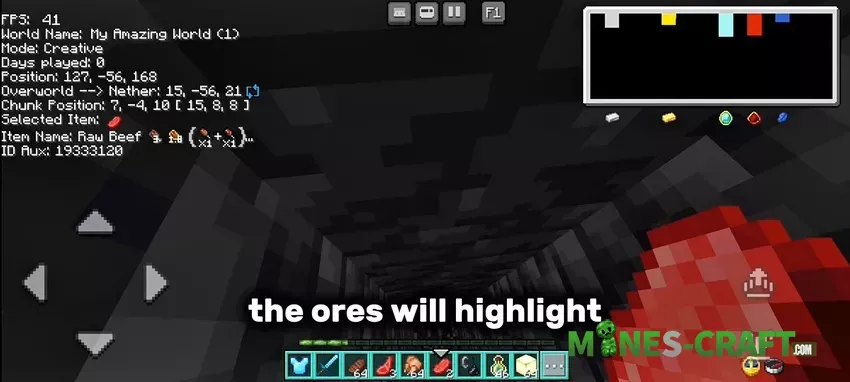
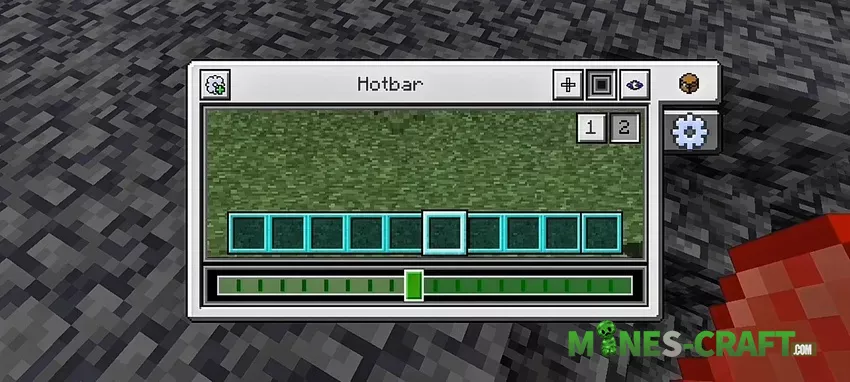
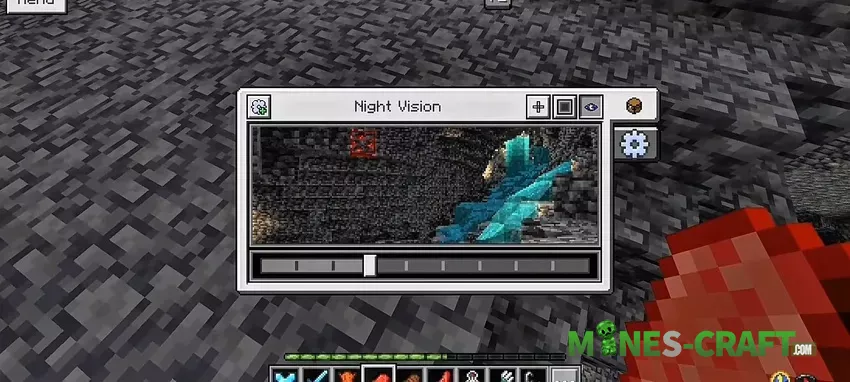
Open pause, then check the top-left menu. You can flip on a debug overlay, show your whole inventory without opening it, switch hotbar slots with arrows, or use an animated RGB XP bar. There’s even a gamma slider if you hate playing in the dark.
Customization
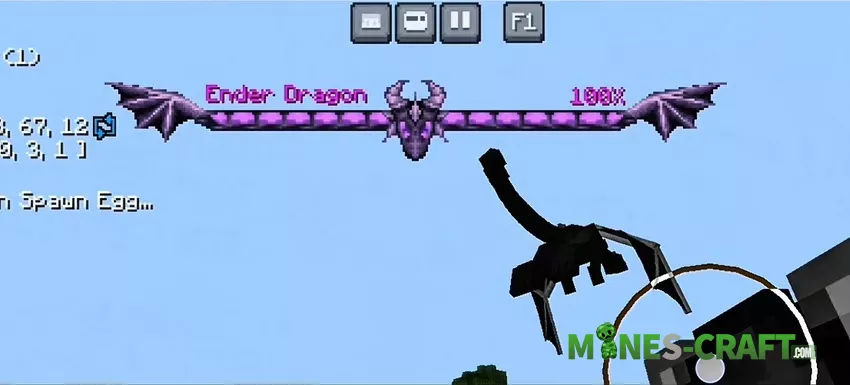
You get eight crosshairs, and yes, one can cycle through RGB colors. There are ten hotbar styles and twenty different highlight looks. The ore visualizer is neat too – it hints at the Y levels where ores usually spawn. It won’t hand you free diamonds, but it makes mining less of a guess.
Chat, notes and tools
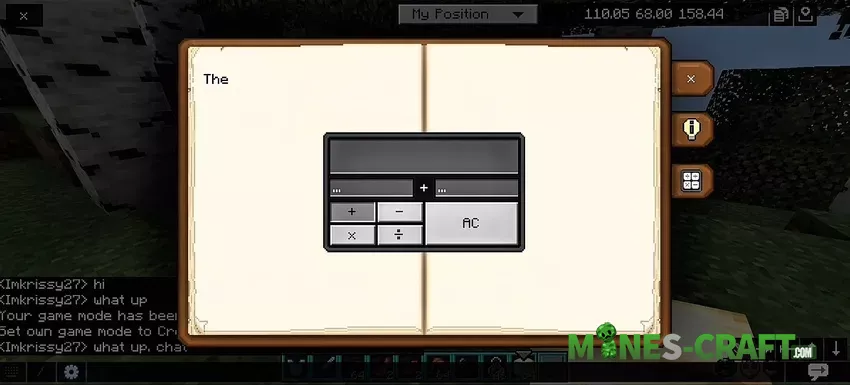
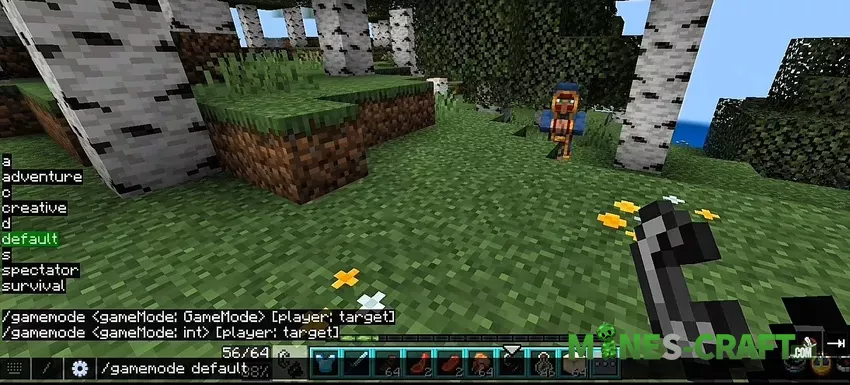
The chat is cleaner and transparent. Type a command and you’ll see clickable suggestions, which makes learning commands much easier. There’s a built-in notepad and even a working calculator. The notes don’t save when you leave, but it’s still handy for quick reminders mid-game.
Block screens with extras
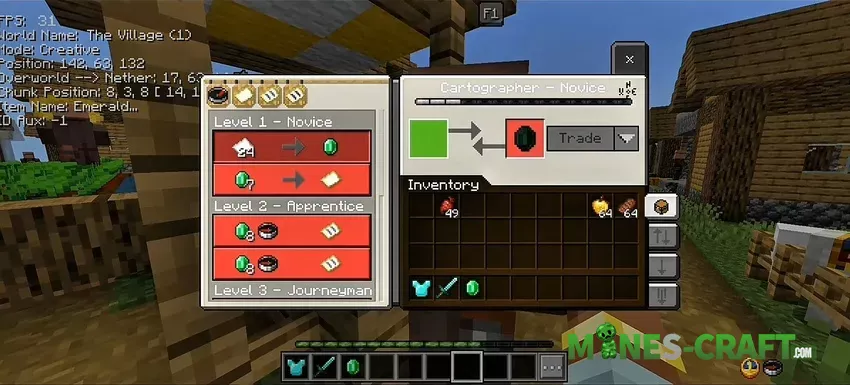
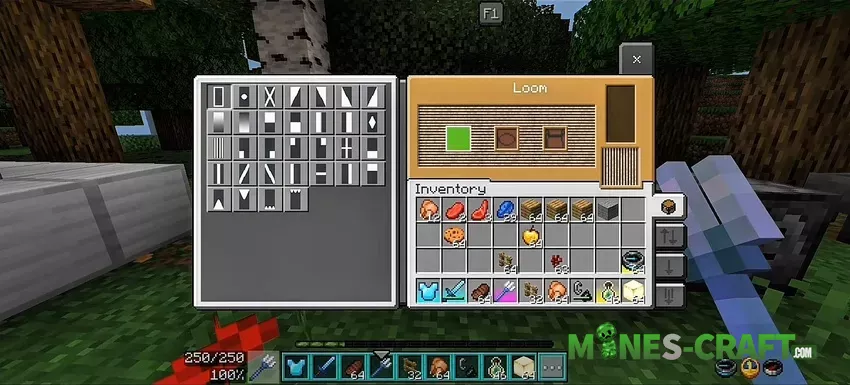
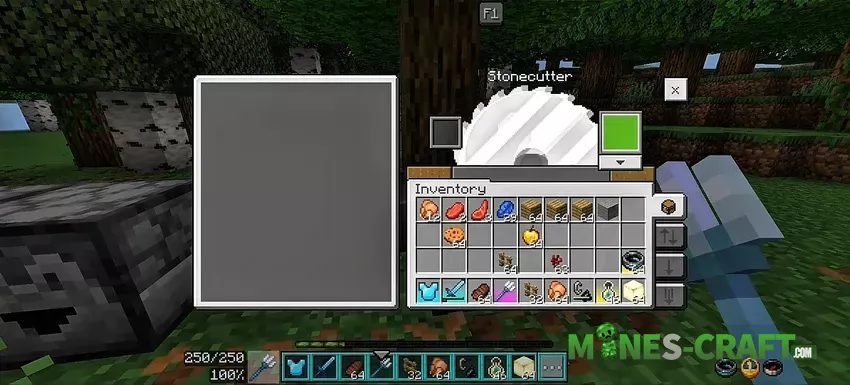
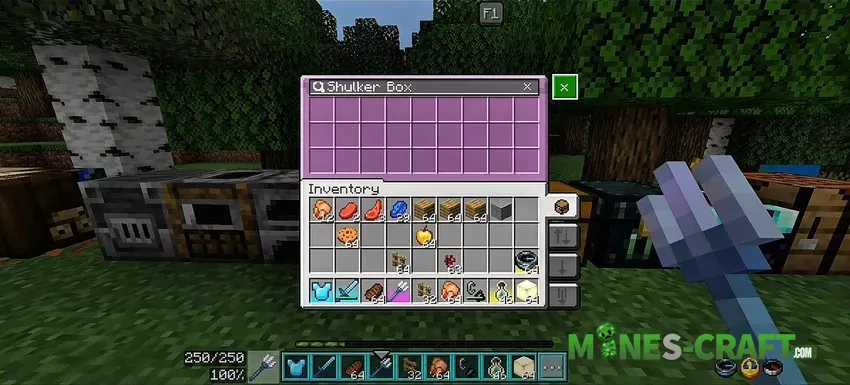
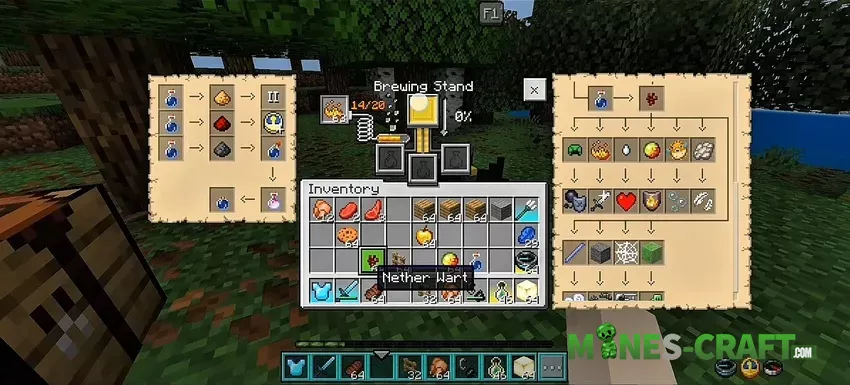
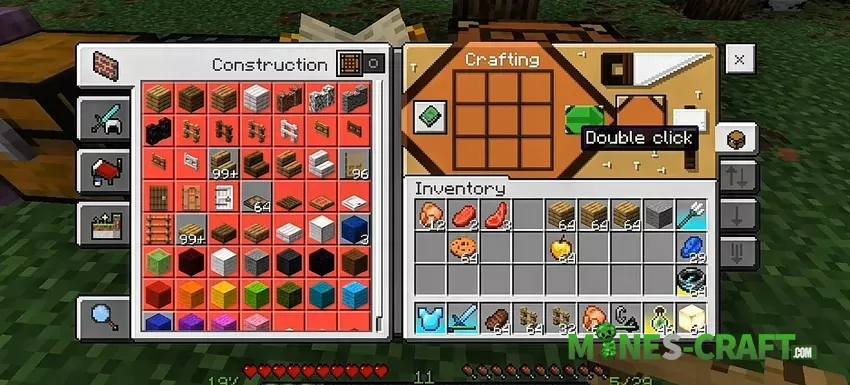
Crafting tables, furnaces, smithing tables, and even the brewing stand have upgraded screens. My favorite is the brewing guide you just follow the arrows and end up with the potion you want without checking a wiki. Villagers unlock all trades right away and you can quick trade items in seconds.
Item info and rarity
Every tool shows hunger points, saturation, and light level details. Rename an item with special codes and its border will glow in colors like emerald green (§q) or diamond blue (§s). It’s a small thing, but it makes rare gear stand out in your chest.
Things to keep in mind
On some tablets, hotbar arrows in Bedrock UI Plus may overlap the compass and clock, and villager UIs don’t always load. On PC and phones though, it runs smoothly and feels stable.

Changelog
Version 0.8.8:
- Bugfixes
- Updated for Minecraft 1.21.120
Version 0.27:
- Start screen fixes
- Button improvements
- Updated for Minecraft 1.21.132 & 26.0.29
Version 0.34:
- Fixed coordinates and days text not hiding when disabled
- Fixed missing warning on Ore Visualizer button
- Tweaked gear icon and F1 button position
- Added option to move chat (top/bottom)
- Updated Treasure Finder map ID
- Improved custom hotbar texture sync and reduced its file size