
VDX Retro/Classic UI Bedrock Pack v3.2.9 [Updated for 26.20]
VDX Retro UI Bedrock brings back the atmosphere of early versions of Pocket Edition and the first builds of Windows 10 Edition to Minecraft Bedrock, taking us back to the early days. The pack recreates the menus and screens from when MCPE was just starting to get its familiar interface, and the author emphasizes mixing the old style with modern Bedrock features, so some of the screens look almost the same as before, while others are tweaked for modern devices.
![VDX Retro UI Bedrock Pack [1.21]](https://mines-craft.com/wp-content/uploads/2025/11/VDX-Retro-UI-Bedrock-Pack-9.webp)
How the updated interface differs
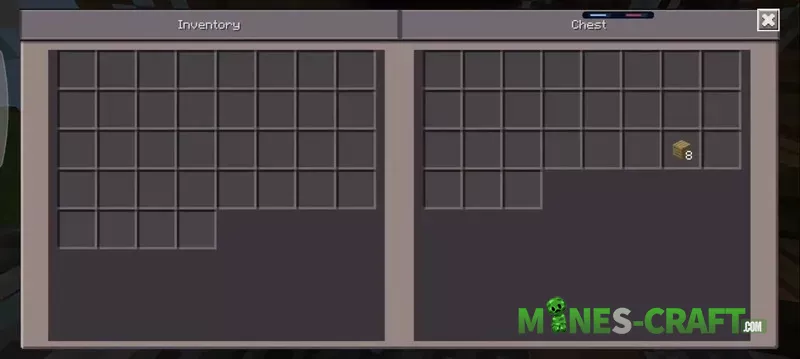
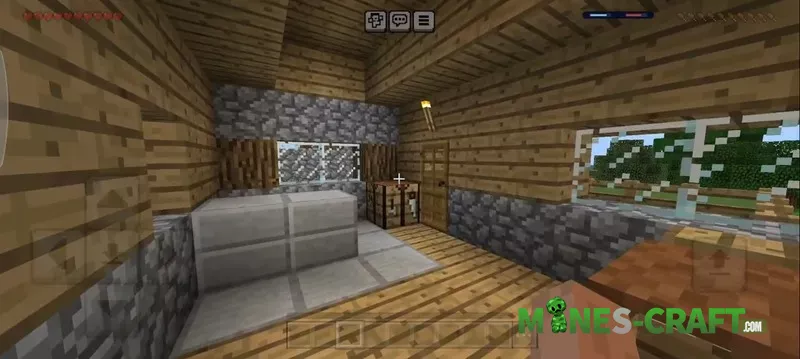
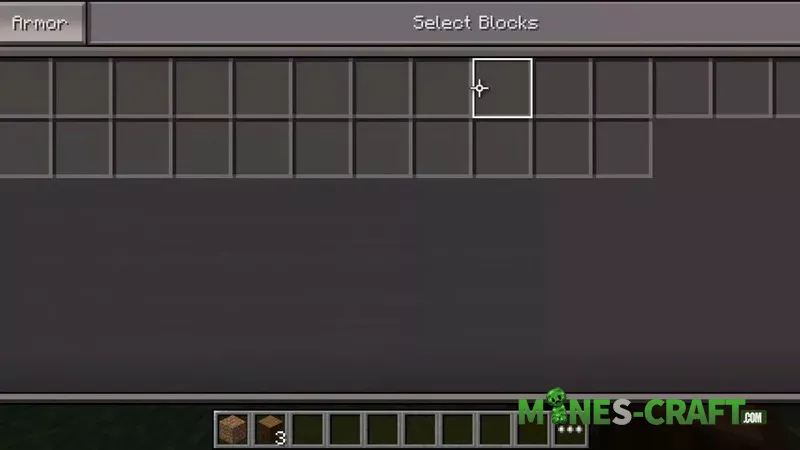
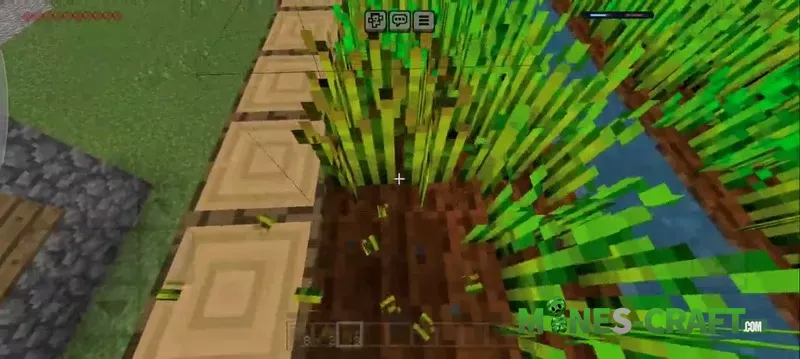
The main advantage of VDX is restoring the very screens many people remember from the Alpha 0.11-0.14 versions. The menu is simpler and flatter, the buttons are bigger, and the navigation structure is like classic mobile builds, and the HUD is more minimalistic, with the inventory looking closer to the old version.
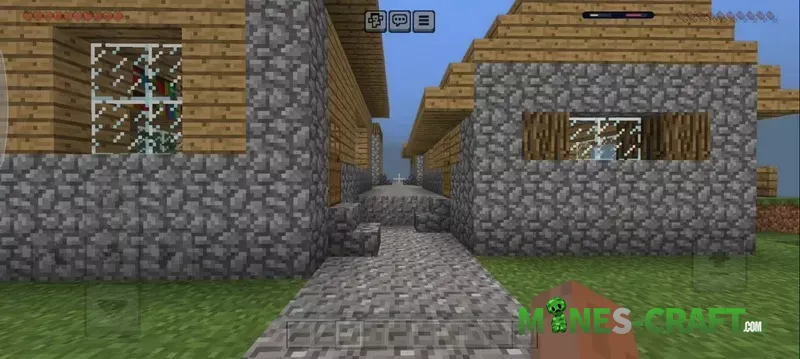
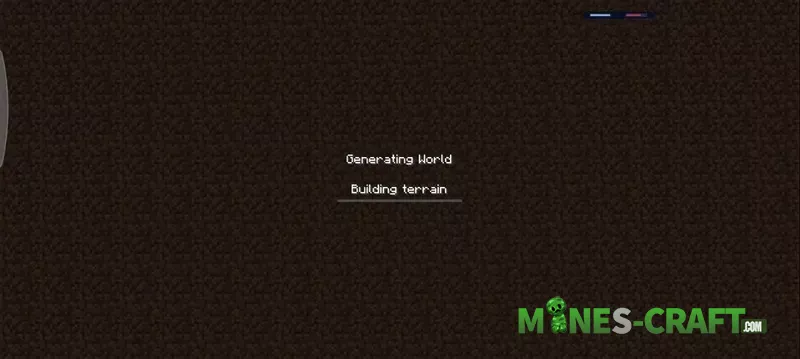
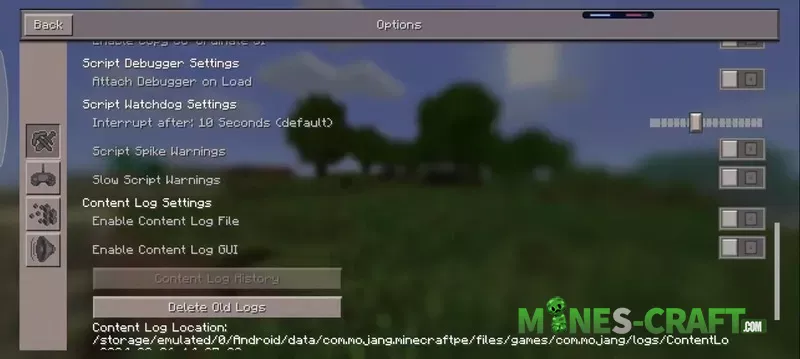
The pack affects many sections
- Start menu
- World selection screen
- World creation and editing
- Settings
- Player inventory
- Chat window
- Pause
- Dialog boxes and progress bars
Some elements will stay incomplete due to engine limits, but the remake is around 75% accurate.
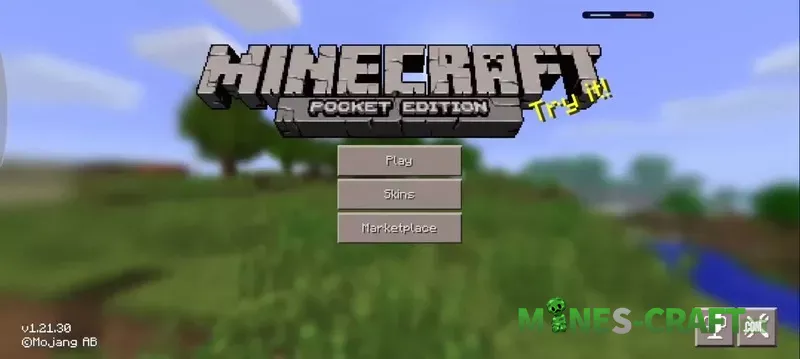
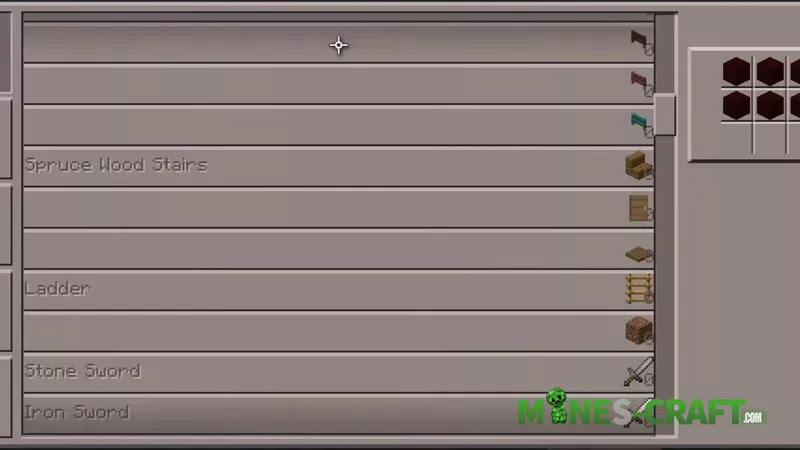
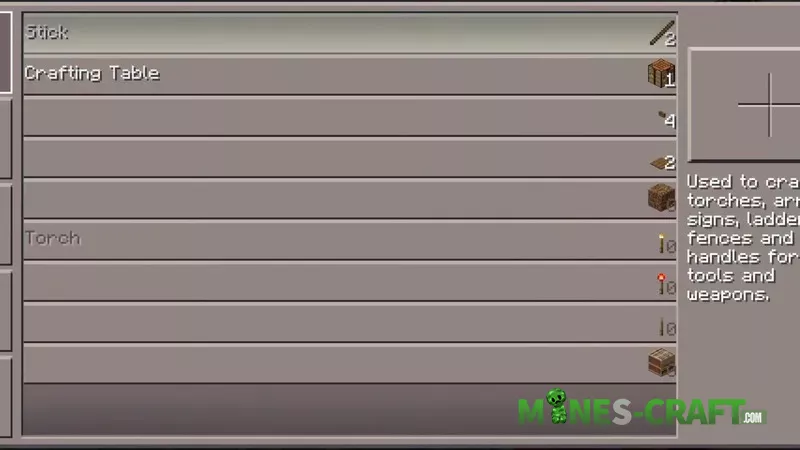
List of features
- Old start screen (large buttons, simple structure)
- Classic Play menu
- World template screen
- World creation/editing
- Updated HUD
- PE 0.11-0.14-style inventory
- Pause screen
- Skin selection screen
- Desktop version of the inventory
- Dialogs and progress bars
- Disconnect screen
- Partial reconstruction of the old UI


Changelog
Version 3.2.9:
- Added classic version
- Updated to Minecraft 26.12.
- Inventory fixes
- GUI improvements
![Helium FPS Boost Pack [Bedrock 1.21/26] – photo 18](https://mines-craft.com/wp-content/uploads/2026/01/Helium-FPS-Boost-Pack-18-520x245.webp)


![Clean & Dark Bedrock ver1.1 [1.21/26.10+] – photo 3](https://mines-craft.com/wp-content/uploads/2026/02/Clean-Dark-Bedrock-ver1.1-3-520x245.webp)


