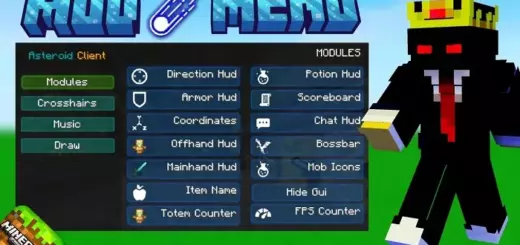
Dynamic Capes for Minecraft Bedrock 1.21
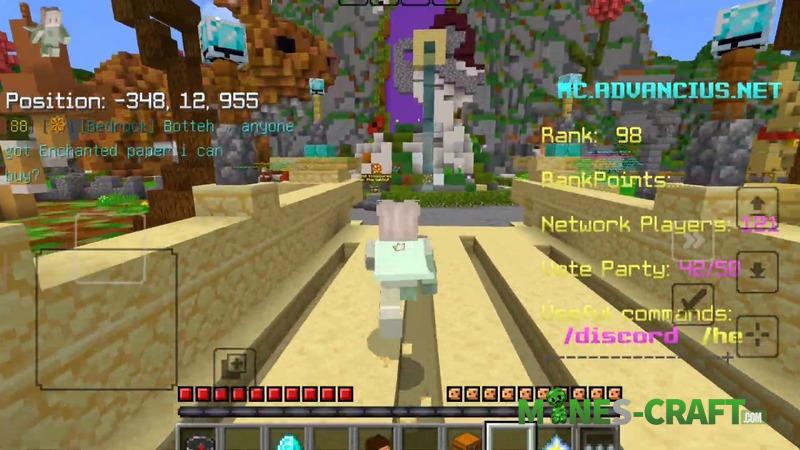
Unlike standart capes, Dynamic Capes moves naturaly, reacting to players movements and the wind, creating the effect of real fabric and are fully compatable with MCPE, Xbox, PS4, PS5, Windows 10, Android and iOS.
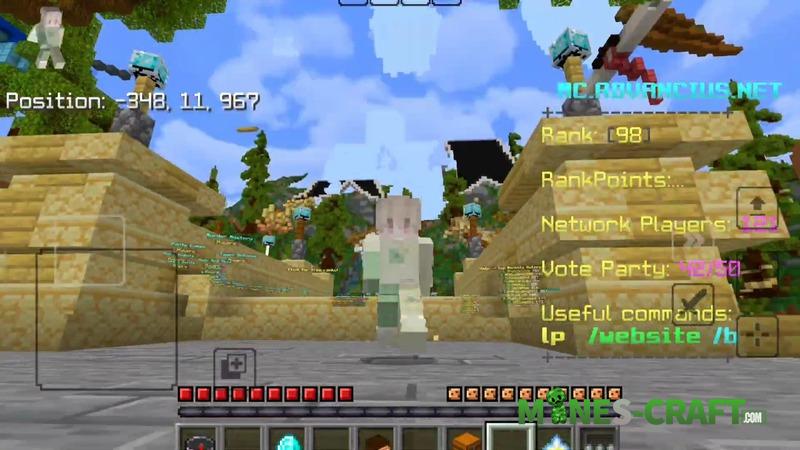
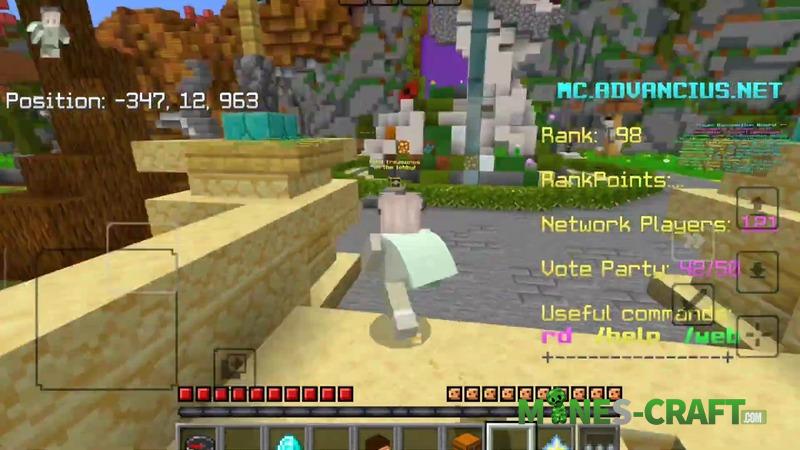
How to create your own Dynamic Cape?
To add your own cape, follow this simple algoritm:
- Open the resource pack folder and go to: textures/MD Capes/custom/guide.png
- Open guide.png in any graphic editor (Photoshop, GIMP, Paint.NET or Pixlr).
- Inside the image you will see a yellow rectangle – this is where you insert your cape desing.
- Make sure the image size remain 1920×960 px, otherwise the cape will be distorded.
- Export the result as custom.png and replace the old file in the textures/MD Capes/custom folder.
- Launch Minecraft: Bedrock and enjoy the capes movement!
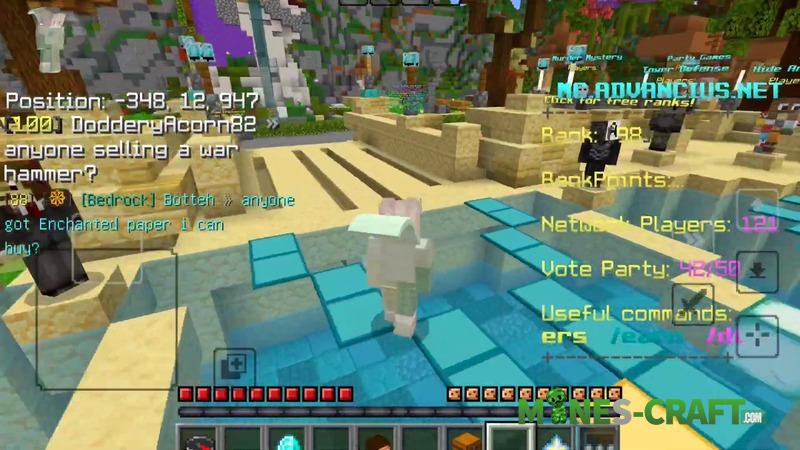
Features
- Realistic physical movements (the cape reacts to players actions)
- Compatible with all Bedrock plataforms
- Easy customization (you can insert your own desings)
- Simple installation (no game modifications requiered)
- Support for all standard texture sizes
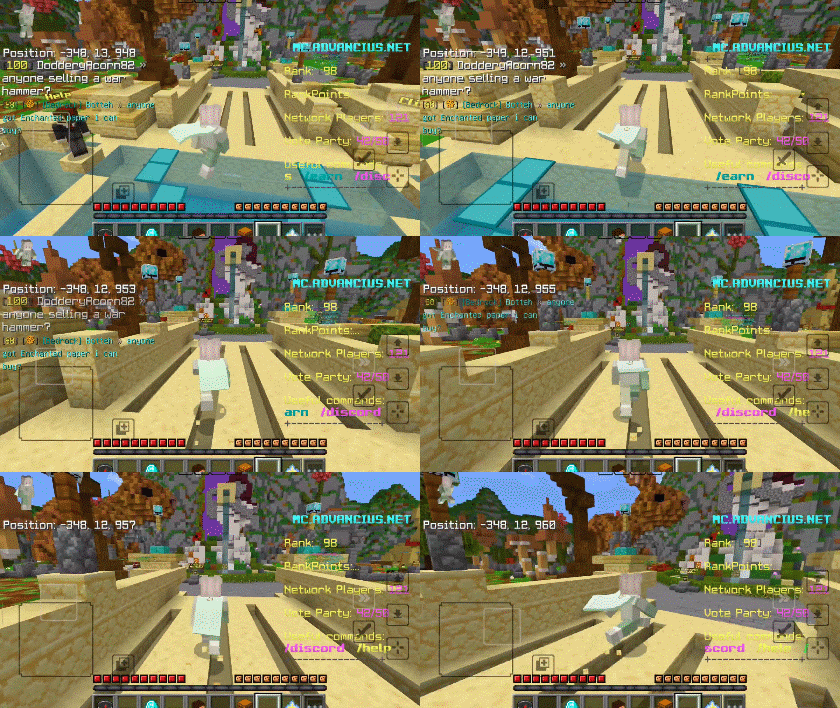
With this pack, you can also add things like the following to your character:
- An epic cape with your guilds logo
- A personal flag or simbol
- Stylized themed capes for roleplaying maps
![Helium FPS Boost Pack [Bedrock 1.21/26] – photo 18](https://mines-craft.com/wp-content/uploads/2026/01/Helium-FPS-Boost-Pack-18-520x245.webp)

![VDX Retro UI Bedrock Pack v1.2.4 [Updated for 1.21]](https://mines-craft.com/wp-content/uploads/2025/11/VDX-Retro-UI-Bedrock-Pack-4-520x245.webp)
![OptiFine - MCPE FPS Optimizer [Bedrock]](https://mines-craft.com/wp-content/uploads/2025/09/OptiFine-MCPE-FPS-Optimizer-1-520x245.webp)