
No Water Fog Pack ver.1.2.13 [1.21]
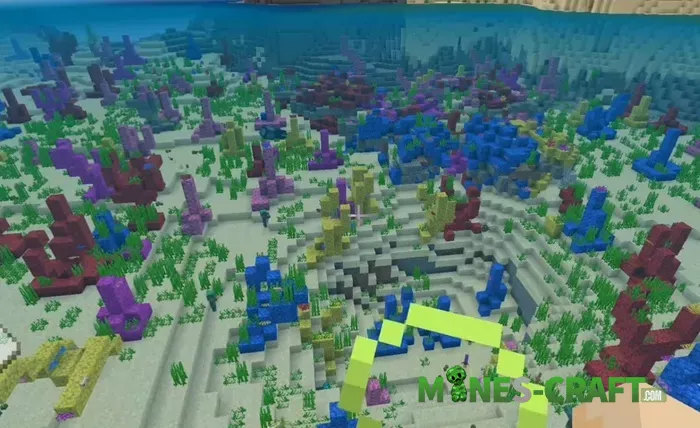
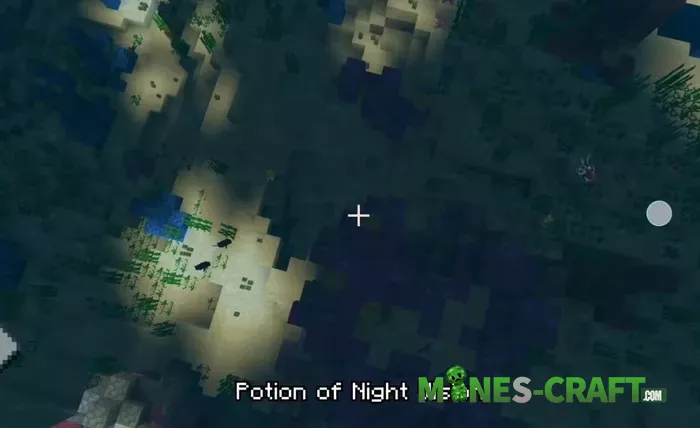
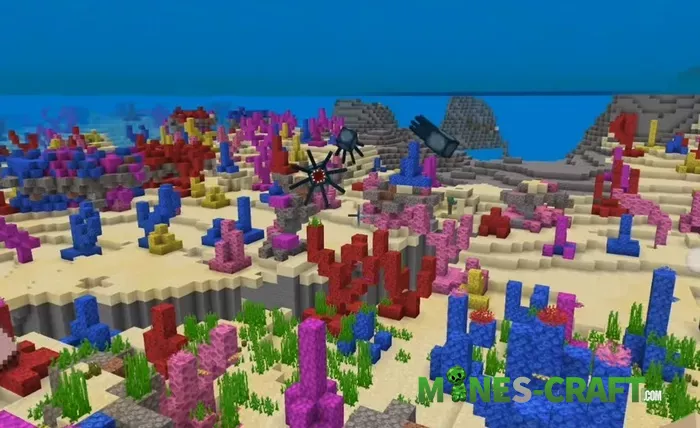
The pack removes the blue fog that fills every underwater block in Minecraft Bedrock 1.21. Coral blocks turn bright pink, yellow and magenta instead of dull gray blue. Ruins and shipwrecks stand out against the open water plus drowned show up while they are still several blocks away. Players no longer drink Night Vision potions every few minutes.
What changes
Ocean water keeps its color but loses the haze. Tube coral and brain coral keep the same textures, yet the colors look saturated instead of faded. Cod, salmon and tropical fish swim in clear view. Shipwrecks but also ocean monuments appear from a distance. The pack edits only texture files – frame rates stay the same.
How to install
Download the mcpack file and open it – the game imports the pack automatically. Go to Settings → Global Resources and move No Water Fog to the top slot or enable it for one world. The pack does not include a behavior file – it does not conflict with add ons or shader packs.
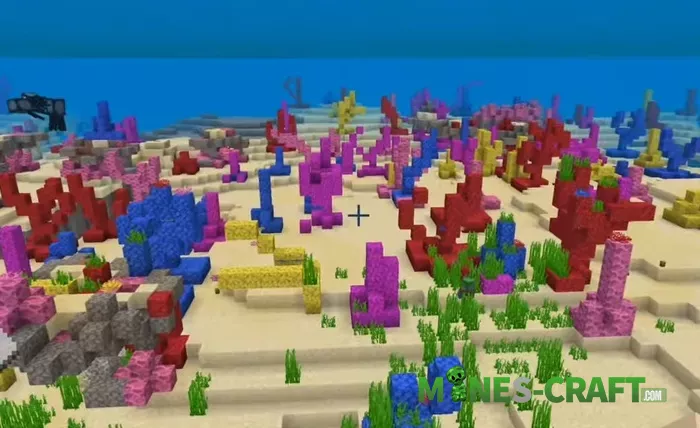
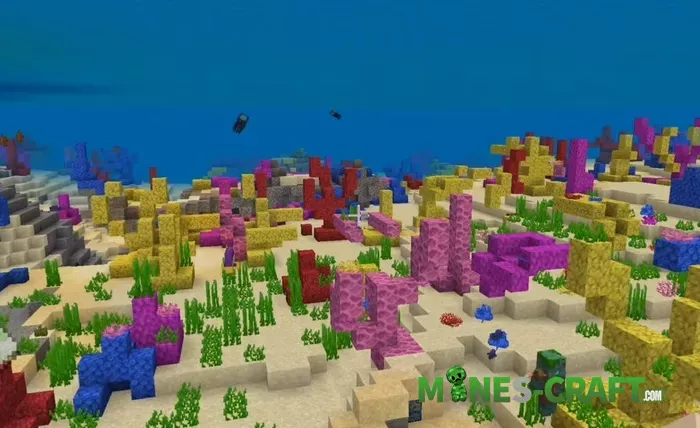
Night dives no longer force the player to swim in total darkness. Treasure maps as well as coral farming take less time because landmarks are easy to see. Set the Brightness slider to 100 % and the underwater scene stays visible without potions.
Want focused visuals on land too? Try the Flat Fog Color Shader which swaps distance fog for one clean color, great for PvP clarity and themed worlds.





![Ultramarine Client [Bedrock 1.21/26.X] – photo 5](https://mines-craft.com/wp-content/uploads/2026/04/Ultramarine-Client-Bedrock-6-520x245.webp)

