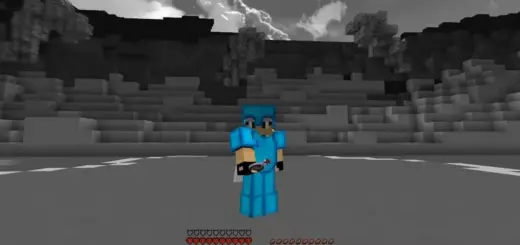
Vibrant Visuals on iOS and Android: Review and Lag Test on Bedrock
Vibrant Visuals is a popular shader, or rather a technology for Minecraft: Bedrock 1.21 and 26, which promises beautifull graphics and improved effects. But how does it perform on mobile devices? It was tested on a Red Magic Nova tablet and iPhone to see if it’s worth installing and what to expect in terms of performance.
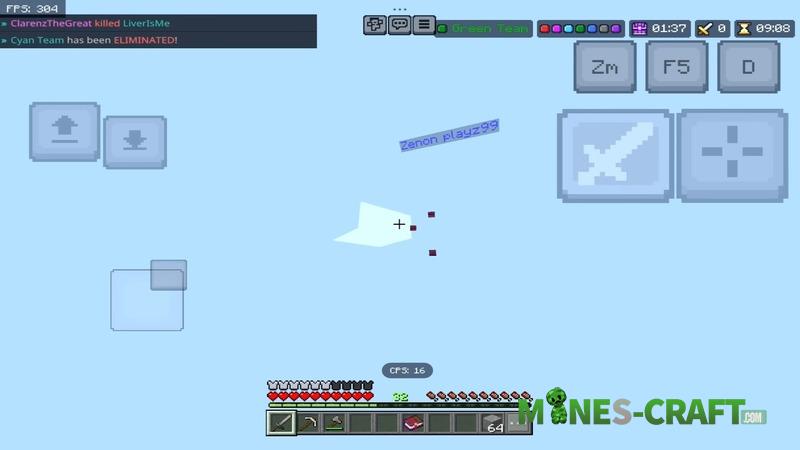
First impressions on a tablet
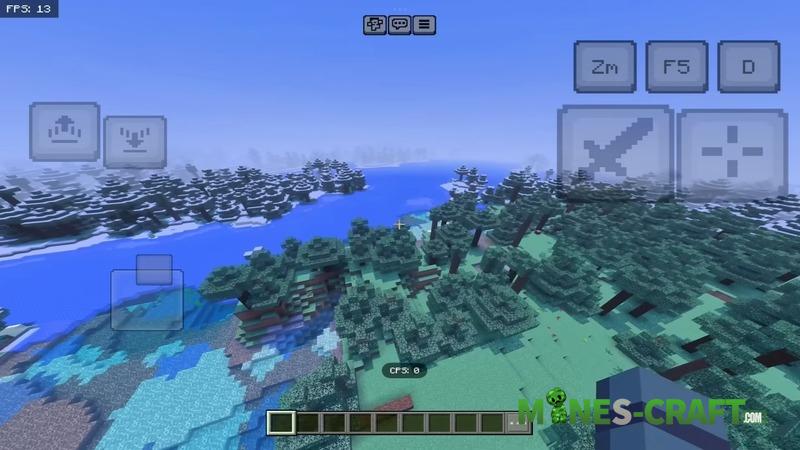
On the Red Magic Nova tablet, which is considered one of the best gaming tablets, when the max graphics settings were enabled, the FPS in Bedrock Edition dropped to 15.
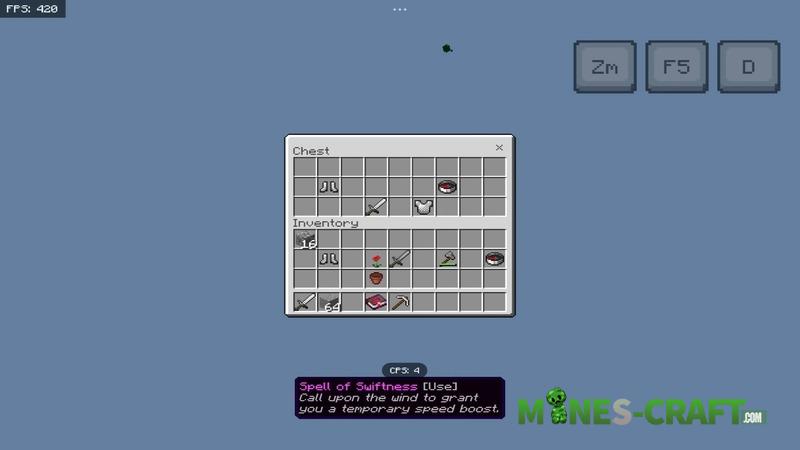
Even 60 FPS feels like lag, as we are used to workin with 120 FPS on other devices. Despite this, the graphics look beautifull: all shader effects are enabled, textures are bright, and light and shadows are well-rendered.
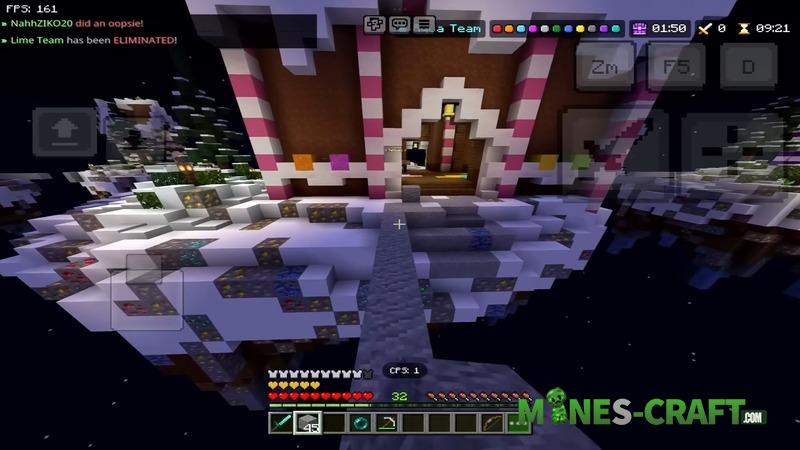
Vibrant Visuals looks impressive, but significant lag may occur on mobile devices with high FPS.
Compatibility and requirements
According to official info, Vibrant Visuals is available for mobile devices but requires modern hardware. In practice, however, the following is true.
- Older devices can hardly handle the shader.
- Top-of-the-line tablets may produce low FPS at max settings.
- Sometimes it is necessary to manually lower the graphics settings for playability.
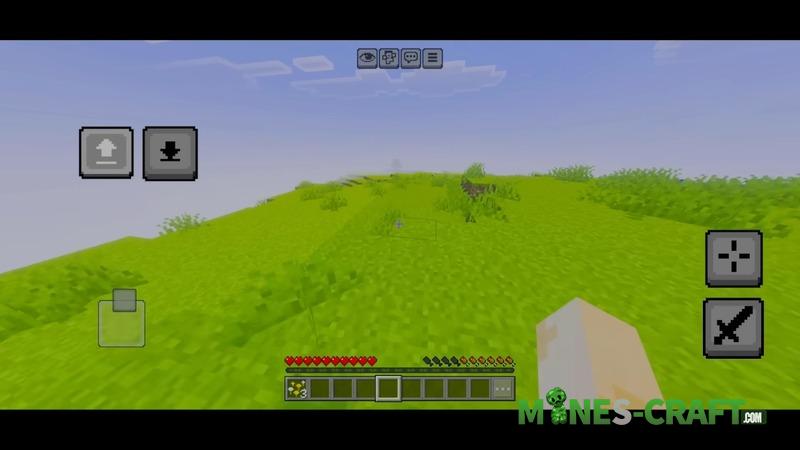
On the Red Magic Nova tablet, which easily handles most games, maximum performance was extremly limited. 13-15 FPS on ultra settings is the reality, unfortunatly.
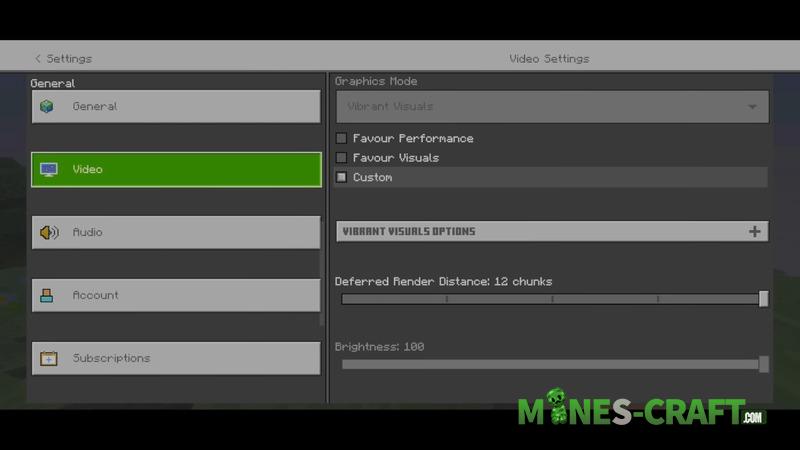
Test on iPhone
The situation was slightly better on the iPhone 17. Vibrant Visuals on iOS showed a stable 40-60 FPS with reduced graphics and native resolution. However, at max settings, the shader still caused lag.
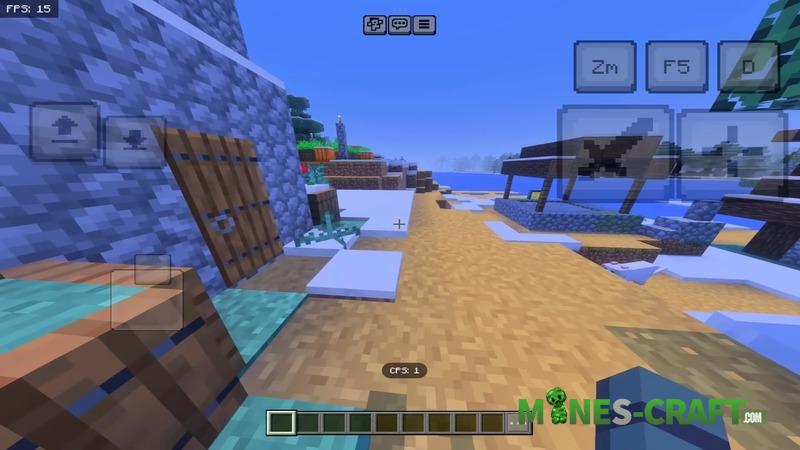
Many iOS users on Bedrock note that Vibrant Visuals works without lag, but the test showed that it all depends on the settings. Native resolution and reduced graphics quality are critical for stable FPS.
To use Vibrant Visuals on iPhone, it is recommended to enable native resolution and minimize graphics to avoid severe FPS drops.
Gaming experience and lag on servers
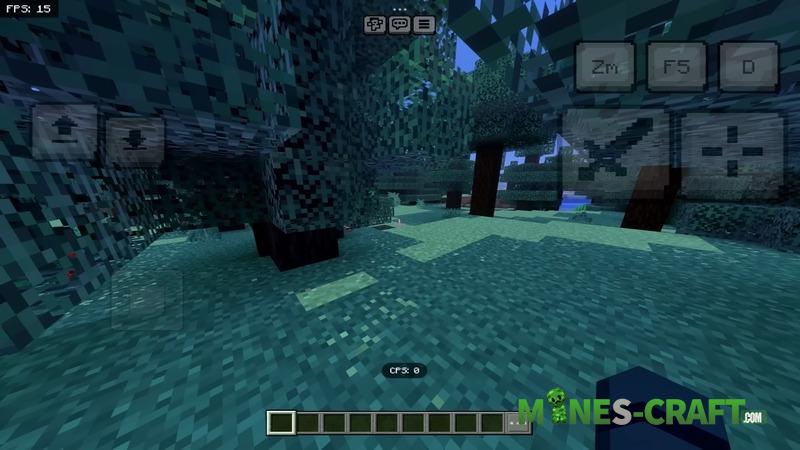
VV in MC: Bedrock is practically unplayable on servers with high settings. In single player, lag can be minimized, but on a server, automatic resolution and high graphics settings lead to severe FPS drops. For stable FPS, you have to reduce the graphics settings to almost the minimum.
Alternative
Vibrant Visuals looks beautifull, but it is too demanding for mobile devices. There are other shaders that are better optimized for performance, dont cause such severe lag, and also improve graphics and effects, sometimes almost matching Vibrant Visuals in terms of visuals. Download these shaders for Minecraft: Bedrock or PE from the link.

![Saturation Plus [Bedrock 1.21.120+]](https://mines-craft.com/wp-content/uploads/2025/11/Saturation-Plus-Bedrock-1-520x245.webp)