How to import 4D Skins and Capes in Minecraft Bedrock 1.21 (2 Packs)
I will show you how easy it is to get two 4D skin packs in Minecraft: Bedrock Edition 1.21 and install them if you don’t know how to do it on Windows 10 or 11. One of them is quite unusual, and the second one contains a lot of “sweaty” skins and several capes.
How to install 4D skin packs on Windows?
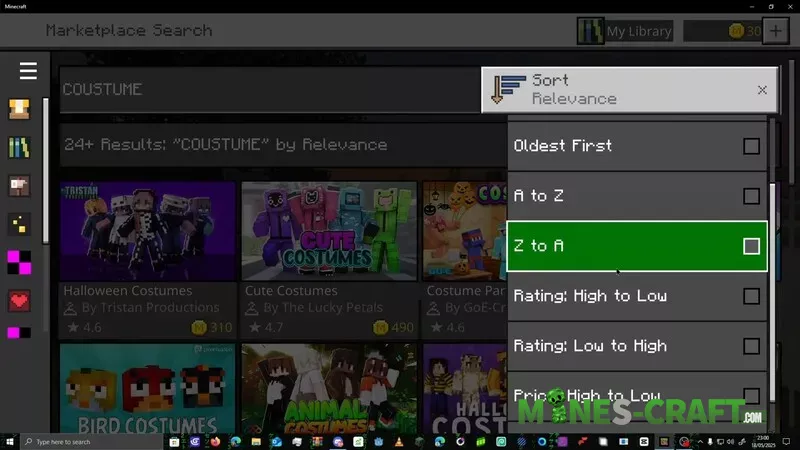
- First, launch Minecraft: BE on Windows and wait for it to load. Open the Marketplace and enter costume in the search bar.
- Click on the Price: Low to High filter and find the Crafty Costumes set. Make sure it is downloaded to your Minecraft PE. Then, type timeless in the search bar, select Timeless Toy Skins, and download it as well.
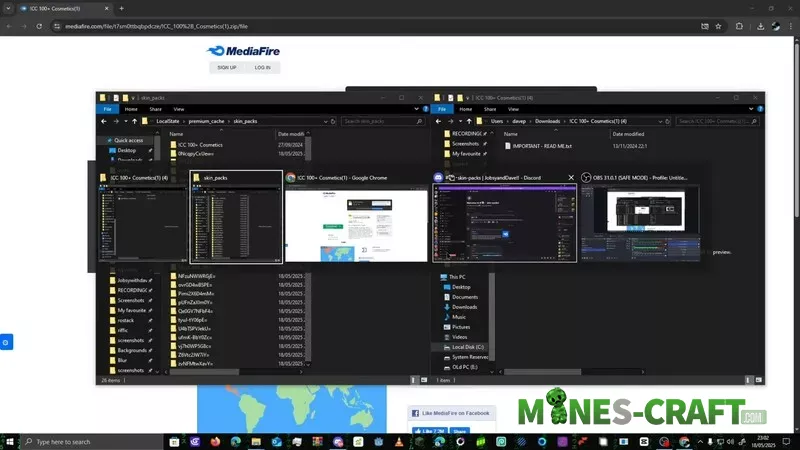
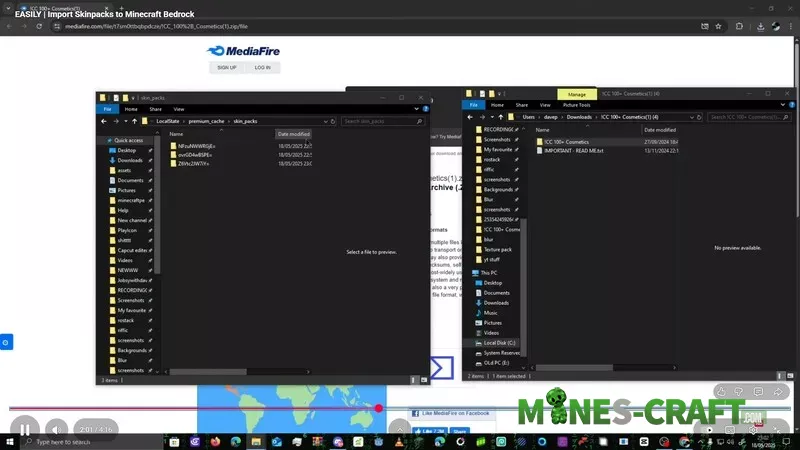
- Once both packs are installed, copy this command: %LocalAppData%\Packages\Microsoft.MinecraftUWP_8wekyb3d8bbwe\LocalState\premium_cache. Open the Run window (Windows + R) and paste the command to access the skin_packs folder.
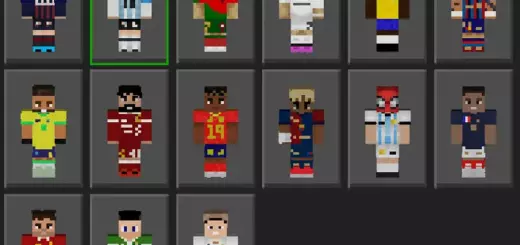
- Now follow the link to Mediafire, where you can download a free set of cosmetic items, including a full set of “sweaty” skins. Download the archive and extract it. Then you can close Minecraft and move the downloaded skin pack to the skin_packs folder you opened earlier.
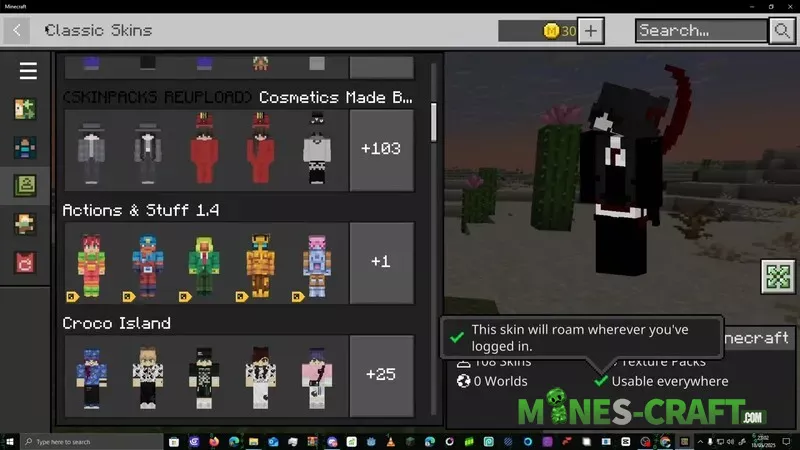
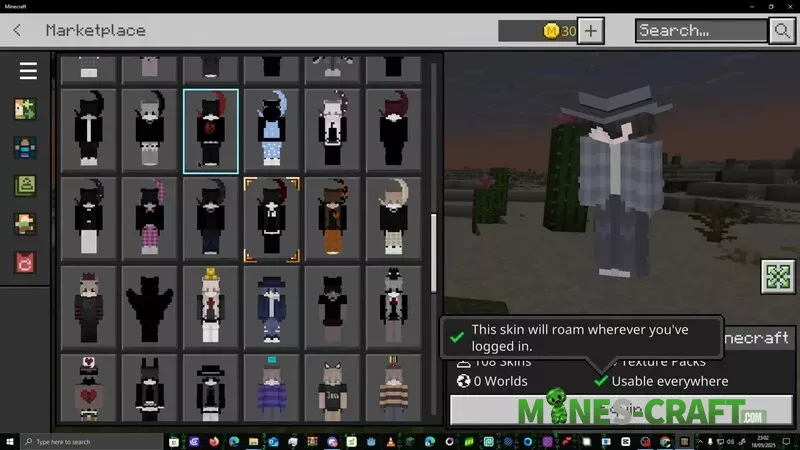
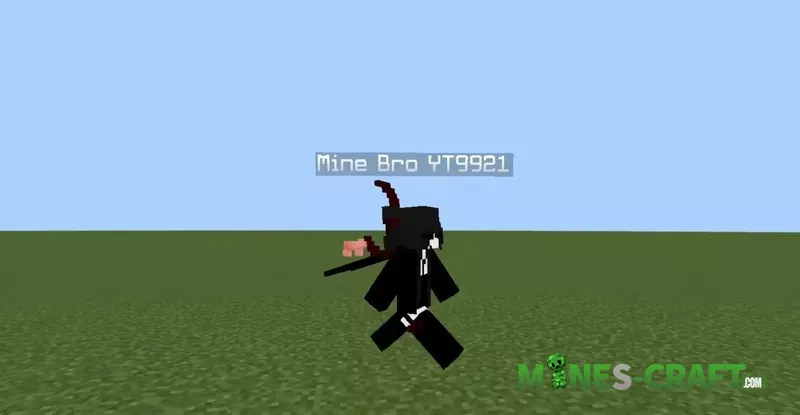
- After that, launch Minecraft 1.21 and you’re done: you now have over 100 4D skins from the first skin pack.
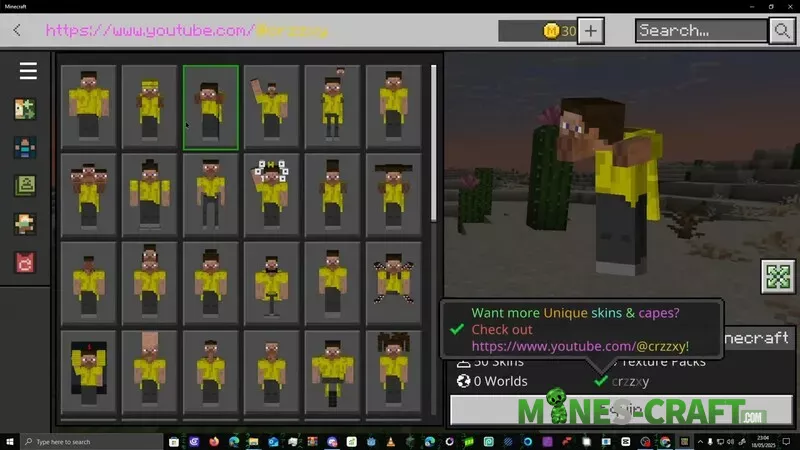
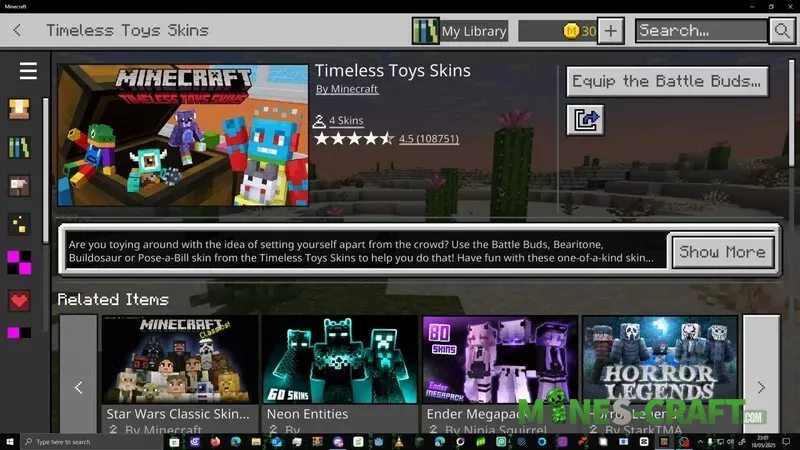
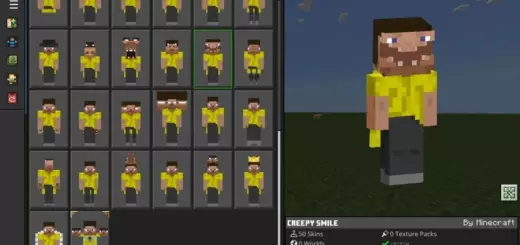
To install the second Timeless Toy Skin Pack, download the file, unzip it, and then move it to the same skin_packs folder. Now launch Minecraft again, wait for it to load, scroll down, and you will see all the cosmetic skins for yellow Steve, ready to use.